Rows AI vs Formula Bot
In the contest of Rows AI vs Formula Bot, which AI Excel tool is the champion? We evaluate pricing, alternatives, upvotes, features, reviews, and more.
If you had to choose between Rows AI and Formula Bot, which one would you go for?
When we examine Rows AI and Formula Bot, both of which are AI-enabled excel tools, what unique characteristics do we discover? The upvote count shows a clear preference for Formula Bot. Formula Bot has 9 upvotes, and Rows AI has 7 upvotes.
Does the result make you go "hmm"? Cast your vote and turn that frown upside down!
Rows AI

What is Rows AI?
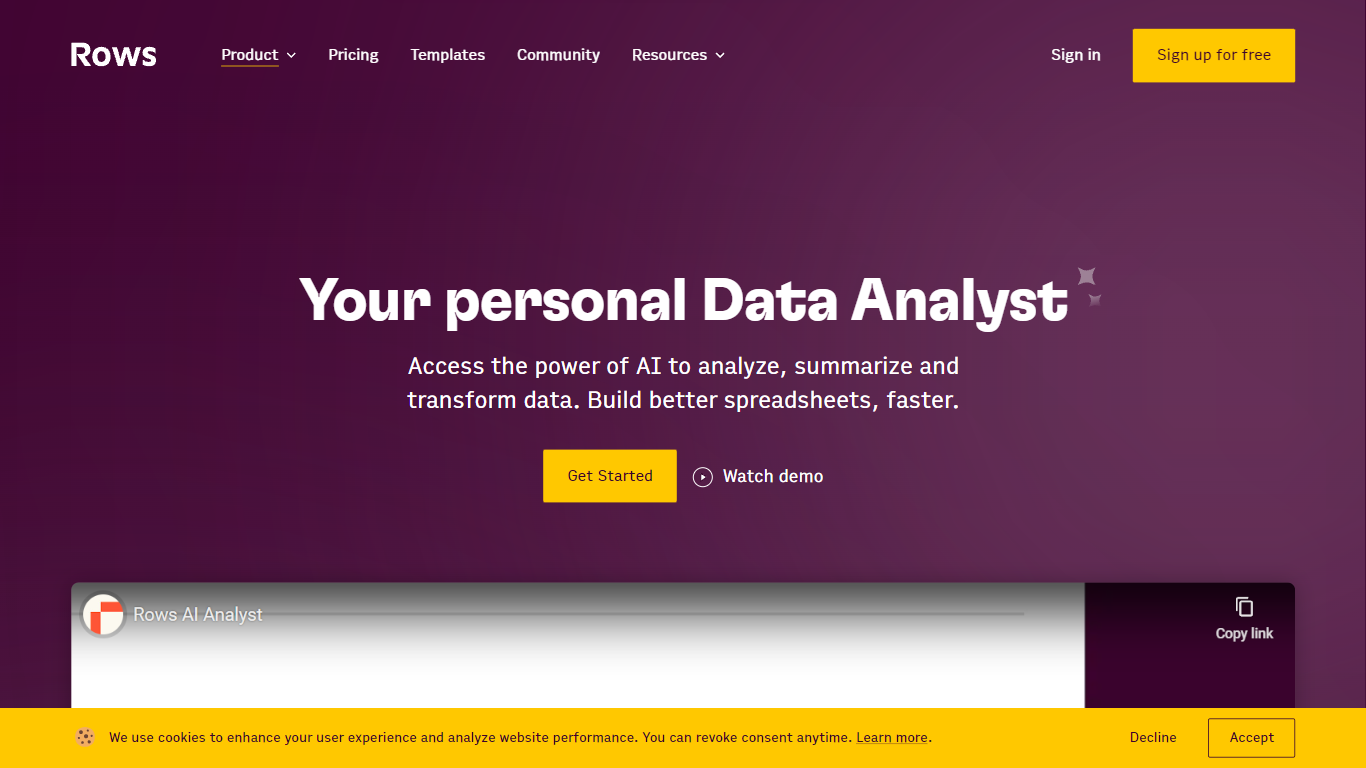
Rows AI is the AI layer inside Rows, a modern spreadsheet platform for teams. Type = in any cell, describe what you need in plain language, and Rows handles formulas, charts, imports, and analysis without menus or manual stitching. The product positions itself as your data team of one, from quick calculations to forecasting, pivoting, and multi-table work.
What sets Rows apart is how deeply AI is woven into spreadsheet workflows. You can extract tables from PDFs and images, classify text, enrich cells with company and location data, research the web in real time, and run Python-backed analysis without writing code. Built-in integrations pull live data from tools like Google Analytics, Search Console, Facebook Ads, Stripe, HubSpot, and dozens more.
Rows is built for analysts, operators, and teams who live in spreadsheets but want faster reporting, cleaner models, and less formula wrangling. Workspaces support real-time collaboration, embeddable charts, forms, and view modes for sharing dashboards internally or on the web. Rows joined Superhuman in 2026; the product remains available at rows.com while the company transitions under the Superhuman umbrella.
Formula Bot
What is Formula Bot?
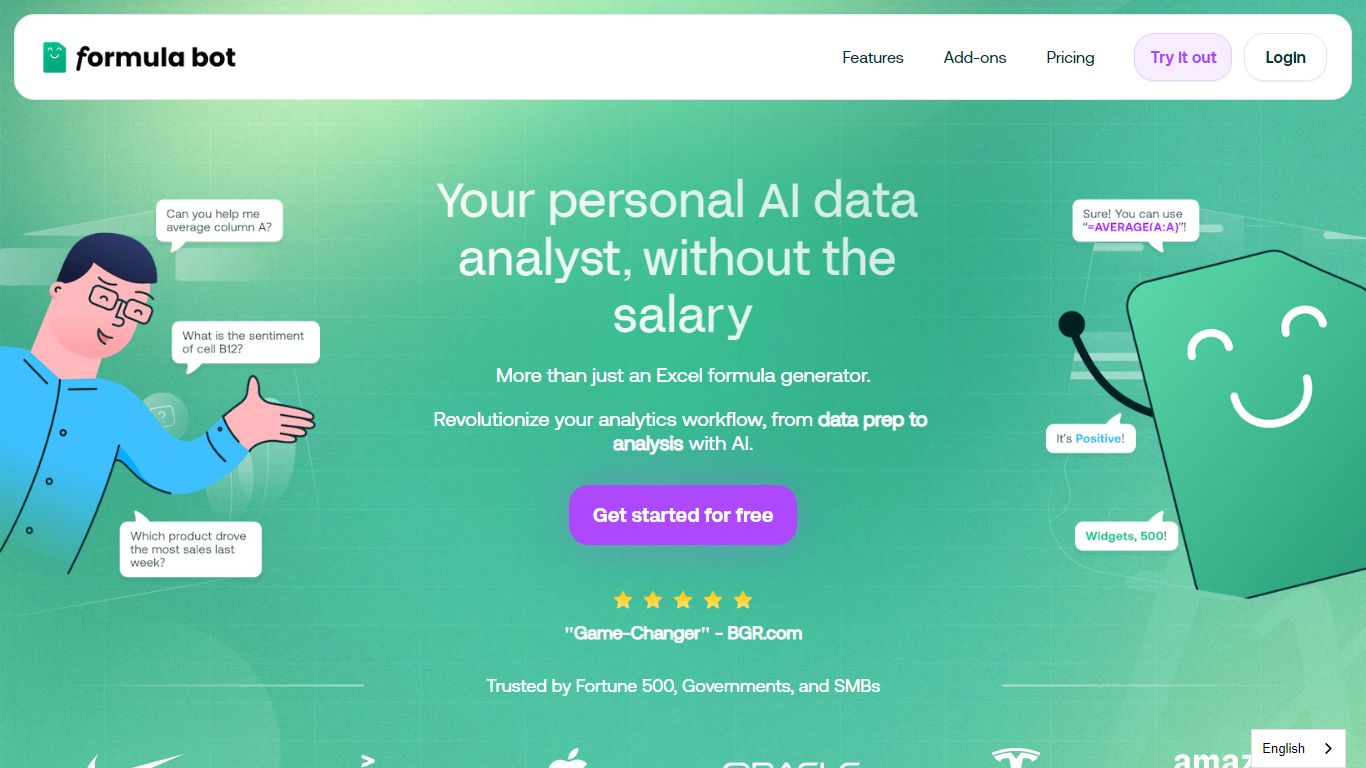
Formula Bot is an AI-powered data analyst that transforms your spreadsheets and data workflows by turning raw data into charts, insights, and reports instantly. It supports users across roles—from marketers to data scientists—helping them analyze data 10 times faster through simple English questions. The platform connects to multiple data sources, allowing you to upload, combine, and clean data effortlessly. It offers tools to reshape messy datasets, remove duplicates, and standardize formatting, making data ready for analysis in seconds. Formula Bot also excels in text analysis, providing sentiment detection, keyword extraction, and translation to turn text into actionable insights. Its cloud-based machine learning runs on dedicated CPU and RAM, enabling fast processing of large files without slowing down your computer. Ready-made templates help users kickstart analyses quickly, while interactive and customizable charts make data visualization straightforward. Security is a priority, with encrypted data storage and isolated execution environments ensuring privacy. Overall, Formula Bot streamlines data preparation, visualization, and science tasks in one platform, making complex data analysis accessible and efficient.
Rows AI Upvotes
Formula Bot Upvotes
Rows AI Top Features
Type = in a cell and describe the task; Rows builds formulas, fixes errors, and creates charts from the prompt
Pull tables out of PDFs, invoices, and screenshots with vision models and custom extraction instructions
Join tables, add lookup columns, and run multi-table analysis without manual VLOOKUP wrangling
Built-in Python for cohorts, forecasts, segmentation, and advanced stats with no code required
Classify text into tags, run sentiment analysis, and enrich rows with company and location data
Connect to 50+ integrations including GA4, Google Ads, LinkedIn Ads, Stripe, HubSpot, and Snowflake
Formula Bot Top Features
Ask questions in plain English to get instant charts 📊
Clean and prepare messy data quickly with AI 🧹
Create interactive, customizable data visualizations 🎨
Analyze text for sentiment, keywords, and translation 📝
Handle large files with fast cloud-based processing ⚡
Rows AI Category
- Excel
Formula Bot Category
- Excel
Rows AI Pricing Type
- Freemium
Formula Bot Pricing Type
- Freemium