Screenshot to Code vs GPT95
Dive into the comparison of Screenshot to Code vs GPT95 and discover which AI Code Assistant tool stands out. We examine alternatives, upvotes, features, reviews, pricing, and beyond.
In a comparison between Screenshot to Code and GPT95, which one comes out on top?
When we compare Screenshot to Code and GPT95, two exceptional code assistant tools powered by artificial intelligence, and place them side by side, several key similarities and differences come to light. Interestingly, both tools have managed to secure the same number of upvotes. Your vote matters! Help us decide the winner among aitools.fyi users by casting your vote.
You don't agree with the result? Cast your vote to help us decide!
Screenshot to Code
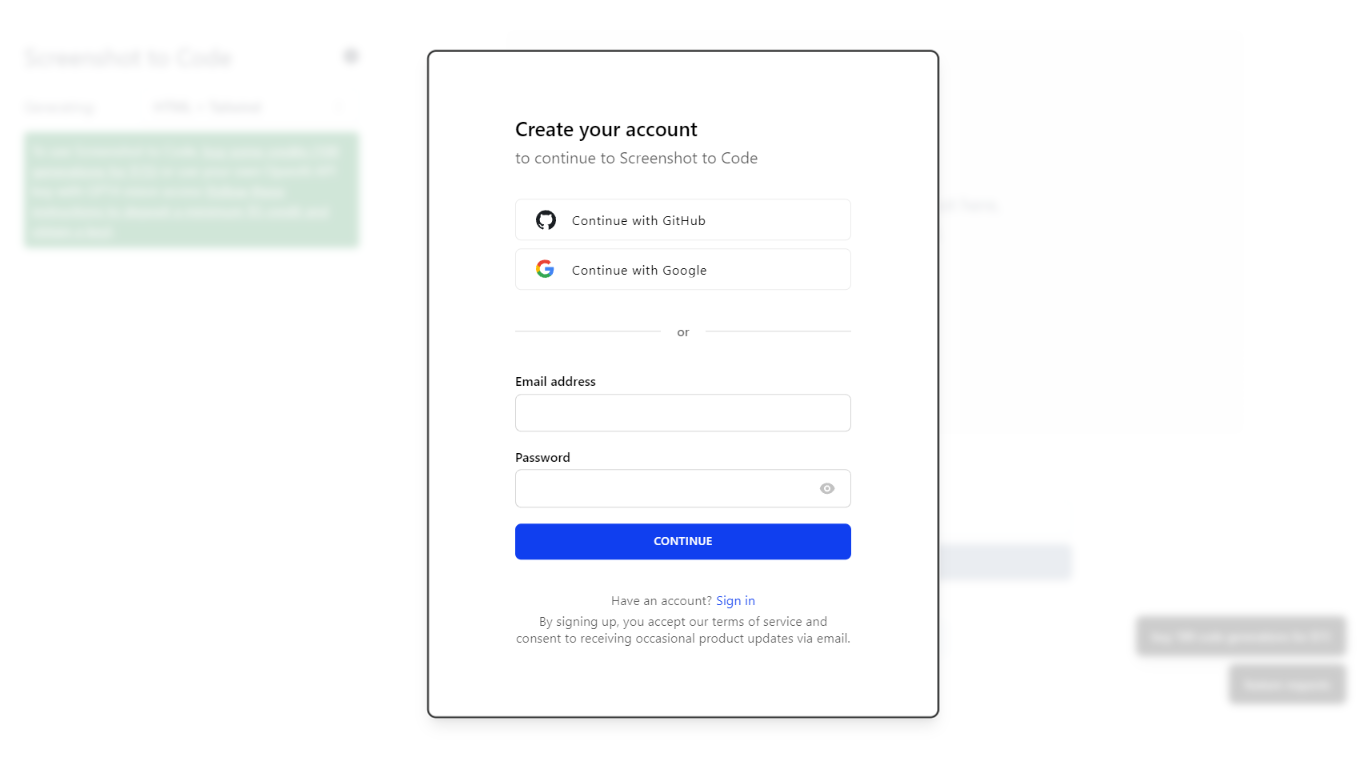

What is Screenshot to Code?
The GitHub repository 'screenshot-to-code' by user 'abi' is an application that revolutionizes the way developers can generate code from visual inputs. By simply dropping in a screenshot, the tool employs the capabilities of GPT-4 Vision and DALL-E 3 to create clean, executable code in HTML, Tailwind CSS, or React. Additionally, users have the option to clone live websites by entering a URL, further easing the development process. This innovative app caters to the modern-day need for speed and efficiency in web development, allowing for quick iterations and prototyping, thus catering to a wide range of users, from solo developers to large teams looking to streamline their workflow.
GPT95
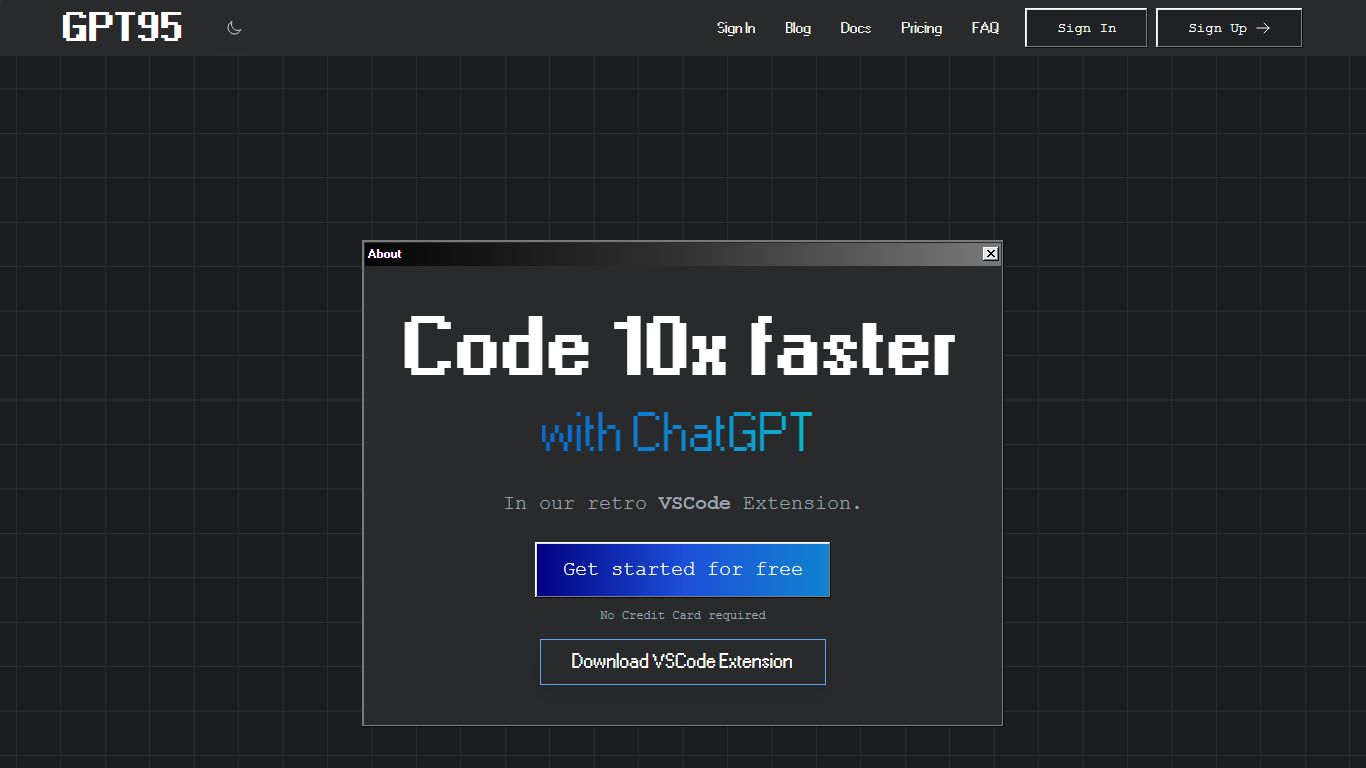
What is GPT95?
"This Visual Studio Code extension allows you to use ChatGPT combined with our Fine-Tuned GPT3 Code Model to generate code or natural language responses to your questions.
Automatically generate code from scratch, ask questions, get explanations, refactor code, find bugs and more!"
Screenshot to Code Upvotes
GPT95 Upvotes
Screenshot to Code Top Features
Convert Screenshots to Code: Transforms screenshots into HTML Tailwind CSS or React code.
Clone Websites from URLs: Ability to enter URLs to clone and generate code for live websites.
Integration with AI Tools: Utilizes OpenAI's GPT-4 Vision and DALL-E 3 to enhance the code generation process.
Edit and Preview Code Live: Features an embedded code editor for on-the-fly code tweaking and live preview.
Docker Support: Offers Docker configuration files for easy setup and deployment.
GPT95 Top Features
No top features listedScreenshot to Code Category
- Code Assistant
GPT95 Category
- Code Assistant
Screenshot to Code Pricing Type
- Freemium
GPT95 Pricing Type
- Paid