Screenshot to Code vs Kodezi
When comparing Screenshot to Code vs Kodezi, which AI Code Assistant tool shines brighter? We look at pricing, alternatives, upvotes, features, reviews, and more.
In a comparison between Screenshot to Code and Kodezi, which one comes out on top?
When we put Screenshot to Code and Kodezi side by side, both being AI-powered code assistant tools, The community has spoken, Kodezi leads with more upvotes. Kodezi has garnered 9 upvotes, and Screenshot to Code has garnered 6 upvotes.
Does the result make you go "hmm"? Cast your vote and turn that frown upside down!
Screenshot to Code

What is Screenshot to Code?
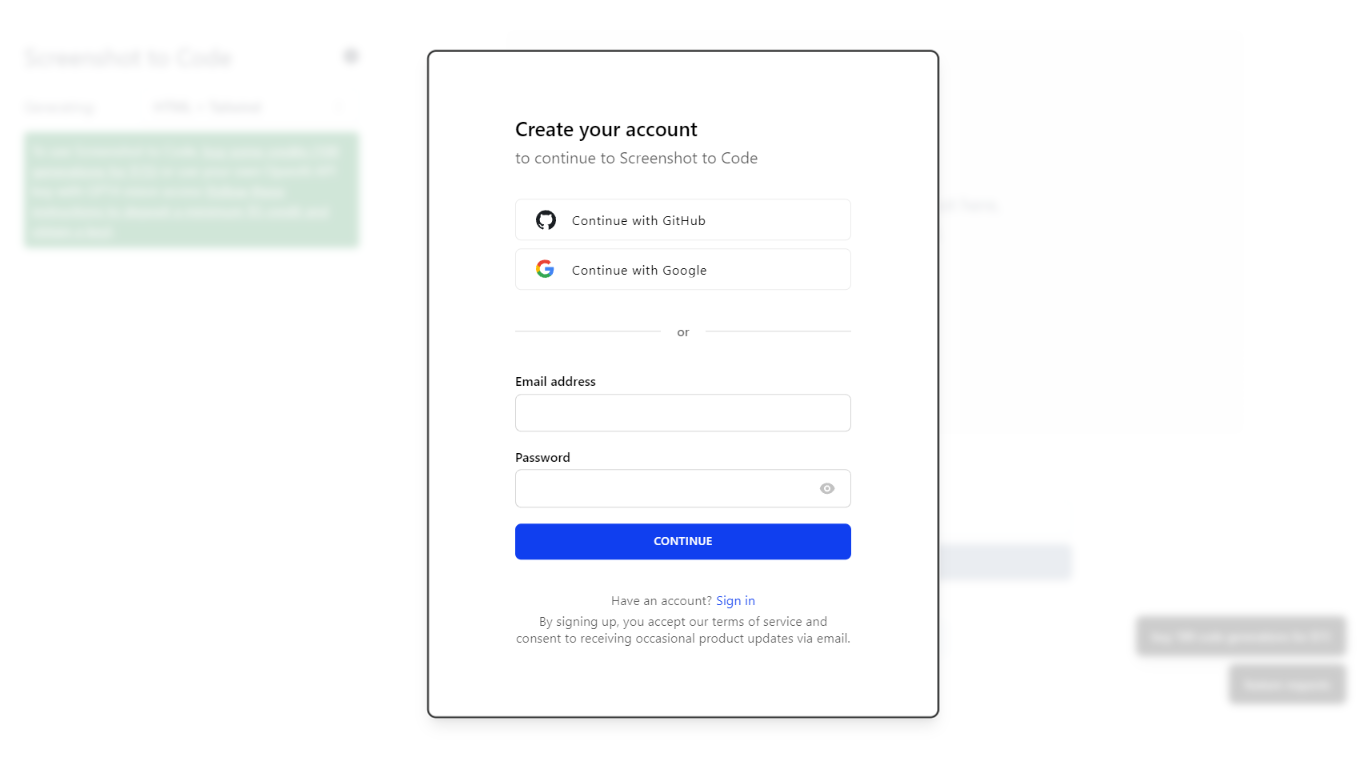
The GitHub repository 'screenshot-to-code' by user 'abi' is an application that revolutionizes the way developers can generate code from visual inputs. By simply dropping in a screenshot, the tool employs the capabilities of GPT-4 Vision and DALL-E 3 to create clean, executable code in HTML, Tailwind CSS, or React. Additionally, users have the option to clone live websites by entering a URL, further easing the development process. This innovative app caters to the modern-day need for speed and efficiency in web development, allowing for quick iterations and prototyping, thus catering to a wide range of users, from solo developers to large teams looking to streamline their workflow.
Kodezi
What is Kodezi?
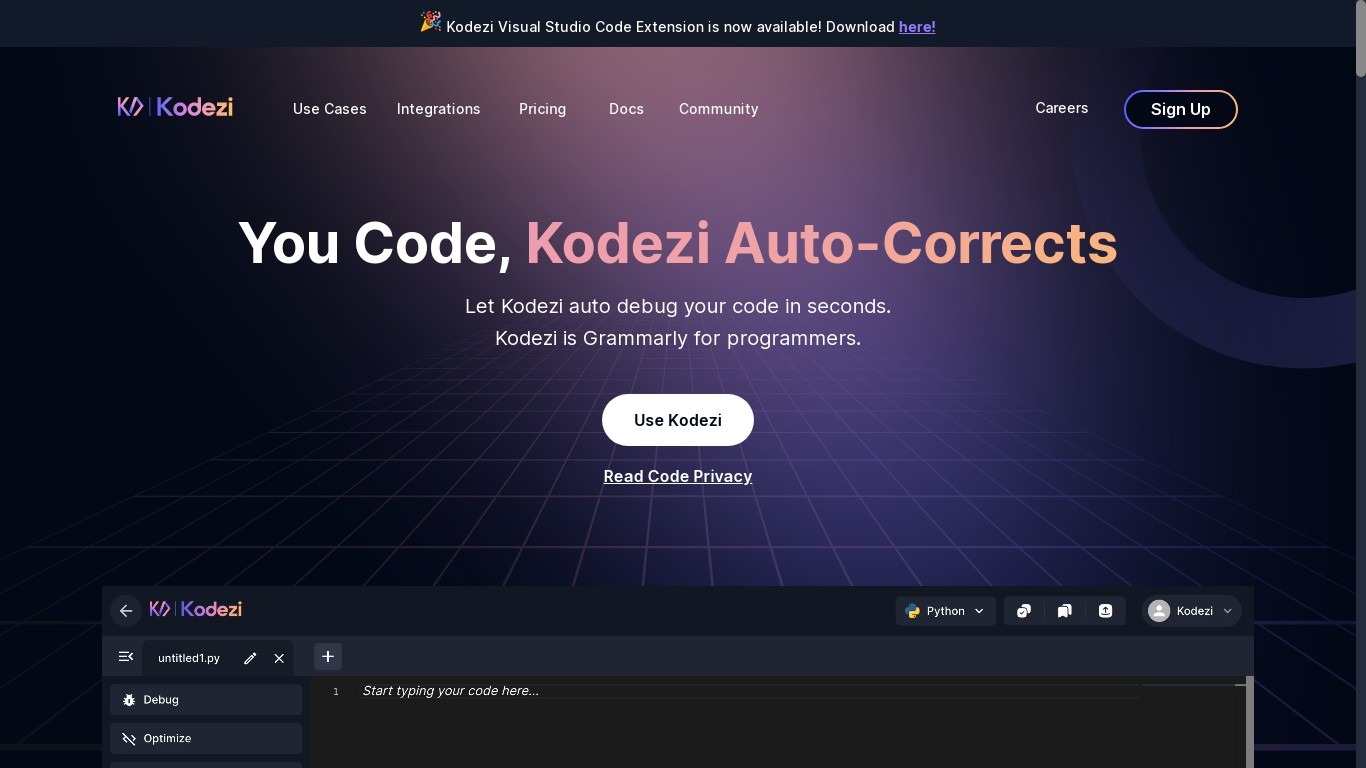
Kodezi is the AI developer tool assistant that auto-corrects your code! Kodezi is Grammarly for programmers.
Screenshot to Code Upvotes
Kodezi Upvotes
Screenshot to Code Top Features
Convert Screenshots to Code: Transforms screenshots into HTML Tailwind CSS or React code.
Clone Websites from URLs: Ability to enter URLs to clone and generate code for live websites.
Integration with AI Tools: Utilizes OpenAI's GPT-4 Vision and DALL-E 3 to enhance the code generation process.
Edit and Preview Code Live: Features an embedded code editor for on-the-fly code tweaking and live preview.
Docker Support: Offers Docker configuration files for easy setup and deployment.
Kodezi Top Features
No top features listedScreenshot to Code Category
- Code Assistant
Kodezi Category
- Code Assistant
Screenshot to Code Pricing Type
- Freemium
Kodezi Pricing Type
- Freemium