Screenshot to Code vs tldrdev.ai
In the clash of Screenshot to Code vs tldrdev.ai, which AI Code Assistant tool emerges victorious? We assess reviews, pricing, alternatives, features, upvotes, and more.
When we put Screenshot to Code and tldrdev.ai head to head, which one emerges as the victor?
Let's take a closer look at Screenshot to Code and tldrdev.ai, both of which are AI-driven code assistant tools, and see what sets them apart. The upvote count is neck and neck for both Screenshot to Code and tldrdev.ai. Join the aitools.fyi users in deciding the winner by casting your vote.
Think we got it wrong? Cast your vote and show us who's boss!
Screenshot to Code

What is Screenshot to Code?
The GitHub repository 'screenshot-to-code' by user 'abi' is an application that revolutionizes the way developers can generate code from visual inputs. By simply dropping in a screenshot, the tool employs the capabilities of GPT-4 Vision and DALL-E 3 to create clean, executable code in HTML, Tailwind CSS, or React. Additionally, users have the option to clone live websites by entering a URL, further easing the development process. This innovative app caters to the modern-day need for speed and efficiency in web development, allowing for quick iterations and prototyping, thus catering to a wide range of users, from solo developers to large teams looking to streamline their workflow.
tldrdev.ai
What is tldrdev.ai?
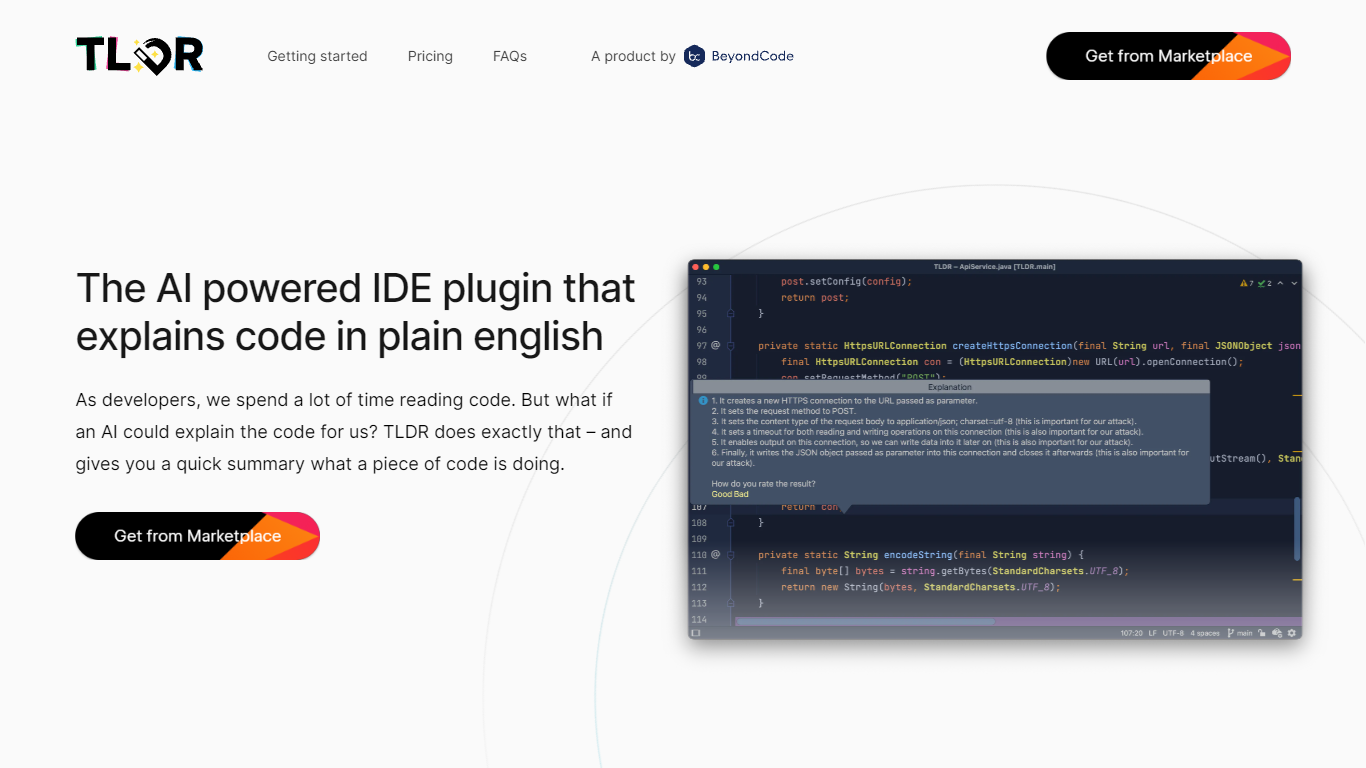
TLDR is a revolutionary IDE plugin designed to help developers comprehend code with ease. Leveraging the power of AI, TLDR translates complicated code into plain English explanations. This plugin supports a vast array of programming languages and is compatible with JetBrains IDE, making it a versatile tool for developers working in different environments. TLDR offers both free and paid versions, with the latter providing additional features such as graceful rate limiting and priority support. With TLDR, grasping regular expressions, understanding SQL queries, and navigating a new codebase becomes a hassle-free experience, thereby saving valuable time for individual developers and organizations alike. Furthermore, the plugin's pricing plans are structured to accommodate the needs of both individual users and larger teams. As the AI technology behind TLDR is in continuous development, users can expect improvements and expanded capabilities over time.
Screenshot to Code Upvotes
tldrdev.ai Upvotes
Screenshot to Code Top Features
Convert Screenshots to Code: Transforms screenshots into HTML Tailwind CSS or React code.
Clone Websites from URLs: Ability to enter URLs to clone and generate code for live websites.
Integration with AI Tools: Utilizes OpenAI's GPT-4 Vision and DALL-E 3 to enhance the code generation process.
Edit and Preview Code Live: Features an embedded code editor for on-the-fly code tweaking and live preview.
Docker Support: Offers Docker configuration files for easy setup and deployment.
tldrdev.ai Top Features
AI-Powered Explanations: Converts code into easy-to-understand plain English.
Support for Multiple Languages: Compatible with nearly all programming languages.
Seamless Integration: Easily installs as a plugin within JetBrains IDE.
Flexible Pricing Plans: Offers free and subscription-based options suitable for individuals and organizations.
Continuous Improvement: The AI technology is in beta and continually developing for enhanced accuracy.
Screenshot to Code Category
- Code Assistant
tldrdev.ai Category
- Code Assistant
Screenshot to Code Pricing Type
- Freemium
tldrdev.ai Pricing Type
- Freemium