Screenshot to Code vs Warp
Dive into the comparison of Screenshot to Code vs Warp and discover which AI Code Assistant tool stands out. We examine alternatives, upvotes, features, reviews, pricing, and beyond.
In a comparison between Screenshot to Code and Warp, which one comes out on top?
When we compare Screenshot to Code and Warp, two exceptional code assistant tools powered by artificial intelligence, and place them side by side, several key similarities and differences come to light. Warp stands out as the clear frontrunner in terms of upvotes. Warp has garnered 8 upvotes, and Screenshot to Code has garnered 6 upvotes.
Don't agree with the result? Cast your vote and be a part of the decision-making process!
Screenshot to Code
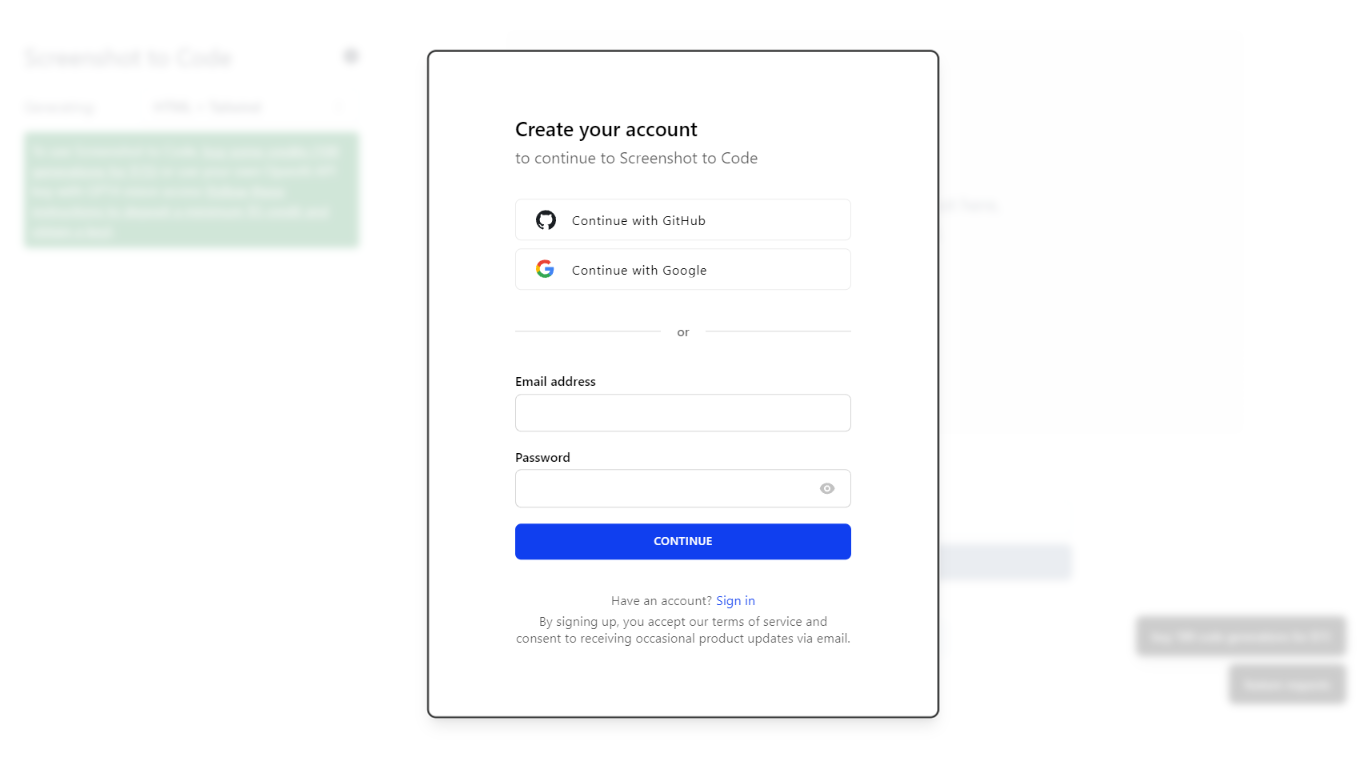

What is Screenshot to Code?
The GitHub repository 'screenshot-to-code' by user 'abi' is an application that revolutionizes the way developers can generate code from visual inputs. By simply dropping in a screenshot, the tool employs the capabilities of GPT-4 Vision and DALL-E 3 to create clean, executable code in HTML, Tailwind CSS, or React. Additionally, users have the option to clone live websites by entering a URL, further easing the development process. This innovative app caters to the modern-day need for speed and efficiency in web development, allowing for quick iterations and prototyping, thus catering to a wide range of users, from solo developers to large teams looking to streamline their workflow.
Warp
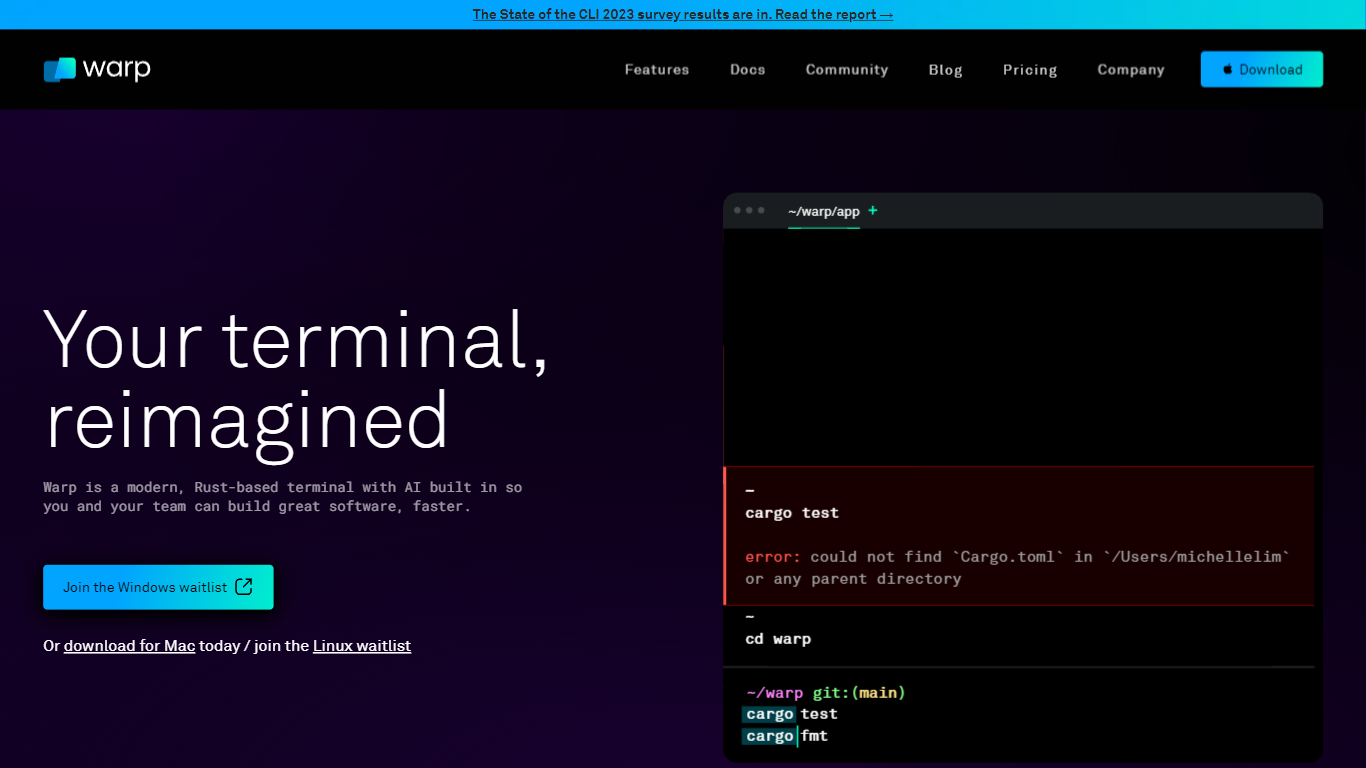
What is Warp?
Warp is revolutionizing the terminal experience for developers worldwide. At its core, Warp is a modern, Rust-based terminal designed to enhance productivity, speed, and efficiency. With a built-in AI and knowledge-sharing tools, Warp offers smart autocompletions and intelligent command executions that significantly accelerate the development process.
In addition to its performance advantages, Warp prioritizes privacy and security, never collecting input or output data and ensuring any saved data is encrypted. The terminal's user interface is highly customizable with popular themes, and the modern text input editor provides a convenient and familiar IDE experience.
Leading developers have praised Warp for its exceptional features such as easy navigation, one-click output copying, and its ability to execute saved workflows on-demand. The terminal is not just about speed; it's about providing a seamless and smart development environment that resonates with today's technological demands. Warp is available for Mac, with a waitlist for Windows and Linux users, promising a future where all developers can benefit from its advanced features.
Screenshot to Code Upvotes
Warp Upvotes
Screenshot to Code Top Features
Convert Screenshots to Code: Transforms screenshots into HTML Tailwind CSS or React code.
Clone Websites from URLs: Ability to enter URLs to clone and generate code for live websites.
Integration with AI Tools: Utilizes OpenAI's GPT-4 Vision and DALL-E 3 to enhance the code generation process.
Edit and Preview Code Live: Features an embedded code editor for on-the-fly code tweaking and live preview.
Docker Support: Offers Docker configuration files for easy setup and deployment.
Warp Top Features
Smart Autocompletions: Utilize AI-powered tools and knowledge sharing for faster coding.
Modern Text Input Editor: Enjoy a coding experience akin to modern IDEs with advanced text editing.
Increased Efficiency: Speed through tasks with Rust-based performance optimized for quick command execution.
Privacy and Security First: Trust in a terminal that safeguards your data encrypting information at rest.
Customizable UI: Tailor Warp to your preferences with a selection of themes and visual customization options.
Screenshot to Code Category
- Code Assistant
Warp Category
- Code Assistant
Screenshot to Code Pricing Type
- Freemium
Warp Pricing Type
- Freemium