SmartCoder vs Screenshot to Code
In the face-off between SmartCoder vs Screenshot to Code, which AI Code Assistant tool takes the crown? We scrutinize features, alternatives, upvotes, reviews, pricing, and more.
In a face-off between SmartCoder and Screenshot to Code, which one takes the crown?
If we were to analyze SmartCoder and Screenshot to Code, both of which are AI-powered code assistant tools, what would we find? There's no clear winner in terms of upvotes, as both tools have received the same number. Join the aitools.fyi users in deciding the winner by casting your vote.
Want to flip the script? Upvote your favorite tool and change the game!
SmartCoder
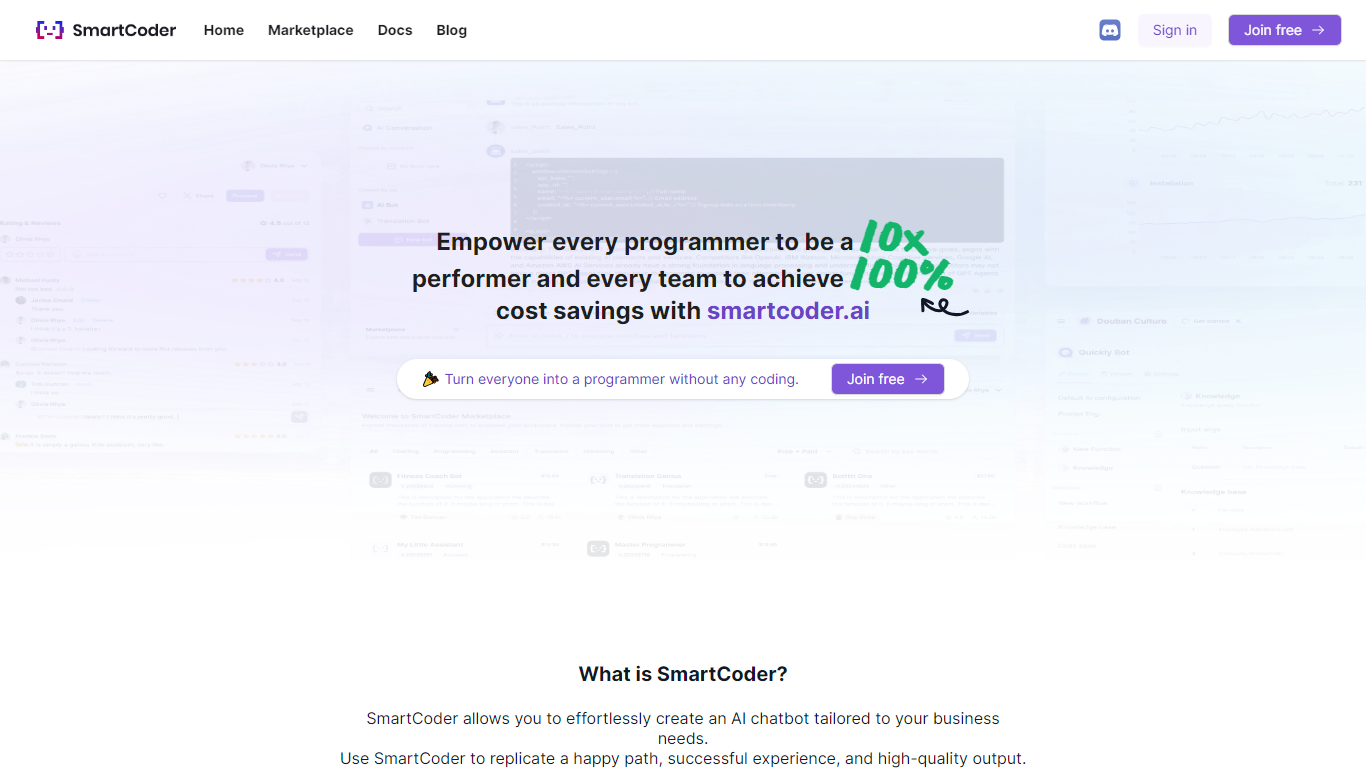

What is SmartCoder?
SmartCoder is your go-to platform for all your coding needs. Whether you're looking to enhance your coding skills, find relevant documentation, or explore a wide array of digital tools, SmartCoder offers a seamless experience. With a user-friendly interface, the platform invites both novices and seasoned developers to sign in or join for free and dive into a diverse marketplace.
The integrated blog section keeps you up-to-date with the latest trends and insights in the coding world. SmartCoder is designed to facilitate easy navigation, ensuring that users reach their desired content with minimal effort. From useful Docs for learning and troubleshooting to a thriving marketplace with numerous options, everything you need is just a click away. Engage with a community of like-minded individuals and leverage the full potential of SmartCoder's offerings to elevate your coding projects to new heights.
Screenshot to Code
What is Screenshot to Code?
The GitHub repository 'screenshot-to-code' by user 'abi' is an application that revolutionizes the way developers can generate code from visual inputs. By simply dropping in a screenshot, the tool employs the capabilities of GPT-4 Vision and DALL-E 3 to create clean, executable code in HTML, Tailwind CSS, or React. Additionally, users have the option to clone live websites by entering a URL, further easing the development process. This innovative app caters to the modern-day need for speed and efficiency in web development, allowing for quick iterations and prototyping, thus catering to a wide range of users, from solo developers to large teams looking to streamline their workflow.
SmartCoder Upvotes
Screenshot to Code Upvotes
SmartCoder Top Features
Easy Navigation: Straightforward access to marketplace, documentation, and blog.
Free Sign-In and Membership: Quick sign-in or joining options, available for free.
Diverse Marketplace: A wide range of tools and resources for coders.
Educational Docs: Comprehensive documentation for learning and problem-solving.
Engaging Blog: Stay informed with articles on the latest coding trends and tips.
Screenshot to Code Top Features
Convert Screenshots to Code: Transforms screenshots into HTML Tailwind CSS or React code.
Clone Websites from URLs: Ability to enter URLs to clone and generate code for live websites.
Integration with AI Tools: Utilizes OpenAI's GPT-4 Vision and DALL-E 3 to enhance the code generation process.
Edit and Preview Code Live: Features an embedded code editor for on-the-fly code tweaking and live preview.
Docker Support: Offers Docker configuration files for easy setup and deployment.
SmartCoder Category
- Code Assistant
Screenshot to Code Category
- Code Assistant
SmartCoder Pricing Type
- Freemium
Screenshot to Code Pricing Type
- Freemium