
Last updated 08-31-2026
Category:
Reviews:
Join thousands of AI enthusiasts in the World of AI!
123VideoTool
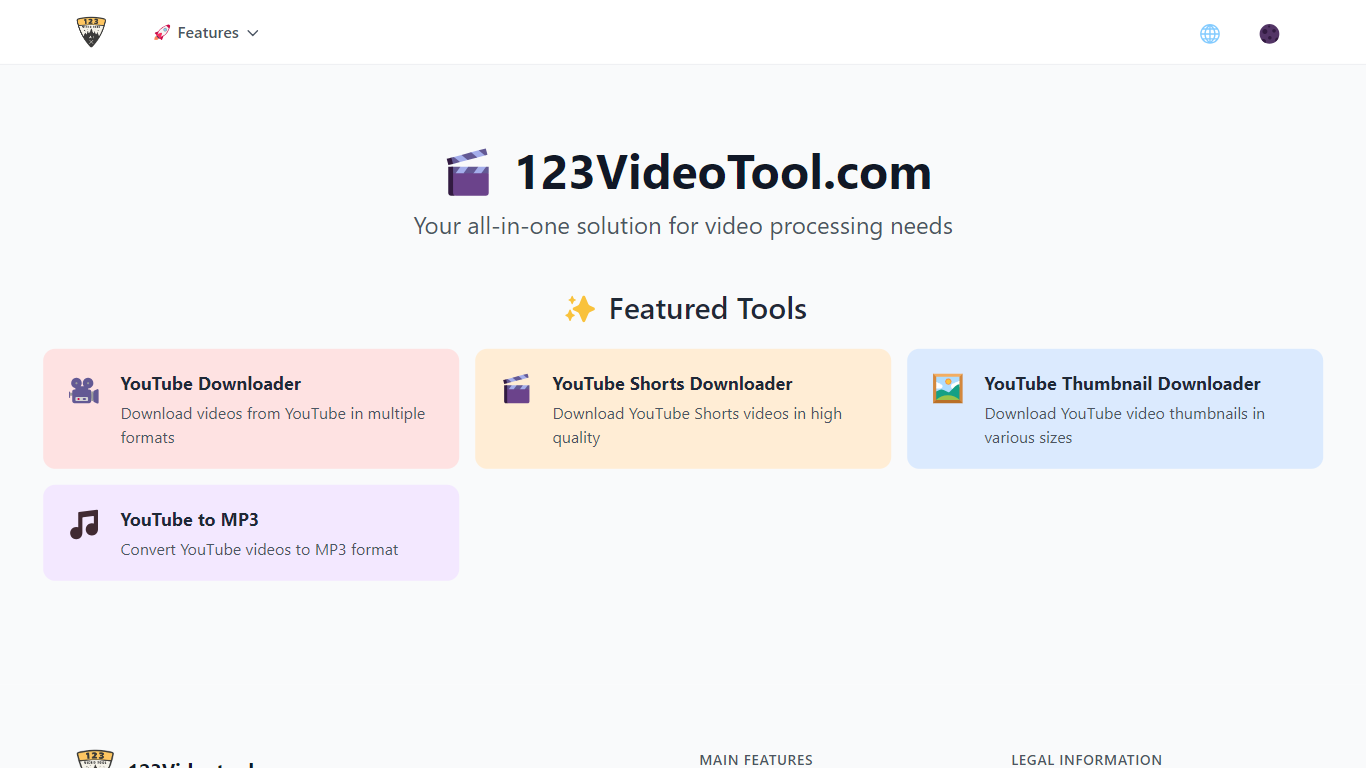
123VideoTool puts four YouTube download utilities in one browser-based directory. Paste a video link and you can save videos in MP4 up to 4K, grab Shorts clips, pull thumbnails in multiple resolutions, or convert audio to MP3. Everything runs in the browser with no software to install.
The site bundles a video downloader, Shorts saver, thumbnail grabber, and MP3 converter under one roof rather than spreading them across separate domains. Each tool follows the same simple flow: copy a YouTube URL, pick your format and quality, then download. The interface is available in 18 languages, from Arabic and Hindi to Japanese and Portuguese.
It fits anyone who needs offline copies of YouTube media without paying for desktop software. Content creators grabbing reference thumbnails, marketers saving Shorts for review, and listeners who want MP3 files from music videos all have a reason to use it.
Download YouTube videos in MP4 at up to 4K resolution
Save YouTube Shorts in HD with MP4 or MP3 output options
Pull video thumbnails in multiple sizes, including 4K
Convert YouTube videos to MP3 at up to 320kbps quality
Works on desktop and mobile with no account or install required
All four YouTube tools are free with no usage limits mentioned on the site.
No software installation or account required to start downloading.
Supports high-quality outputs including 4K video and 320kbps MP3.
Interface available in 18 languages for international users.
Limited to YouTube with no support for other video platforms mentioned.
No desktop app for batch downloads or offline queue management.
Terms of service require users to be at least 16 years old.
Is 123VideoTool free to use?
Yes, 123VideoTool is completely free. All four tools (video downloader, Shorts downloader, thumbnail downloader, and MP3 converter) offer unlimited downloads with no paid plans listed on the site.
What formats does 123VideoTool support?
123VideoTool supports MP4 video downloads at 1080p and 4K, YouTube Shorts in MP4 or MP3, thumbnails in multiple resolutions including 4K, and MP3 audio conversion at up to 320kbps.
Does 123VideoTool require software installation?
No, 123VideoTool runs entirely in the browser. You do not need to install desktop software or a browser extension to download videos, Shorts, thumbnails, or MP3 files.
Do downloaded files from 123VideoTool have watermarks?
No, 123VideoTool states that downloaded videos and Shorts are watermark-free. Files save in their original quality without added branding.
Can I use 123VideoTool on my phone?
Yes, 123VideoTool works on mobile devices as well as Windows, Mac, and Linux. All four tools are accessible from a mobile browser without a dedicated app.
What languages does 123VideoTool support?
123VideoTool offers its interface in 18 languages, including English, Spanish, French, German, Arabic, Hindi, Japanese, Korean, Portuguese, Russian, Thai, Vietnamese, and Simplified and Traditional Chinese.
Does 123VideoTool require an account?
No, 123VideoTool does not require an account or signup. You can paste a YouTube link and download immediately without creating a profile.