
Last updated 07-16-2026
Category:
Reviews:
Join thousands of AI enthusiasts in the World of AI!
Adori
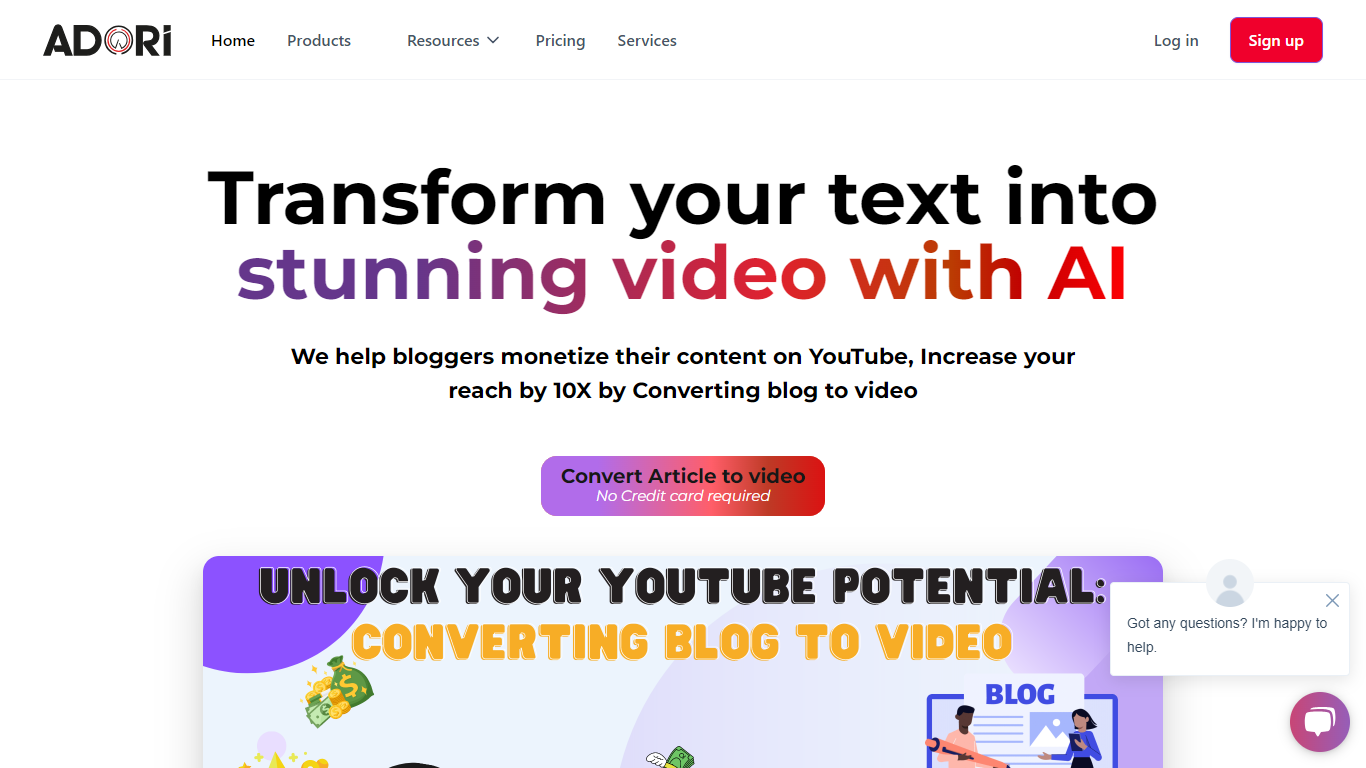
Adori turns written content into finished videos without a traditional editing workflow. Paste a blog post, upload a PDF, drop in audio, or feed it podcast material, and the platform builds scenes, visuals, voiceover, and captions from that source. It targets bloggers, marketers, and creators who want video versions of content they already have.
The product keeps the full pipeline in one place: script-to-scene automation, a stock media library, voice selection, synced subtitles, and a live editor for scene tweaks. It also connects to YouTube for publishing and surfaces SEO suggestions aimed at video search.
Behind the scenes, Adori ties into several generation services for images and clips, including models such as Veo, Runway, Kling, Flux, and ElevenLabs voiceovers. That stack supports blog-to-video repurposing, short-form social clips, and podcast-style video exports from a single dashboard.
Converts blogs, text, PDFs, audio, and podcasts into video from one workflow
40+ voiceover options with regeneration limits that scale by plan
Auto-synced captions you can edit, plus pre-built templates
100 million copyright-free photos, videos, and background tracks in the asset library
Live scene editor with side-by-side preview before you export
Direct YouTube publishing with SEO suggestions built into the export flow
Integrates image and video models including Veo, Runway, Kling, Flux, and ElevenLabs
Handles multiple input types, including blogs, PDFs, audio, and podcasts, in one platform
Free tier lets you export a video without entering a credit card
Built-in YouTube publishing and SEO suggestions reduce extra tooling
Large stock media library with copyright-free photos, video, and music
Premium plan unlocks 1080p exports and included AI video generations
Free plan allows only one video export and a 1-minute script cap
AI video generation credits appear only on the Premium plan
720p export limit on Free and Basic may fall short for high-end production needs
Enterprise pricing requires contacting sales rather than self-serve checkout
Does Adori have a free plan?
Yes. Adori offers a Free plan at $0 that includes 1 project, 1 video export, 20 AI images, 100MB storage, and 720p resolution. Signup does not require a credit card.
What input formats can Adori convert to video?
Adori supports text, PDF, audio, blog posts, and podcasts as starting material. The homepage highlights blog-to-video as a core workflow, with documentation covering copy-paste blog conversion and podcast-length limits by plan.
Can Adori publish videos directly to YouTube?
Yes. Adori includes YouTube publishing on Free, Basic, and Premium plans. Its documentation covers channel setup, permissions, and publishing steps through the Adori Studio app.
What are Adori's paid plan prices?
Adori's Basic plan is $15 per month and Premium is $45 per month when billed monthly. The pricing page also offers yearly billing with a stated 20% savings versus monthly.
What video resolution does Adori export?
Adori exports at 720p on Free and Basic plans. The Premium plan raises output to 1080p, along with higher export, storage, and regeneration limits.
How can I contact Adori support?
Adori lists [email protected] for direct email contact and says it offers 24/7 support via live chat, email, and phone. The site also hosts a documentation hub with tutorials and FAQs.