
Last updated 08-21-2026
Category:
Reviews:
Join thousands of AI enthusiasts in the World of AI!
AI Cad Drawing Generator
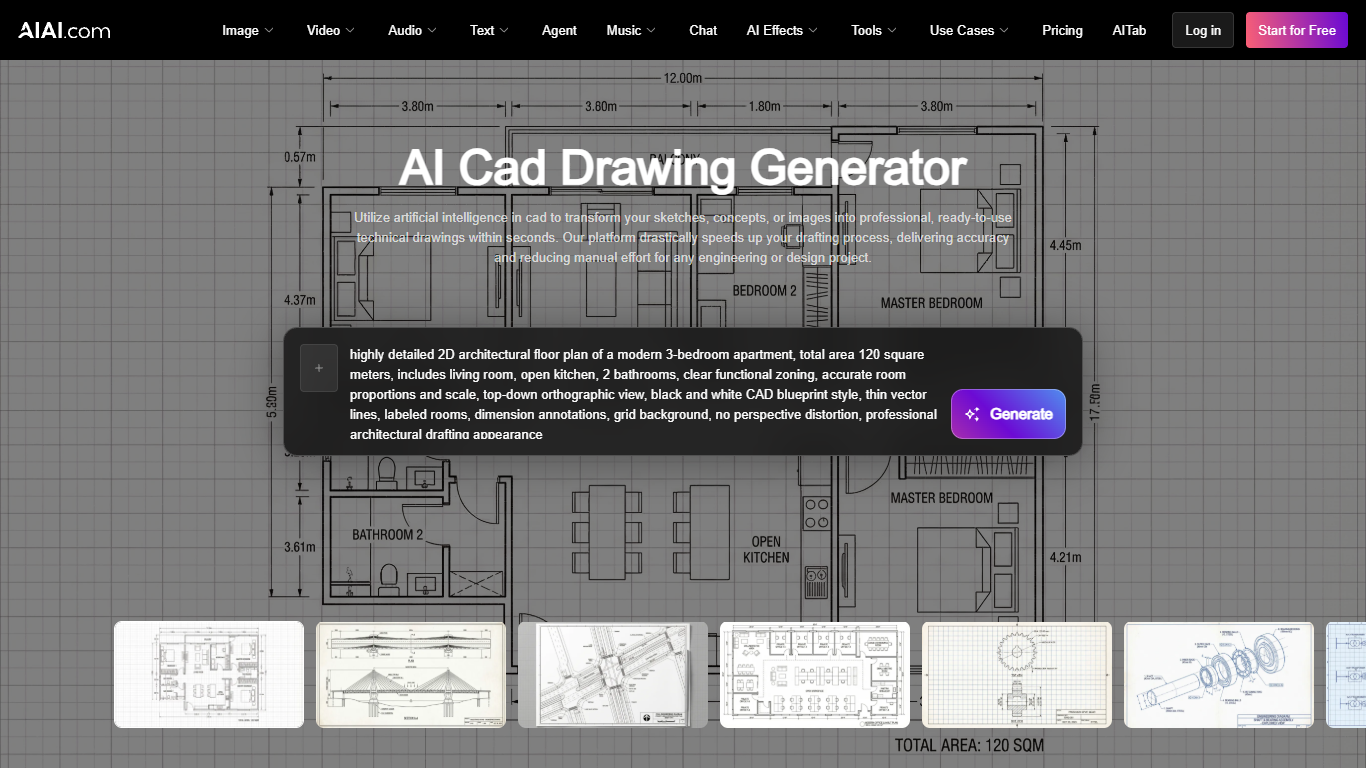
AI Cad Drawing Generator is a web-based 3D generation tool on AIAI.com that turns sketches, photos, or text prompts into technical CAD-style drawings. Upload a hand-drawn floor plan, a product photo, or a written brief, and the tool produces architectural blueprints, mechanical layouts, and exploded views within seconds.
Unlike full desktop CAD suites that require months of training, this tool lives inside AIAI.com's all-in-one creative platform alongside image, video, and audio generators. You get CAD output without installing software or learning dimensioning tools. The trade-off is that exports are raster images rather than editable DWG or DXF files, which suits concept visualization more than production engineering.
Architects, mechanical engineers, product designers, and students use it for floor plans, warehouse layouts, bridge schematics, and photo-to-technical-drawing conversions. Preset templates cover house floor plans, business layouts, real estate presentations, interior renders, and exploded views.
The platform runs a free tier with 20 signup credits (up to 6 images), while Pro at $7.99 per month (renewing at $19.99) includes 300 monthly credits for up to 100 images and watermark-free commercial exports.
Image to CAD: Upload JPEG, PNG, or PDF sketches and get technical drawings without manual redrawing
7 preset templates: House floor plan, business floor plan, exploded view, and photo-to-technical-drawing modes
Text to CAD: Generate blueprints from written prompts for bridges, warehouses, and mechanical parts
Free tier: 20 signup credits covering up to 6 images on selected AI models
Pro plan: 300 monthly credits for up to 100 images with watermark-free commercial license
Private uploads: Designs and generated drawings stay confidential on paid plans
Converts sketches and photos to CAD-style drawings without desktop CAD software
Seven preset templates for floor plans, exploded views, and technical drawings
Free tier with 20 credits lets you test before subscribing
Shares AIAI.com credits across image, video, audio, and CAD tools
Beginner-friendly interface with no prior CAD training required
Exports are raster images, not editable DWG or DXF files
Free tier limits you to 6 images with watermarks and non-commercial use
CAD generator shares platform credits with unrelated image and video tools
Is AI Cad Drawing Generator free to use?
AI Cad Drawing Generator offers a free tier on AIAI.com with 20 signup credits, enough for up to 6 images. Free outputs carry watermarks and are limited to non-commercial use. Pro starts at $7.99 per month with 300 credits and watermark-free exports.
What file formats does AI Cad Drawing Generator accept?
AI Cad Drawing Generator accepts JPEG, PNG, and PDF uploads plus text prompts. You can upload hand-drawn sketches, prototype photos, or describe a design in words. The tool generates 2D technical drawings and blueprint-style images from these inputs.
Can AI Cad Drawing Generator convert photos to CAD drawings?
Yes, AI Cad Drawing Generator converts raster images into CAD-style technical drawings. Upload a sketch or photo and the tool interprets the design into a polished blueprint. This reduces manual redrawing for rapid prototyping and concept development.
What CAD drawing types can AI Cad Drawing Generator create?
AI Cad Drawing Generator produces house floor plans, business floor plans, architectural blueprints, mechanical gear drawings, warehouse layouts, bridge schematics, and exploded views. Gallery examples include residential aerial views, cable-stayed bridges, and highway interchange designs.
Do I need CAD experience for AI Cad Drawing Generator?
No prior CAD experience is required for AI Cad Drawing Generator. AIAI.com designed the interface for beginners and professional engineers alike. Upload an image or enter a prompt, select a template, and download the generated technical drawing in minutes.
How does AI Cad Drawing Generator pricing work on AIAI.com?
AI Cad Drawing Generator shares AIAI.com platform credits across all tools. The free plan gives 20 signup credits. Pro costs $7.99 per month on the introductory offer (renewing at $19.99) with 300 monthly credits. Ultimate at $39.99 per month includes 800 credits.