
Last updated 08-15-2026
Category:
Overall Rating:
5.0 🏆
Reviews:
Join thousands of AI enthusiasts in the World of AI!
AI HomeDesign
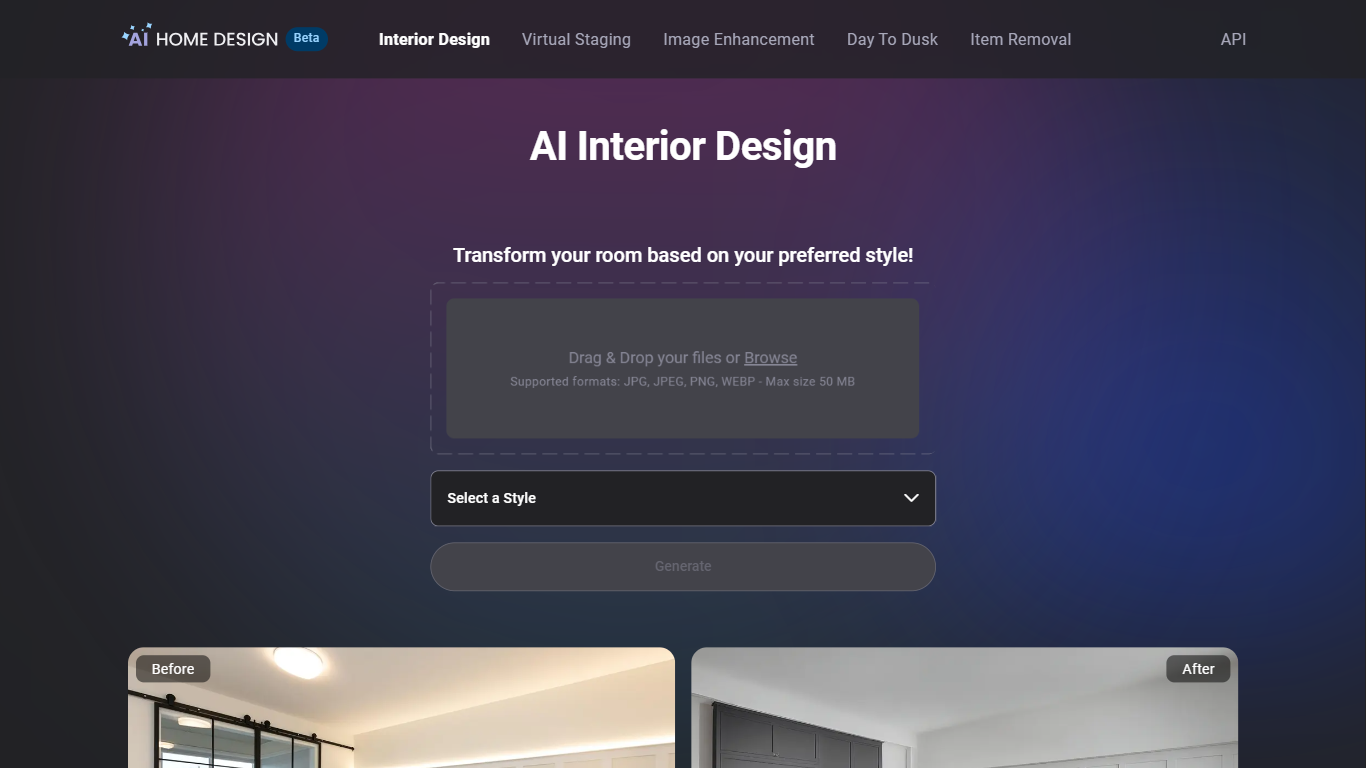
AI HomeDesign is a real estate photo editing toolbox that prepares listing-ready property images for MLS boards and portals like Zillow from one web dashboard. Upload a JPG or PNG, pick a service such as virtual staging, item removal, day-to-dusk conversion, or image enhancement, and download a result in under seven seconds. Signup includes free credits with no credit card, though free exports carry a watermark until you upgrade.
Standalone virtual staging apps usually handle furniture only. AI HomeDesign bundles staging with eight renovation helpers (wall, floor, ceiling, backsplash, and furniture restyle tools) plus batch photo editing, which targets agents juggling vacant listings, occupied homes, and fixer-uppers in the same week. Per-photo pricing from $0.24 on Enterprise also beats traditional furniture rental staging on cost for high-volume brokerages.
Agents at Keller Williams, Coldwell Banker, Compass, and RE/MAX use it to stage empty rooms across 15 room types and 8 design styles, remove packing boxes, or preview renovation finishes before contractors start. Enterprise teams get API access, SSO, and MLS compliance features through the B2B program.
Virtual staging across 15 room types and 8 design styles (120 combinations) in under 5 seconds
Pro plan at $19 per month includes 30 listing photos with unused credit rollover
Enterprise plan at $49 per month covers 200 photos at $0.24 each with API access
Eight renovation tools for walls, floors, ceilings, backsplashes, and furniture restyles
Free regenerations and chat-based edits to refine staged rooms without re-uploading
MLS-ready output designed for Zillow, Realtor.com, and brokerage listing workflows
Single dashboard covers staging, editing, and renovation previews for listings
Free credits let agents test quality before subscribing
Unused monthly photo credits roll over on paid plans
Enterprise tier adds API access and SSO for brokerage integrations
Results arrive in seconds instead of 24 to 48 hour manual staging turnarounds
Free trial exports include watermarks until you upgrade
Pro tier caps at 30 photos per month for $19
Large or complex floor plans can still produce perspective errors per user reviews
Enterprise photo volume above 200 per month requires contacting sales for custom tiers
Is AI HomeDesign free to try?
Yes. AI HomeDesign gives new accounts free credits at signup with no credit card required. Free results include a watermark so you can test virtual staging, item removal, and other tools before choosing a paid plan.
How much does AI HomeDesign cost?
AI HomeDesign Pro costs $19 per month for 30 photos ($0.63 each), Pro Plus costs $29 for 80 photos ($0.36 each), and Enterprise costs $49 for 200 photos ($0.24 each). Yearly billing saves 51% across all tiers.
How fast does AI HomeDesign generate results?
AI HomeDesign typically returns edited photos in under seven seconds after you upload an image and select a tool. Virtual staging pages cite results in under five seconds, and you can regenerate variations instantly.
Can I use AI HomeDesign photos on MLS and Zillow?
Yes. AI HomeDesign produces MLS-ready listing visuals intended for MLS websites and major portals such as Zillow and Realtor.com. Download watermark-free files on paid plans and follow your local MLS disclosure rules for virtual staging.
What tools does AI HomeDesign include?
AI HomeDesign bundles virtual staging, item removal, day-to-dusk conversion, image enhancement, and eight renovation helpers such as wall, floor, ceiling, backsplash, and furniture restyle tools inside one account.
How do I contact AI HomeDesign support?
AI HomeDesign lists [email protected] for questions, feedback, or billing issues. Enterprise customers also receive priority support on the $49 per month plan.