
Last updated 08-09-2026
Category:
Reviews:
Join thousands of AI enthusiasts in the World of AI!
AI Trip Planner
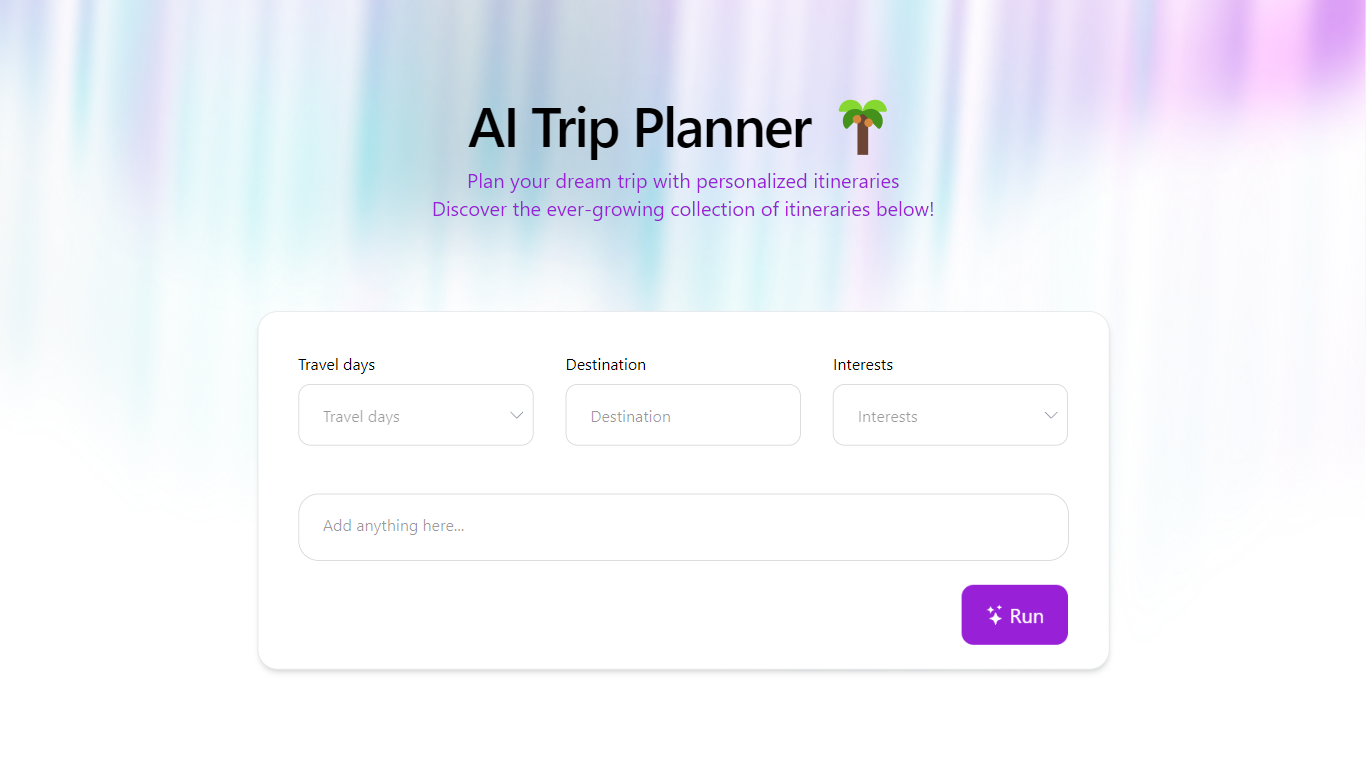
AI Trip Planner on BuildAI.space builds day-by-day travel itineraries from three inputs: how many days you are traveling, your destination, and a travel style such as adventure or family-friendly. Hit Run and it returns timed activities, meal stops, hotel suggestions, and tour ideas you can copy, save, or share.
Spreadsheet trip templates and generic guidebooks stay static. This planner outputs hour-by-hour schedules with booking links, a Skyscanner flights widget, and recommended hotels and tours for each generated plan. It lives inside the BuildAI no-code app platform, so the trade-off is less deep booking integration than a full OTA, but faster first drafts for multi-day routes.
Vacation planners, families sketching family-friendly routes, and couples planning romantic getaways are the fit. Public sample itineraries cover Chile, Egypt, South Africa, and Cusco, and each plan page lists related trips with the same style and duration.
Generates itineraries from travel days, destination, and travel style inputs
Day plans include timed activities from 7:00 AM through late evening slots
Embedded Skyscanner widget on each itinerary for flight search
Recommended hotels and guided tours listed at the bottom of every plan
Copy, save, share, and rerun controls on generated trip pages
Public gallery shows sample plans such as 6 days in Chile or 4 days in South Africa
Hosted on BuildAI.space with Unsplash cover images per itinerary
Timed daily schedules go beyond bullet-list suggestions.
Flight and hotel widgets sit inside each generated itinerary.
Sample public trips help users see output before running their own.
Share and rerun controls make iteration quick for group planning.
Consumer app depends on BuildAI.space hosting and uptime.
Booking links point to third-party tours rather than unified checkout.
BuildAI builder pricing applies only if you fork the app on the platform.
How does AI Trip Planner work?
AI Trip Planner on BuildAI.space asks for travel days, a destination, and a travel style, then builds a timed day-by-day itinerary. Each day lists breakfast, activities, tours, dinner, and hotel search prompts you can rerun or share.
Is AI Trip Planner free to use?
The hosted AI Trip Planner app at buildai.space costs nothing for travelers generating itineraries. You open the trip planner URL, enter your trip details, and view finished schedules without a checkout step on that app.
What travel styles does AI Trip Planner support?
AI Trip Planner sample plans include Adventure and Outdoor, Family-Friendly, and Romantic for Couples styles. The travel style field on the homepage filters generated itineraries to match that vibe.
Can AI Trip Planner find flights and hotels?
Each AI Trip Planner itinerary embeds a Skyscanner flights widget and Find hotels links for nightly destinations. Recommended hotels and tours also appear in dedicated sections below the daily schedule.
Can you save AI Trip Planner itineraries?
AI Trip Planner itinerary pages include Copy, Save, and Share buttons so you can store or send a finished plan. You can also Rerun the generator to refresh activities for the same inputs.
Who built AI Trip Planner?
AI Trip Planner is a published app on BuildAI.space, a no-code platform for launching AI web apps. The footer credits BuildAI.Space LTD and links to BuildAI terms and privacy policies.