
Last updated 03-31-2026
Category:
Reviews:
Join thousands of AI enthusiasts in the World of AI!
AI Undress Unlimited
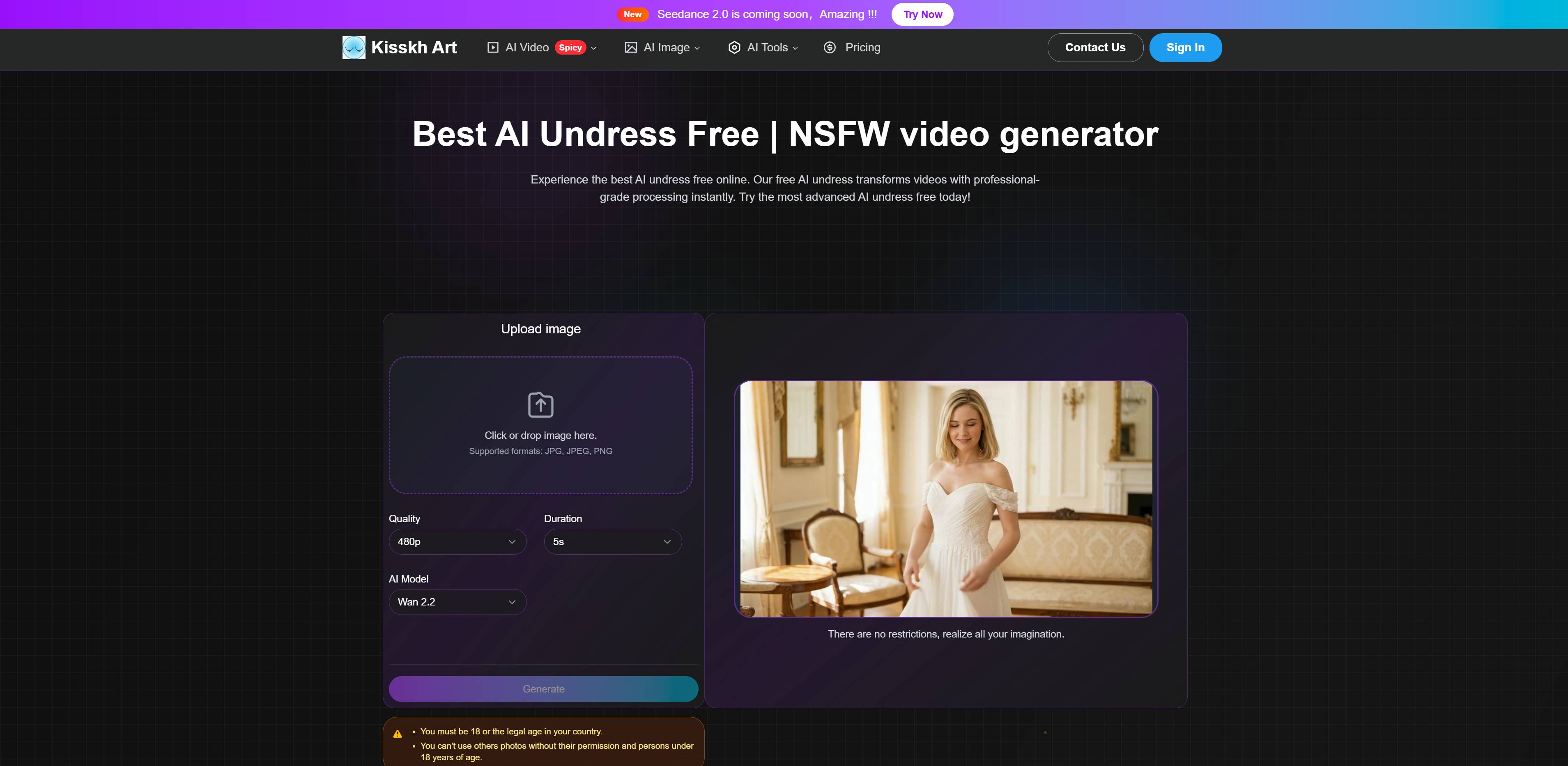
AI Undress Unlimited is an online tool that uses advanced artificial intelligence to transform images into NSFW videos by simulating an undressing effect. It processes uploaded photos to generate professional-grade video content that reveals nudity in a realistic manner. The tool is designed primarily for personal use by adults interested in exploring AI-generated adult content.
Users can upload clear, high-quality images in formats like PNG, JPEG, JPG, or Webp, preferably showing full bodies facing forward for the best results. The platform supports customization of video size with preset aspect ratios such as Auto, 16:9, 9:16, and 1:1, allowing users to tailor the output to their preferences. The generated videos are delivered in MP4 format.
Privacy and security are emphasized; the platform does not save or view any uploaded images or generated videos. All content is processed in a secure environment and deleted immediately after generation. Users must save their videos promptly as the system does not retain them. The service explicitly advises against use by minors and prohibits content that violates laws or ethics.
The AI technology behind the tool analyzes visual content with precision to create realistic undressing effects quickly, often generating videos within a minute. While the AI model is powerful, the quality of results depends heavily on the input image quality. The platform offers a tiered credit system, with free users able to generate one video and paid tiers allowing more creations.
AI Undress Unlimited stands out for its ease of use, rapid processing, and focus on user privacy. It provides a straightforward three-step process: upload an image, select video size, and generate the undressing video. The tool is accessible online without requiring downloads or installations.
Technically, it leverages complex AI models specialized in image and video processing, ensuring fast and accurate transformations. The platform supports multiple image formats and outputs high-quality MP4 videos suitable for personal viewing.
Pricing includes a free tier with limited video generation and paid plans offering increased credits for more videos. This structure allows users to try the service risk-free before committing to paid options for extended use.
Instantly transform images into NSFW undressing videos 🎥
Supports PNG, JPEG, JPG, and Webp image uploads 📁
Customizable video sizes with preset aspect ratios 📐
Strong privacy: no saving or viewing of user content 🔒
Fast processing with results generated within minutes ⚡
Easy to use with a simple three-step process
Strong privacy with no data retention
Supports multiple image formats and video sizes
Fast video generation within minutes
Free tier available to try the service
Free plan limits users to one video generation
Video quality depends heavily on input image quality
Customization options are limited compared to other AI video tools
What image formats does AI Undress Unlimited support?
The tool supports PNG, JPEG, JPG, and Webp image formats, with a recommended maximum size of 5MB for best results.
How does the privacy policy protect my images and videos?
AI Undress Unlimited does not save or view any uploaded images or generated videos. All content is deleted immediately after processing to ensure user privacy.
Can I customize the video size or aspect ratio?
Yes, users can select from preset video sizes including Auto, 16:9, 9:16, and 1:1 to customize the output video.
How many videos can I generate with the free plan?
Free users can generate one video per month. Paid plans offer more credits for additional video generations.
Is this tool safe for minors to use?
No, the tool is intended for adult use only and strongly advises that users under 18 do not use the AI undress feature.
What affects the quality of the generated videos?
Video quality depends on the AI model's processing and the quality of the uploaded images. Clear, well-lit images with full body visibility yield the best results.
What should I do if the video generation fails or quality is poor?
If generation fails, points are automatically refunded. For poor quality, try uploading a clearer image or different angle and generate again.