
Last updated 08-15-2026
Category:
Reviews:
Join thousands of AI enthusiasts in the World of AI!
AI Video Generator By Visla
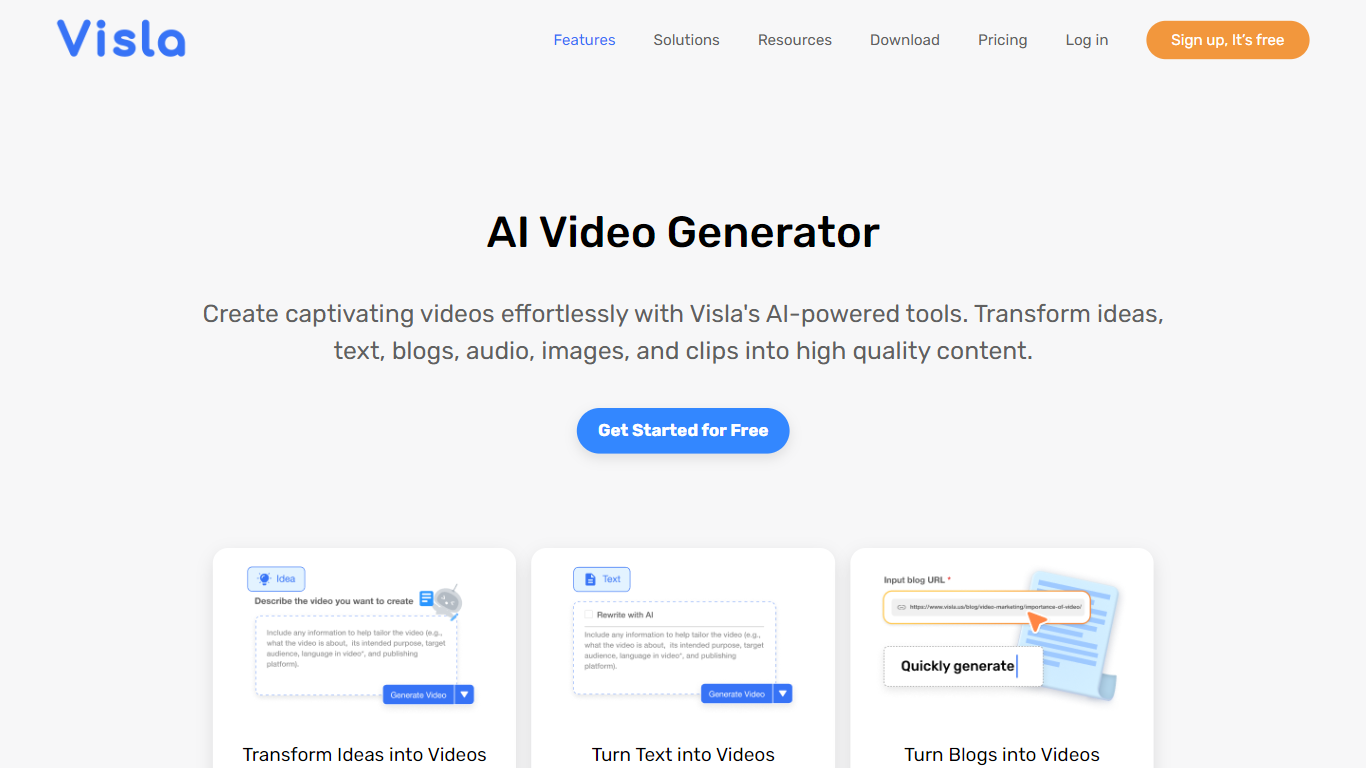
Visla's AI Video Generator turns scripts, PDFs, webpages, audio, and ideas into draft videos with stock footage, background music, subtitles, and optional AI avatars. You prompt the tool, refine language, voice, length, and aspect ratio, then edit scenes in Visla's browser-based editor before exporting. Marketing, sales, training, and HR teams use it to scale video output without a production crew.
Text-to-video tools often stop at a single clip. Visla bundles generation with screen recording, step-by-step guides, collaborative workspaces, and AI Director Mode for multi-scene stories with consistent characters. The free tier covers core generation workflows, while paid plans unlock premium Storyblocks and Getty stock, 4K export, and custom avatars.
Content teams at mid-size companies and educators are the clearest fit. Visla also lists Slack, Zoom, Zapier, Canva, and Adobe Express integrations, plus a video creation API for automated workflows.
Generates videos from text, scripts, PDFs, PPTs, webpages, and audio inputs
Free plan includes core AI video generation; Pro starts at $9 per month billed annually
150 public AI avatars on all tiers; custom avatars on paid plans
Scene-based editor with transcript cuts, filler-word removal, and B-roll suggestions
1080p export on Free and Pro; 4K export on Business and Enterprise plans
Integrations with Slack, Zoom, Zapier, Canva, and Adobe Express
Wide input types beyond text, including PDF, PPT, webpage URLs, and meeting audio.
Free tier covers real generation workflows, not just a watermark-limited preview.
Built-in recording, collaboration workspaces, and integrations reduce tool switching.
4K export and Getty Images stock require Business tier or higher.
Free and Pro uploads cap at 3 GB and 1 hour per file.
Business plan monthly price is not listed publicly on the pricing comparison table.
Is Visla's AI Video Generator free?
Yes. AI Video Generator By Visla includes a free plan with core generation features for text, scripts, links, audio, images, and files. Paid Pro and Business plans add premium stock, custom avatars, and branding tools.
How much does Visla cost?
AI Video Generator By Visla lists a free tier plus Pro and Business plans starting at $9 per month when billed annually. Enterprise pricing is available for larger teams with API priority and unlimited custom avatars.
What inputs does Visla's AI Video Generator accept?
AI Video Generator By Visla accepts ideas, scripts, blog posts, webpages, PDFs, PowerPoint files, audio recordings, and uploaded footage. Visla matches stock footage, music, voiceover, and subtitles to the source material.
Can I edit videos after Visla generates them?
Yes. After AI Video Generator By Visla creates a draft, you open Visla's scene-based editor to rearrange scenes, swap footage, add graphics, adjust voiceovers, and insert AI avatars before exporting.
Does Visla support AI avatars?
Yes. AI Video Generator By Visla includes 150 public avatars on every plan and lets paid users create custom avatars from a photo or text prompt, paired with cloned AI voices for branded narration.
What export resolutions does Visla offer?
AI Video Generator By Visla exports 1080p videos on Free and Pro plans. Business and Enterprise plans add 4K export plus landscape, portrait, and square aspect ratios for social platforms.