
Last updated 07-15-2026
Category:
Reviews:
Join thousands of AI enthusiasts in the World of AI!
AI Video Watermark Remover
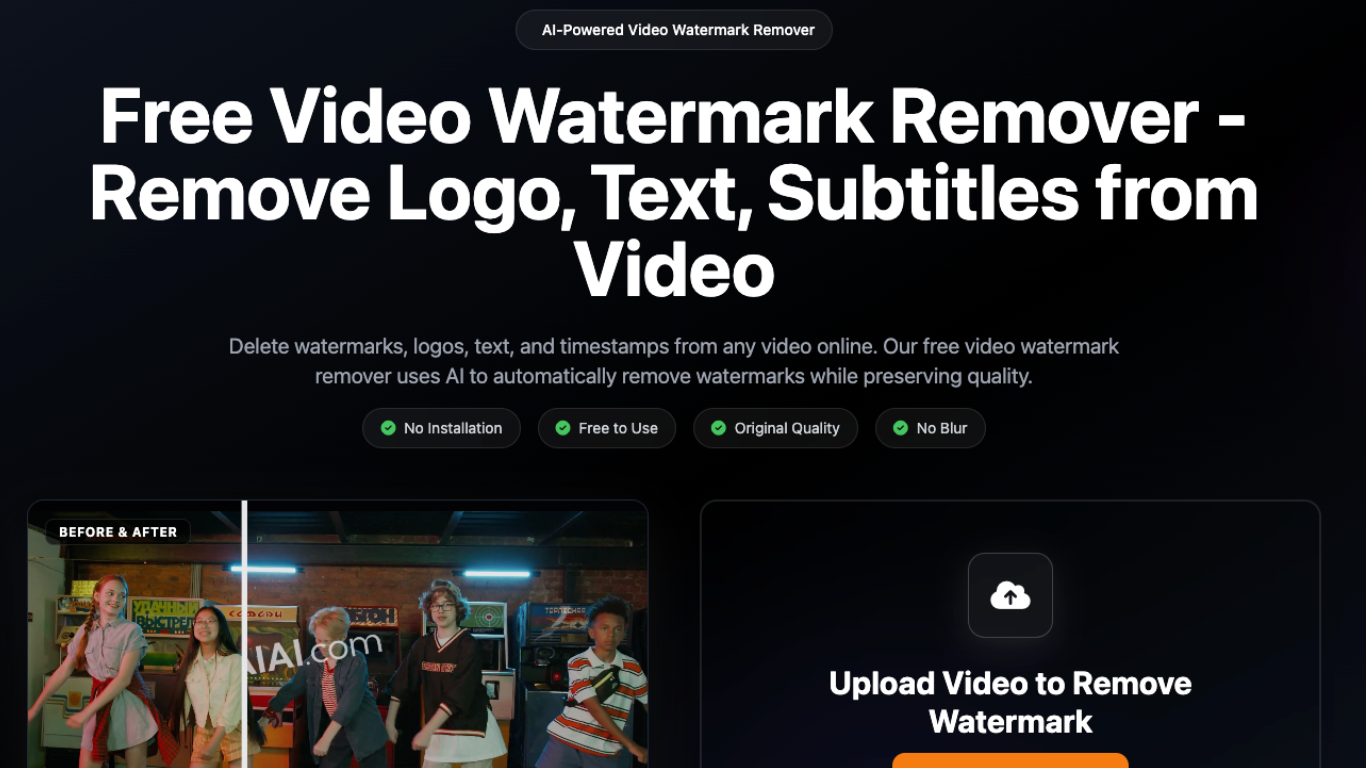
AI Video Watermark Remover is an online tool from AIAI.com for stripping logos, text overlays, subtitles, timestamps, and other marks from video files. You upload clips in the browser, and the service uses inpainting to rebuild the covered pixels instead of blurring them.
The main workflow is built around batch uploads: MP4, MOV, M4V, MKV, and WEBM files up to 500MB each, with up to 10 videos at once. It also ships dedicated landing pages for cleaning exports from Sora, Kling, Veo, Runway, TikTok, YouTube, Meta, and other platforms.
Processing runs in the cloud with no desktop install. Free accounts get starter credits and a short preview; full watermark-free downloads require purchased credits.
Upload up to 10 videos at once in MP4, MOV, M4V, MKV, or WEBM format (500MB per file)
AI inpainting rebuilds background pixels instead of leaving a blurred patch
Dedicated removers for Sora, Kling, Veo, Runway, TikTok, YouTube, and Meta watermarks
Handles logos, hardcoded subtitles, text overlays, stickers, and date stamps
Browser-based processing with no software installation required
Interface available in eight languages including English, Spanish, Japanese, and Arabic
No desktop install; upload and process videos directly in the browser.
Uses inpainting instead of blurring, which keeps edits less visible on complex backgrounds.
Platform-specific pages for Sora, TikTok, YouTube, Kling, and other common watermark sources.
Full downloads require purchased credits; free accounts only get a short preview.
Credit costs scale with video length, which can add up for longer clips.
Disclaimer notes the tool is for personal use or content you own; removing third-party watermarks may raise copyright issues.
Is AI Video Watermark Remover free to use?
You can register for free and receive 20 starter credits, enough to process two 4-second videos. Free users get a 3-second preview of results. Full watermark-free downloads require purchasing credits.
What video formats does AI Video Watermark Remover support?
The tool accepts MP4, MOV, M4V, MKV, and WEBM files. Each file can be up to 500MB, and you can upload up to 10 videos in one batch.
How does AI Video Watermark Remover remove watermarks?
The service analyzes pixels around the selected watermark area in each frame and fills the region with matching textures and colors using AI inpainting, aiming for a seamless result rather than a visible blur.
Can AI Video Watermark Remover clean AI-generated videos?
Yes. The site offers dedicated pages for removing watermarks from videos created by Sora, Kling, Veo, Runway, and similar AI video platforms while preserving detail in the footage.
Can I remove TikTok or YouTube watermarks with this tool?
Yes. Upload a downloaded TikTok or YouTube video and the tool can detect and remove platform logos and watermarks so the clip is ready for reposting or archiving.
Will watermark removal reduce video quality?
The tool is designed to keep the original resolution and sharpness of your upload. Only the pixels in the watermark area are modified; the rest of the frame stays unchanged.
Does AI Video Watermark Remover require installing software?
No. It runs entirely in your browser. Visit the site, upload your video, and download the cleaned file without installing desktop software.