
Last updated 06-30-2026
Category:
Reviews:
Join thousands of AI enthusiasts in the World of AI!
ArtSpace.ai
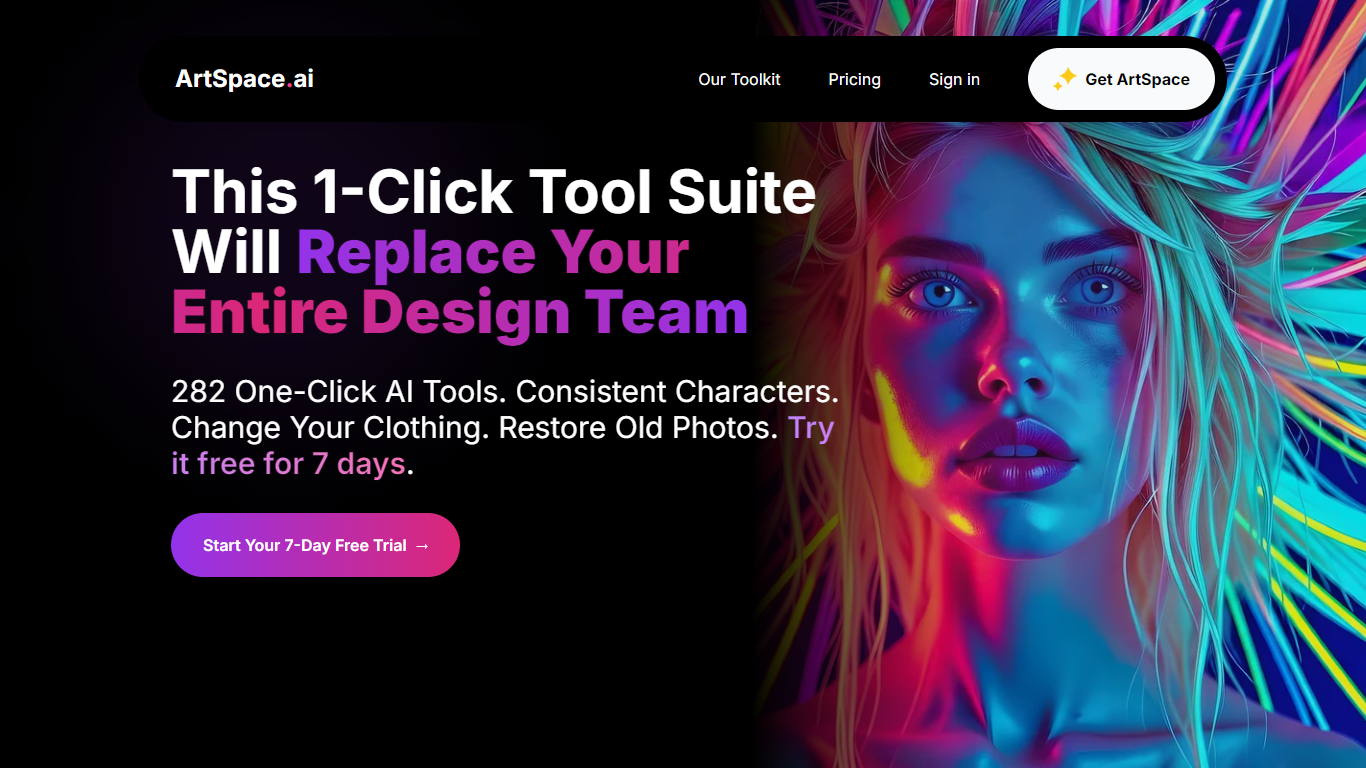
ArtSpace.ai is a browser-based image studio built around 282 one-click tools for editing, restoring, and generating visuals without writing long prompts. Upload a photo, pick a tool like Change Scene or Restore Old Photo, and get a new image in seconds. The product also includes Canvas mode for text-to-image work, inpainting, outpainting, and exports up to 4096x4096 on Pro and Unlimited plans.
The toolkit covers practical photo fixes and creative edits in one place: upscale and sharpen, swap outfits or hairstyles, combine people into one shot, colorize old family photos, and remove backgrounds. Models listed on the site include FLUX Kontext, Seedream 4.0, and Nano Banana. Tools mode handles most quick jobs; Canvas mode adds model switching, seed control, and generation history for users who want finer control.
It targets creators, marketers, visual artists, and anyone restoring or repurposing personal photos. Plans include a 7-day subscription trial, monthly and yearly billing, and lifetime licenses. The site reports more than 21,000 creators using the platform, with workspace access at space.artspace.ai and support from [email protected].
282 one-click tools for edits like outfit swaps, pose changes, and old photo restoration
Canvas mode supports text-to-image, inpainting, outpainting, and backgrounds up to 4096x4096
Upscale Image boosts resolution about 4x when you need sharper output after a quick edit
Combine people, transfer expressions, and try wedding outfits without reshooting photos
Runs in Chrome, Firefox, Safari, and Edge with no desktop install required
Lifetime licenses start at $59 with monthly image allotments that reset on the 1st
Commercial use is included on subscription and lifetime plans shown on the pricing pages
Large library of 282 one-click tools reduces the need to craft prompts for common edits.
Lifetime plans from $59 avoid recurring subscription costs for long-term users.
Canvas mode on Pro and Unlimited adds inpainting, outpainting, and 4096x4096 exports.
Commercial use is included on plans listed on the pricing and lifetime pages.
Browser-based access works on major desktop browsers without installing software.
Canvas mode is not available on the Starter plan tier.
Tools mode outputs around one megapixel, so high-res work may require upscaling or Canvas mode.
Tools mode does not keep generation history yet; downloads must be saved manually.
Does ArtSpace.ai offer a free trial?
Yes. ArtSpace.ai offers a 7-day free trial on its subscription plans at artspace.ai/pricing. You can explore the full toolkit during the trial and cancel within seven days if you prefer a lifetime plan instead.
Can I use my own images with ArtSpace.ai?
Yes. In Tools mode, ArtSpace.ai lets you upload JPG, PNG, or WebP photos up to 60MB. Your original file stays untouched while the tool generates a new edited image you can download.
How does ArtSpace.ai work?
ArtSpace.ai has two workspaces. Tools mode is the one-click suite: choose a tool, upload a photo, adjust any settings, and generate. Canvas mode is a full art board for writing your own prompts, inpainting, outpainting, and picking output sizes up to 4096x4096 on eligible plans.
What image sizes can I generate with ArtSpace.ai?
Tools mode outputs around one megapixel, which suits social posts and web use. Canvas mode lets you set dimensions from 128x128 up to 4096x4096, and the Upscale Image tool can raise resolution after a Tools mode edit.
Can I use ArtSpace.ai images commercially?
Yes. ArtSpace.ai lists commercial use on Starter, Pro, and Unlimited plans on its pricing and lifetime pages. Downloaded images are intended for commercial projects according to the plan features published on the site.
Is my artwork private on ArtSpace.ai?
Yes. ArtSpace.ai stores uploads and creations in your private workspace at space.artspace.ai. Other users only see your work if you choose to share it to the public gallery, which is moderated before posts go live.
Are there hidden fees after I buy ArtSpace.ai?
No recurring charges apply to lifetime plans after the one-time payment. Subscription plans bill monthly or yearly as shown at checkout, and Canvas mode is included on Pro and Unlimited tiers but not on Starter.