
Last updated 09-02-2026
Category:
Reviews:
Join thousands of AI enthusiasts in the World of AI!
Assistena
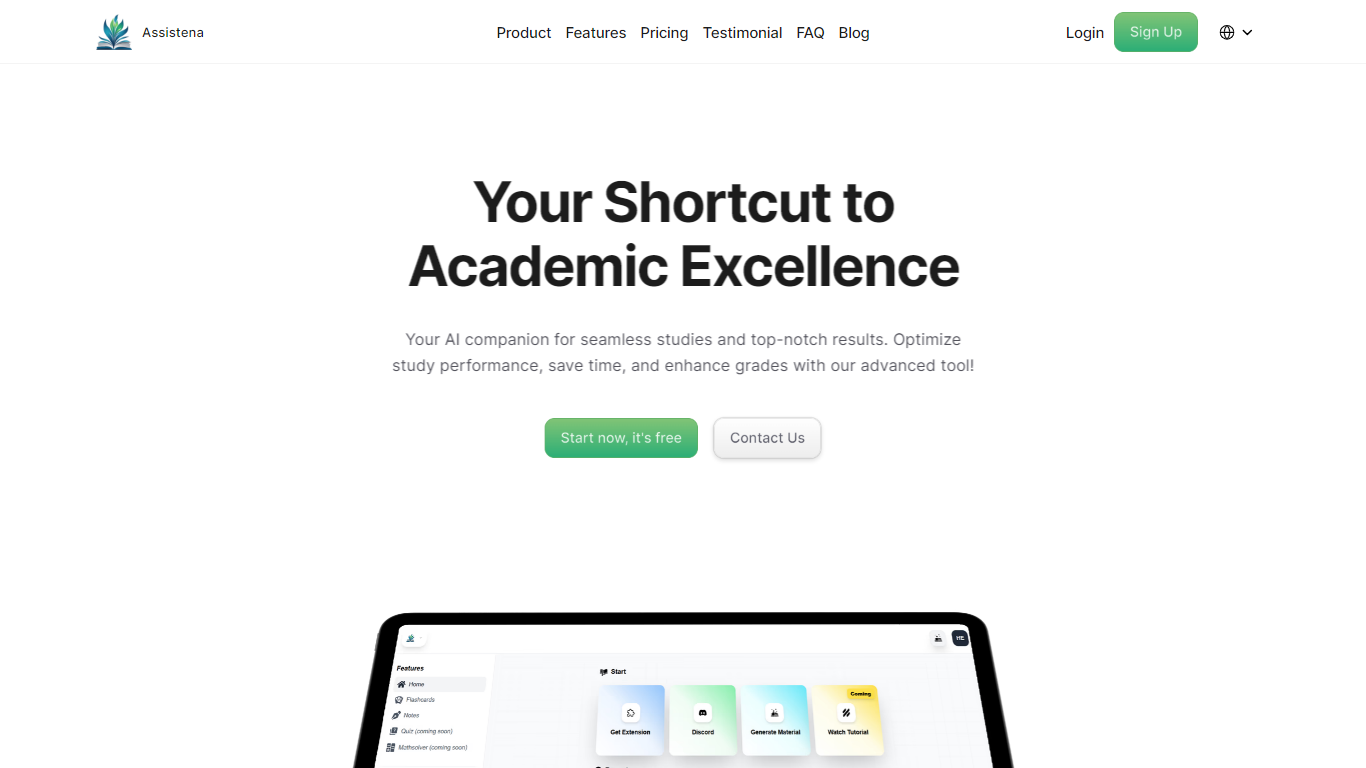
Assistena builds flashcards, quizzes, summaries, and organized notes from PDFs, Google Docs, articles, websites, and YouTube videos inside one free study dashboard. Upload or point at a source and review, rearrange, and group the generated assets without jumping between separate apps.
Where many study tools specialize in one format, Assistena keeps generation, practice, and note storage in a single workspace. Flashcards, quizzes, summaries, and a note canvas share folders and decks, so review material does not scatter across Quizlet, a summarizer, and a notes app.
A Chrome extension captures flashcards and summaries from whatever page you are reading, including PDFs and YouTube, without switching tabs. Sign-up runs through dashboard.assistena.com.
The site targets students at every level, from high school through university subjects like social science and psychology. Assistena reports more than 2,000 students worldwide and a 4.9 rating from over 1,000 reviews on its homepage.
Generate flashcards from PDFs, Google Docs, articles, websites, or YouTube videos
Build quizzes with multiple choice, short answer, true/false, and open-ended prompts
Summarize long texts and videos into concise study-ready overviews
Keep notes, flashcards, quizzes, and summaries in one workspace with folders and decks
Chrome extension on the Chrome Web Store captures study content while you browse
Homepage reports a 4.9 rating from more than 1,000 student reviews
Sign up through dashboard.assistena.com with all features free and unlimited
All core features are free and unlimited according to the homepage.
Accepts PDFs, Google Docs, articles, websites, and YouTube as study sources.
Chrome extension makes it easy to capture material from live web pages.
Quizzes support multiple choice, short answer, true/false, and open-ended question types.
No dedicated mobile app is listed on the website.
Feature pages note that adaptive flashcard difficulty and AI notetaking enhancements are not available yet.
No formal pricing page exists, so future paid tiers are unclear.
Is Assistena free to use?
Yes. Assistena states on its homepage that all features are free and unlimited. The site also invites optional support through a Buy Me a Coffee link for users who find the platform useful.
What content sources does Assistena support?
Assistena works with articles, Google Docs, PDFs, websites, and YouTube videos according to its homepage. The Chrome extension can generate flashcards and summaries from PDFs, websites, and YouTube while you browse.
Does Assistena have a Chrome extension?
Yes. Assistena offers a Chrome extension listed on the Chrome Web Store under the name Assistena. It lets you create flashcards and summaries from web content without leaving the page.
How do I sign up for Assistena?
Assistena directs new users to dashboard.assistena.com to create an account. The marketing site links to that dashboard for sign-up from the homepage and feature pages.
Does Assistena have a mobile app?
Assistena does not advertise a dedicated iOS or Android app on its website. Access is through the web dashboard and the Chrome extension.
What quiz formats does Assistena generate?
Assistena builds AI-generated quizzes with multiple choice, short answer, true/false, and open-ended prompts from lecture notes and textbooks, according to its quizzes feature page.