
Last updated 08-12-2026
Category:
Reviews:
Join thousands of AI enthusiasts in the World of AI!
Autoclipper (formerly AutoEditor)
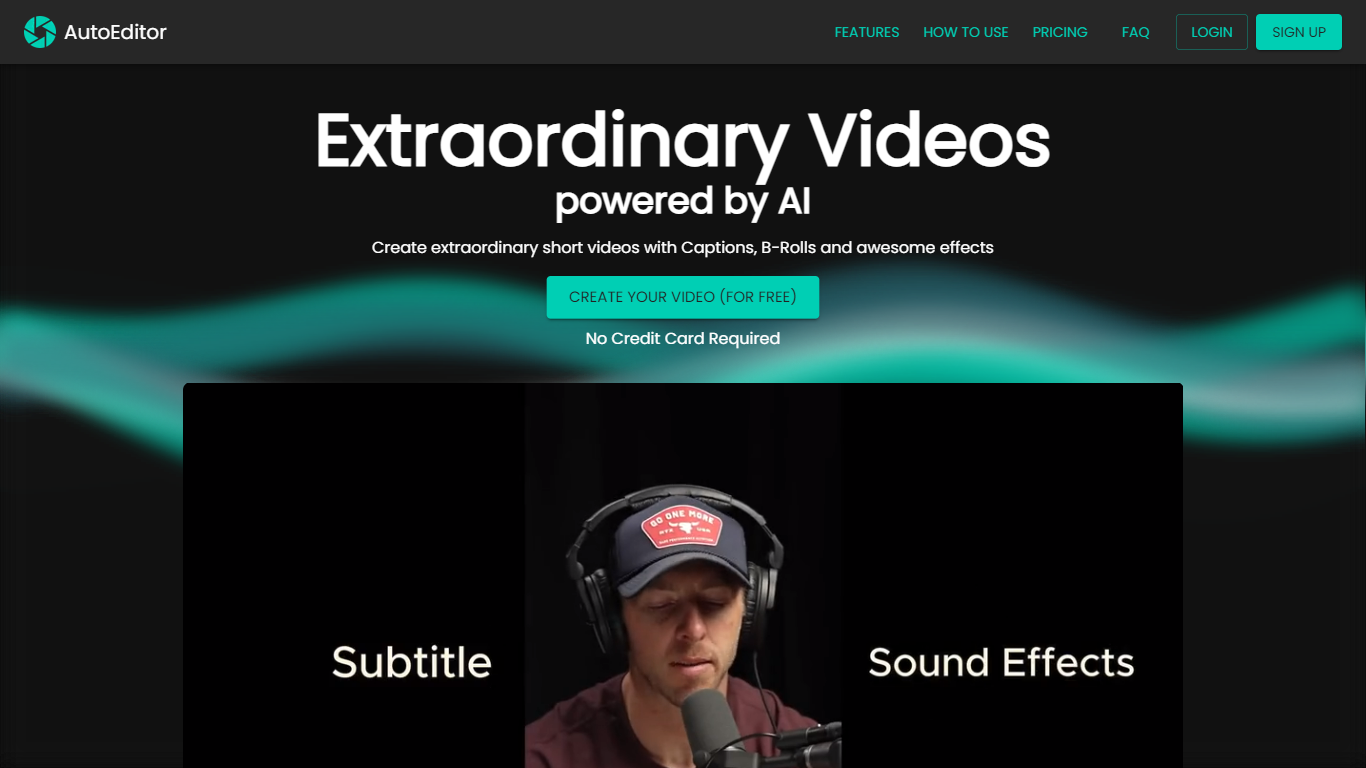
Autoclipper turns long podcasts, lives, and interviews into vertical clips sized for TikTok, Reels, and Shorts. You upload a long video or pull from a shared library of Brazilian creator content, and its AutoClip AI model scores moments for virality, reframes faces into 9:16, and adds animated captions before export.
Where most clip tools stop at a single creator workflow, Autoclipper also runs a clipper economy. The Clippers community gives clippers licensed footage from 2,000+ channels, and Clip & Pix lets them monetize clips they make. Creators get scale without hiring editors; clippers get raw material without hunting downloads.
Podcast hosts, live streamers, and social teams who publish daily shorts will get the most from it. The free tier caps you at 5 exports per month with a watermark, so heavy publishers will want a paid plan for unlimited clips and saved brand presets.
AutoClip AI scores each moment from 0 to 100 and pulls up to 15 clips per hour of video
Smart Reframe tracks faces and motion in real time for 9:16, 1:1, and 16:9 exports up to 1080p
Community library with 2,000+ Brazilian creators releasing content cleared for clipping
Save up to 5 custom subtitle layouts with fonts, colors, logo, and intro or outro presets
Copilot Pro editor for frame-by-frame cuts, b-roll layers, and audio reduction after AI draft
Share finished clips via short link or QR code without downloading files first
Scores each clip 0 to 100 so you review the strongest moments first
Community library removes the hunt for clip-worthy source footage
Exports 9:16, 1:1, and 16:9 with saved brand presets in one click
Free tier needs no credit card to test the full clipping workflow
Copilot Pro covers frame-level edits when the AI draft is close but not perfect
Free plan limits exports to 5 clips per month with a watermark
Processing caps range from 1 hour free to 20 hours on Pro+
Community library and creator network focus heavily on Brazilian content
Projects expire after 7 days on the free plan
Is Autoclipper free to use?
Autoclipper offers a free plan with 1 hour of processing, 5 clip exports per month, and a watermark. Paid plans from $9.99 per month remove the watermark and unlock unlimited exports.
How many clips does Autoclipper generate per video?
Autoclipper's AutoClip AI can produce up to 15 clips from each hour of source video. Each clip gets a virality score from 0 to 100 based on pacing, emotion, audio peaks, and hook strength.
What export formats does Autoclipper support?
Autoclipper exports vertical clips up to 1080p in 9:16, 1:1, and 16:9 aspect ratios. Animated word-by-word captions and your saved brand preset apply to every export.
Can clippers find videos on Autoclipper without uploading?
Yes. Autoclipper's community library gives clippers access to podcasts, lives, and interviews from 2,000+ creators who released content for clipping. Clippers can also monetize through the Clip & Pix program.
What languages does Autoclipper support?
Autoclipper supports Portuguese, English, Spanish, and other languages for transcription and captions. The site interface is available in Portuguese and English.
How long does Autoclipper keep projects?
Autoclipper keeps projects and clips for 7 days on the free plan and 30 days on paid Starter, Plus, and Pro+ plans. Canceling a subscription leaves projects available for up to 30 days before removal.