
Last updated 07-25-2026
Category:
Reviews:
Join thousands of AI enthusiasts in the World of AI!
Blocks
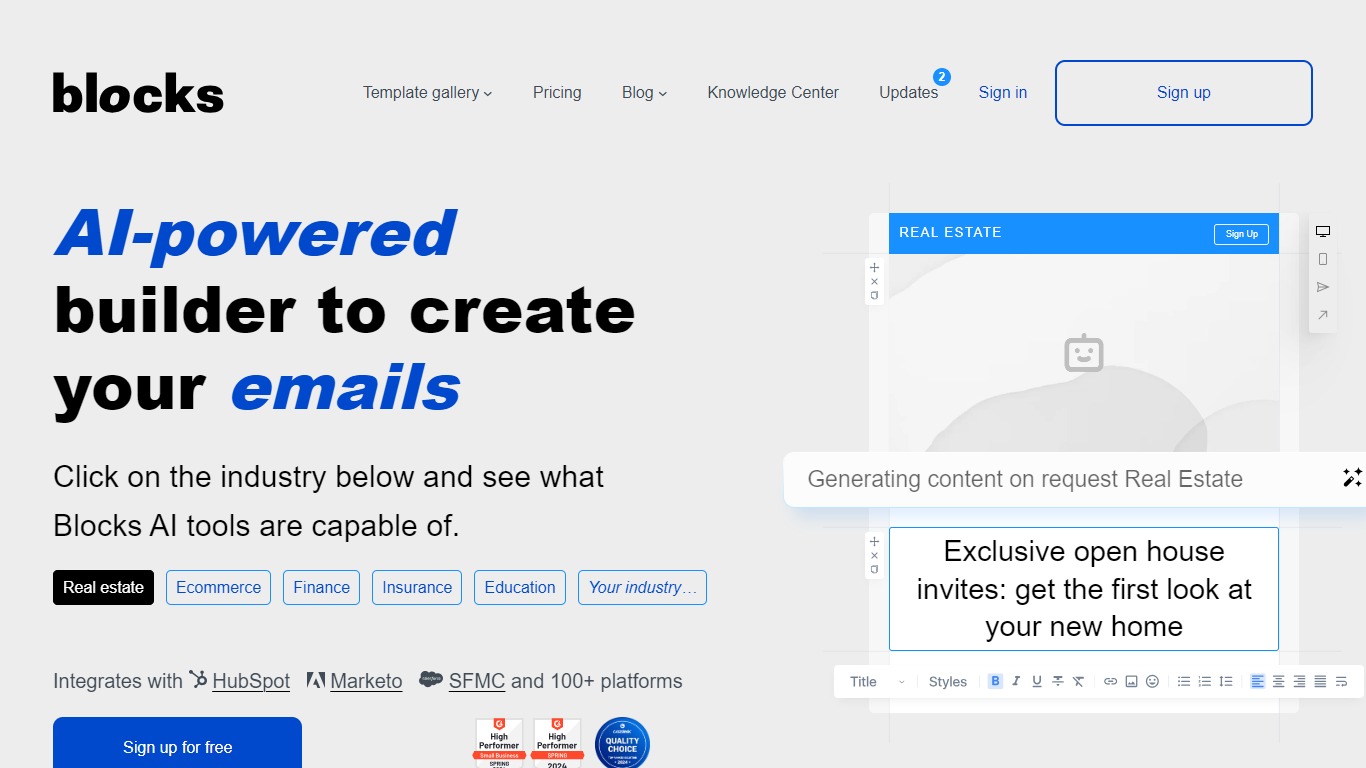
Blocks is a no-code email builder for teams that need responsive HTML emails without writing code by hand. You design in a drag-and-drop editor, reuse saved blocks, and export finished templates to your ESP or marketing automation platform.
The platform includes an AI text assistant and image editor, mobile-friendly responsive output, and a large template gallery organized by industry, event, and email type. Blocks integrates with HubSpot, Marketo, Salesforce, Mailchimp, Klaviyo, and dozens of other platforms.
Teams can collaborate inside projects with role-based access, send test emails, and migrate templates from Stripo, BEE Free, Unlayer, and other builders. A free plan lets you try the editor before upgrading to paid seats with higher template limits.
Drag-and-drop email editor with reusable blocks and structures
AI text assistant and image editor built into the builder
Export HTML to HubSpot, Marketo, Mailchimp, Klaviyo, and 50+ platforms
Large template gallery sorted by industry, event, and campaign type
Team projects with roles, test sends, and mobile-responsive output
Free plan lets you test the editor without a credit card.
Exports to a wide range of ESPs and marketing platforms.
Reusable blocks and a large template gallery speed up production.
Blocks does not send campaigns directly; you still need an ESP for delivery.
English is the only interface language listed today.
What is Blocks?
Blocks is a no-code email builder that lets you create responsive HTML emails in a visual editor, save reusable blocks, and export templates to your ESP.
Do I need to know HTML to use Blocks?
No. Blocks is designed for non-technical users, though a code mode is available on higher plans for teams that want direct HTML control.
Can I export emails from Blocks to my ESP?
Yes. Blocks exports HTML that works with any ESP supporting HTML, including HubSpot, Marketo, Salesforce, Mailchimp, and Klaviyo.
How much does Blocks cost?
Blocks offers a free plan at $0 per month, Personal at $20 per month, Advanced at $45 per month, and Pro at $95 per month when billed monthly.
Can multiple people work on the same project?
Yes. Blocks supports team projects with multiple users and role-based access levels on paid plans.