
Last updated 08-12-2026
Category:
Reviews:
Join thousands of AI enthusiasts in the World of AI!
Caricature Maker By Media.io
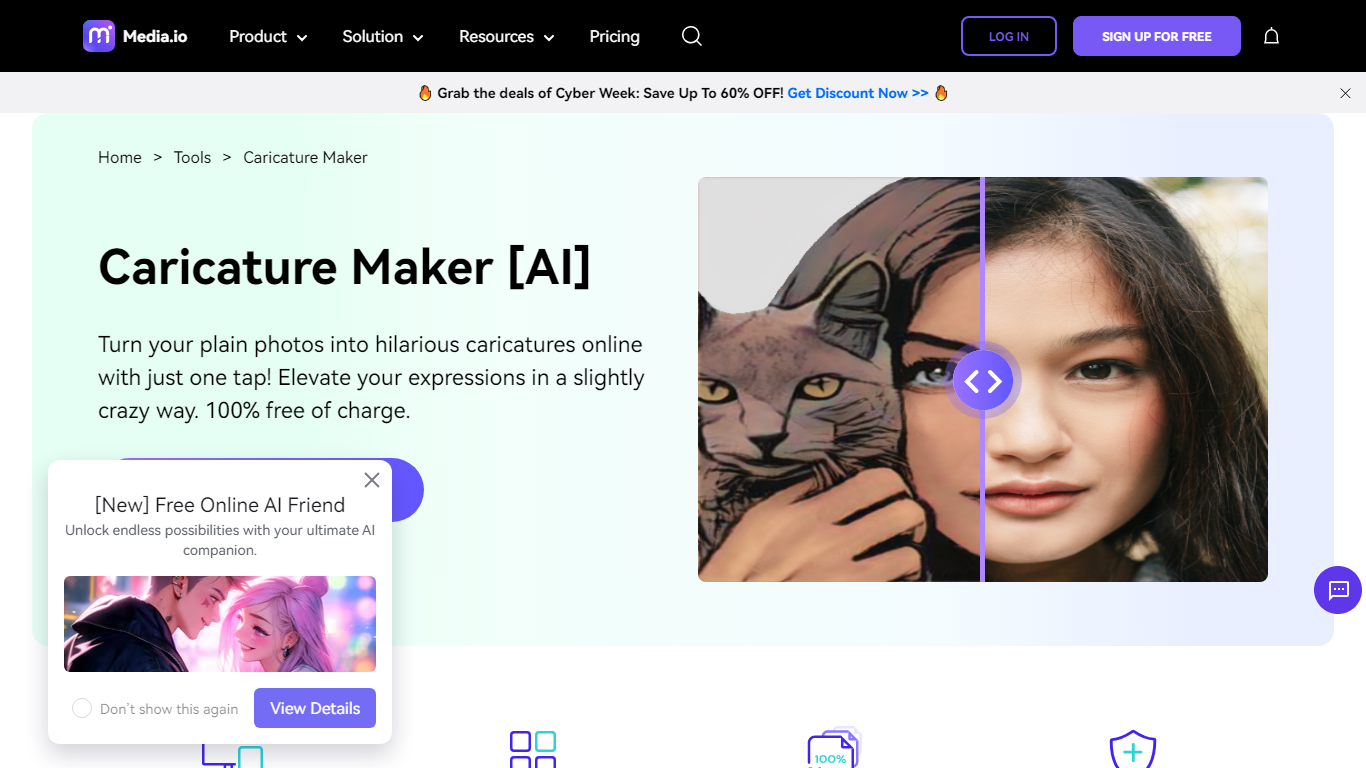
Upload a portrait to Caricature Maker By Media.io and get an exaggerated cartoon caricature back in your browser. Drag in a photo, pick a comic style, and download the result without installing desktop software. The page is a focused caricature maker inside Media.io's larger online image toolkit, not a full manual editor with brush layers.
Most cartoon avatar apps lean on preset filters with little style variety. Media.io lists American comic, cartoon, Kawaii, and sketch looks on the same caricature page, plus separate job and wedding caricature flows linked from the landing page. The trade-off is scope: you get fast stylized portraits, not a layered Photoshop-style editor with brush tools.
The caricature maker targets anyone who wants a funny avatar or gift image without drawing skills. Social media users, party hosts, and pet owners upload jpg, png, jpeg, webp, gif, or heic files up to 4000 by 4000 pixels and share the output for avatars, cards, or stickers.
Accepts jpg, png, jpeg, webp, gif, and heic uploads up to 4000 by 4000 pixels
American comic, cartoon, Kawaii, and sketch caricature styles on one page
Face recognition maps portraits before applying exaggerated cartoon effects in seconds
Browser tool runs on Windows, Mac, Linux, Android, and iOS without an app install
Uploaded images are removed within 24 hours under SSL (HTTPS) protection
Linked flows for job caricatures and wedding caricature art from the same site
No install required because the caricature maker runs entirely in the browser
Multiple comic styles including Kawaii and sketch on a single free page
Supports six common image formats with a clear 4000 by 4000 pixel limit
24-hour image deletion policy with SSL encryption for uploads
Works across desktop and mobile browsers on major operating systems
Caricature output depends on portrait face detection, so group or side-angle shots may fail
No native mobile app, only browser access on phones and tablets
Broader Media.io cloud storage keeps generated results only 7 days unless downloaded
Style control is preset filters, not manual brush or layer editing
Is Caricature Maker By Media.io free?
Yes. The Caricature Maker By Media.io landing page states the caricature tool is 100% free of charge. You can upload a photo, apply a comic style, and download results without paying on that page.
What image formats does Caricature Maker By Media.io accept?
Caricature Maker By Media.io supports jpg, png, jpeg, webp, gif, and heic uploads. Each file must be 4000 by 4000 pixels or smaller before you generate a caricature.
Which caricature styles can I pick on Media.io?
Caricature Maker By Media.io offers American comic, cartoon, Kawaii, and sketch styles. You upload a portrait, choose a look, hit Apply, and the site renders the caricature in seconds.
Can I use Caricature Maker By Media.io on my phone?
Yes. Caricature Maker By Media.io runs in mobile browsers on iPhone and Android. Open the site, add your photo, pick a style, and let the tool generate the caricature without a separate app.
How does Media.io handle uploaded photos?
Caricature Maker By Media.io uses SSL (HTTPS) and deletes uploaded images within 24 hours after use. That gives you time to download your caricature while limiting how long files stay on their servers.
Does Caricature Maker By Media.io need Photoshop skills?
No. Caricature Maker By Media.io uses face recognition to map facial features and apply cartoon effects automatically. You upload a photo and select a style instead of editing layers manually.