
Last updated 07-26-2026
Category:
Reviews:
Join thousands of AI enthusiasts in the World of AI!
Clawdbot
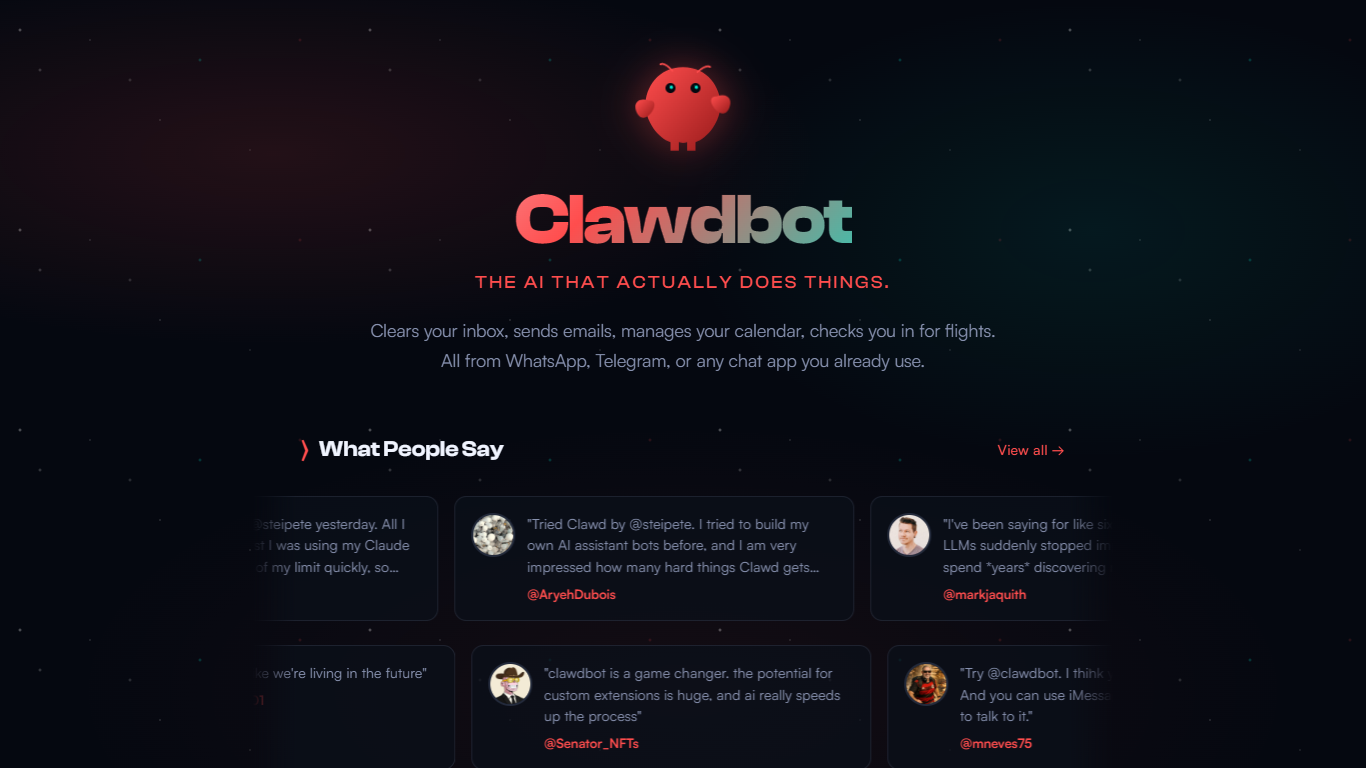
Clawdbot is a personal AI assistant that automates daily tasks by integrating with popular chat platforms like WhatsApp, Telegram, Discord, Slack, and iMessage. It runs locally on your machine or cloud instances, giving you full control over your data and privacy. The assistant can manage emails, calendars, flight check-ins, and more, all through simple chat interactions.
Designed for individuals, teams, and companies, Clawdbot supports persistent memory and context retention, allowing it to remember preferences and ongoing projects across sessions. It offers multi-agent workflows and background task automation, making it proactive in managing your digital life.
The tool is highly extensible with community-built skills and plugins, and it can even write and update its own code to improve functionality. It supports full system access, including file operations and shell commands, with options for sandboxing to maintain security.
Clawdbot integrates with various AI models such as Claude and GPT, enabling autonomous coding, error detection, and pull request management. It also features browser control to interact with websites, fill forms, and extract data.
Installation is straightforward with a one-liner script that works across macOS, Linux, and Windows, including native support on Windows via Microsoft Execution Containers for enhanced security. Companion apps provide native controls for setup and chat.
The project is open source and community-driven, backed by the OpenClaw Foundation, and has a rapidly growing ecosystem. It emphasizes user sovereignty by running on your infrastructure rather than centralized cloud services.
Overall, Clawdbot offers a powerful, customizable AI assistant experience that acts as a personal operating system, helping users automate, organize, and enhance productivity through natural chat interfaces.
🤖 Multi-platform chat integration: Use Clawdbot on WhatsApp, Telegram, Discord, Slack, and more for easy access.
🧠 Persistent memory: Remembers your preferences and projects across conversations for continuity.
🔧 Extensible skills: Add or build custom plugins and skills to tailor the assistant to your needs.
💻 Full system control: Run shell commands, manage files, and automate scripts securely.
🌐 Browser automation: Navigate websites, fill forms, and extract data directly through chat.
Runs locally or in the cloud, ensuring data privacy and control.
Supports multi-agent workflows and background task automation.
Highly extensible with community-driven skills and plugins.
Integrates with multiple AI models for advanced autonomous tasks.
Cross-platform support with native Windows container security.
Requires some technical setup and familiarity with command line tools.
May have a learning curve for non-technical users to customize skills.
Can I run Clawdbot on my own computer?
Yes, Clawdbot is designed to run locally on macOS, Linux, and Windows, giving you full control over your data.
Which chat platforms does Clawdbot support?
Clawdbot works with WhatsApp, Telegram, Discord, Slack, iMessage, Signal, and over 29 other chat channels.
How does Clawdbot remember my preferences and tasks?
It uses persistent memory to retain context and preferences across conversations and sessions.
Is Clawdbot open source and customizable?
Yes, it is open source and supports building or installing custom skills and plugins to extend its capabilities.
Can Clawdbot automate coding tasks?
Yes, it integrates with AI models like Claude and GPT to autonomously manage coding, testing, and pull requests.
Is there a mobile app for Clawdbot?
Native iOS and Android apps are available, allowing chat and remote action approvals paired with your own gateway.
How secure is Clawdbot on Windows?
On Windows, Clawdbot runs inside Microsoft Execution Containers, providing sandboxed and secure operation.