
Last updated 07-21-2026
Category:
Reviews:
Join thousands of AI enthusiasts in the World of AI!
Coloring Pages AI
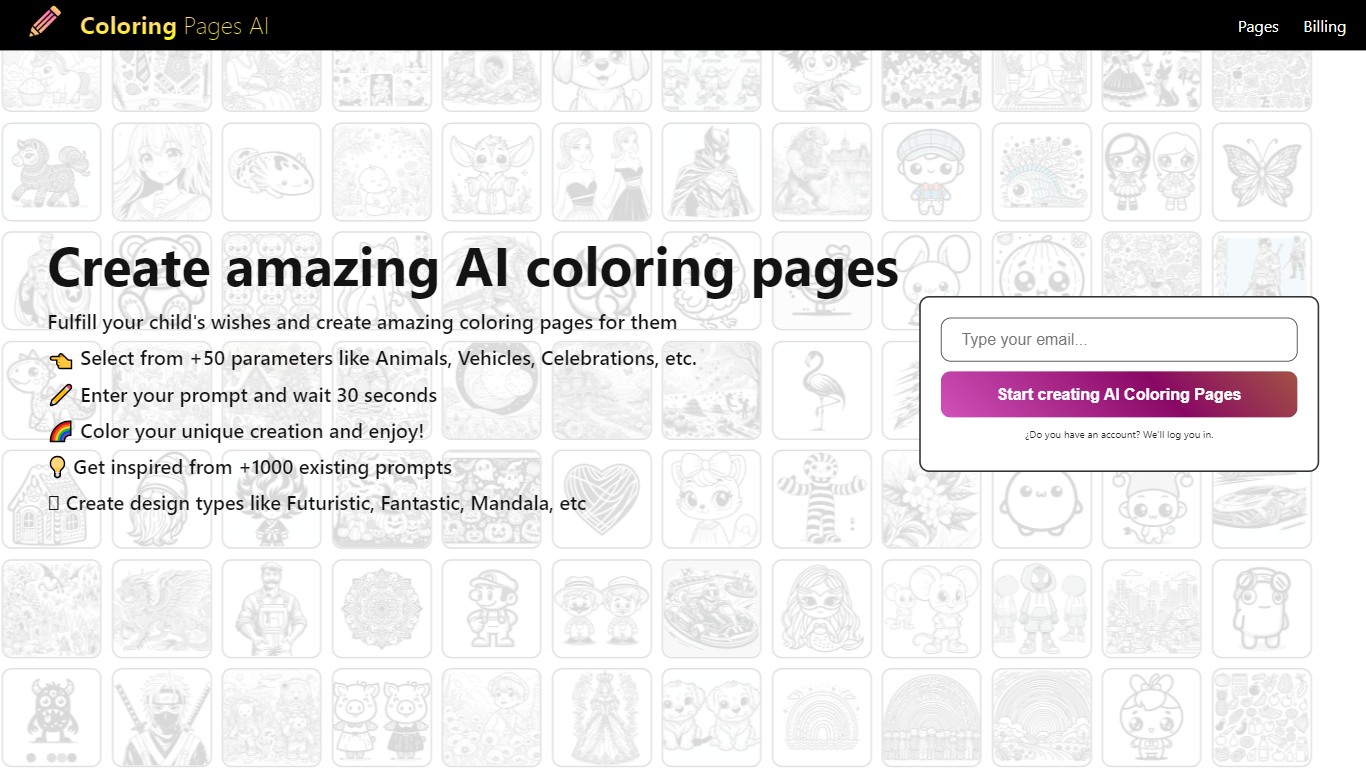
Coloring Pages AI turns any text idea into a clean, printable black-and-white coloring page in seconds. Type a prompt like a unicorn on the moon or a birthday dinosaur, pick a size, and the site generates line art ready to print at home. Your first page is free with no account required.
Beyond text prompts, the platform converts uploaded photos into coloring pages, lets you refine results in a browser-based canvas editor, and bundles pages into downloadable PDF books. You can also export SVG vectors for sharper professional printing and browse a public gallery with thousands of community designs across dozens of categories.
The product is built and operated by Brothers IT, a software company based in Sakarya, Turkey. It targets parents, teachers, therapists, and hobby creators who need custom coloring sheets without design skills.
Type any idea and get a print-ready coloring page in seconds
Convert uploaded photos into clean black-and-white line art
Your first coloring page is free with no account needed
Refine layouts in an in-browser canvas editor with crop and text tools
Bundle multiple pages into downloadable PDF coloring books
Export SVG vectors for sharp lines at any print size
Your first coloring page is free without creating an account.
Photo-to-coloring-page conversion is available on paid plans.
Includes PDF book creation, SVG export, and an in-browser canvas editor.
The free plan is limited to 10 images at 512x512 resolution.
Advanced tools like SVG export and PDF books require a paid subscription.
No dedicated mobile app is listed on the website.
Is Coloring Pages AI free to use?
Yes. Coloring Pages AI lets you generate your first coloring page for free without creating an account. The Free plan includes 10 images at 512x512 resolution, and paid plans start at $9.99 per month for more credits and larger sizes.
Can I print coloring pages from Coloring Pages AI?
Yes. Coloring Pages AI generates print-ready black-and-white line art designed for home printers. After saving a page, you can print it on standard paper sizes, and paid plans support larger 1024x1024 exports.
Does Coloring Pages AI convert photos to coloring pages?
Yes. Coloring Pages AI includes photo-to-coloring-page conversion on paid plans. Upload a portrait, pet photo, or other image and the tool turns it into clean line art suitable for coloring.
What image sizes does Coloring Pages AI support?
Coloring Pages AI supports 512x512 on the Free plan. Paid plans add 1024x1024 output for higher-resolution printing. You choose the size when generating a page.
Do I need an account to use Coloring Pages AI?
No. Coloring Pages AI lets you generate your first coloring page without signing up. Creating an account unlocks HD downloads, saved galleries, collections, and access to premium features on paid plans.
Can I use Coloring Pages AI for commercial projects?
Commercial use is included on the Pro monthly plan ($29/month), which offers 1,000 images per month and up to 4 images per request. Other plans are aimed at personal, classroom, and hobby use.
Does Coloring Pages AI have a mobile app?
No dedicated iOS or Android app is listed on the Coloring Pages AI website. The tool runs in a web browser on desktop and mobile devices.