16x Prompt vs Programming-Helper
Compare 16x Prompt vs Programming-Helper and see which AI Code Assistant tool is better when we compare features, reviews, pricing, alternatives, upvotes, etc.
Which one is better? 16x Prompt or Programming-Helper?
When we compare 16x Prompt with Programming-Helper, which are both AI-powered code assistant tools, 16x Prompt is the clear winner in terms of upvotes. 16x Prompt has 6 upvotes, and Programming-Helper has 3 upvotes.
Feeling rebellious? Cast your vote and shake things up!
16x Prompt
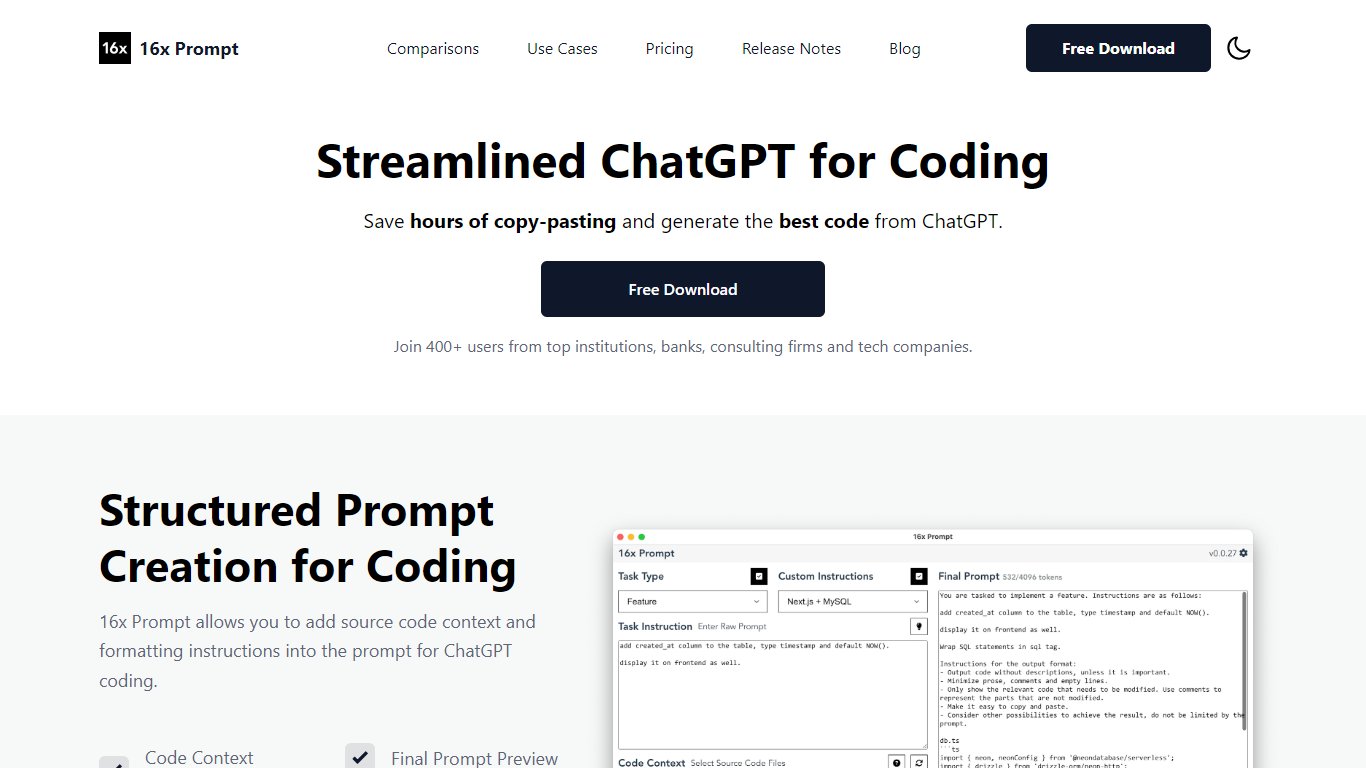

What is 16x Prompt ?
16x Prompt is a desktop app for developers who want more control over AI-assisted coding. You select source files, add task instructions and formatting rules, and the app assembles an optimized prompt with the right context for complex work on existing codebases.
You can copy the final prompt into ChatGPT, Claude, or any LLM, or send it directly through API integrations using your own keys. Supported providers include OpenAI, Anthropic Claude, Google Gemini, DeepSeek, OpenRouter, Ollama, and Azure OpenAI. The app also includes code edit mode with visual diffs, automatic backups, and side-by-side model comparison.
Prompt generation runs locally on your machine. Workspaces let you organize multiple repositories, save reusable task templates, and track token limits so prompts stay within model constraints. Available for macOS, Windows, and Linux.
Programming-Helper
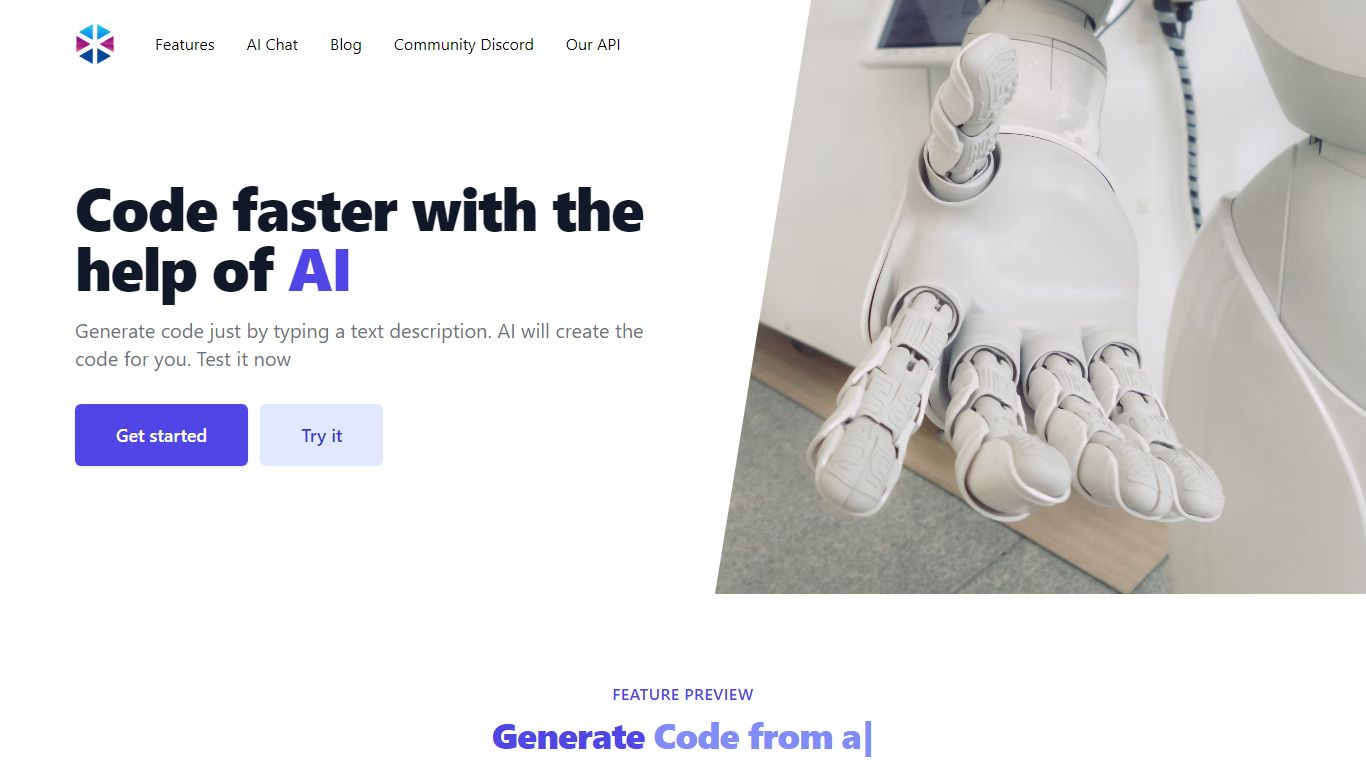
What is Programming-Helper?
Programming-Helper is a browser-based code assistant that turns plain-English prompts into functions, SQL, HTML, regex, Git commands, and more. You pick a task like generate function or text to SQL, describe what you need, and the site returns code you can copy, with community generations visible to other users.
Most code assistants chase one workflow, usually chat inside an IDE. Programming-Helper spreads dozens of narrow generators across a single site, from docstring-to-function and fix invalid code to Linux command lookup and time-complexity analysis. That breadth trades deep project context for quick one-off answers.
It fits students, indie developers, and analysts who need a specific snippet without opening a full IDE copilot. The newer AI Studio bundles the tools behind one interface with workflows, collaboration, and one-click exports for heavier use.
16x Prompt Upvotes
Programming-Helper Upvotes
16x Prompt Top Features
Select source files and task instructions to build structured coding prompts
Copy prompts to any LLM or send via BYOK API to OpenAI, Claude, Gemini, and more
Apply AI code edits with visual diffs, automatic backups, and rollback
Compare responses from different LLM models side by side
Save reusable task instructions and custom formatting rules per tech stack
Organize multiple repositories in workspaces with token limit tracking
Runs locally on macOS, Windows, and Linux with dark mode support
Programming-Helper Top Features
Generate functions from text descriptions across many programming languages
Text-to-SQL converts plain English into SQL commands
Translate code between programming languages from a description
Regex from description and regex-to-English explanation tools
Fix invalid code, add typing, and generate unit tests from existing code
AI Studio bundles all generators with workflows, collaboration, and one-click exports
16x Prompt Category
- Code Assistant
Programming-Helper Category
- Code Assistant
16x Prompt Pricing Type
- Freemium
Programming-Helper Pricing Type
- Freemium