16x Prompt vs Warp
Compare 16x Prompt vs Warp and see which AI Code Assistant tool is better when we compare features, reviews, pricing, alternatives, upvotes, etc.
Which one is better? 16x Prompt or Warp?
When we compare 16x Prompt with Warp, which are both AI-powered code assistant tools, The upvote count shows a clear preference for Warp. The upvote count for Warp is 8, and for 16x Prompt it's 6.
Don't agree with the result? Cast your vote and be a part of the decision-making process!
16x Prompt

What is 16x Prompt ?
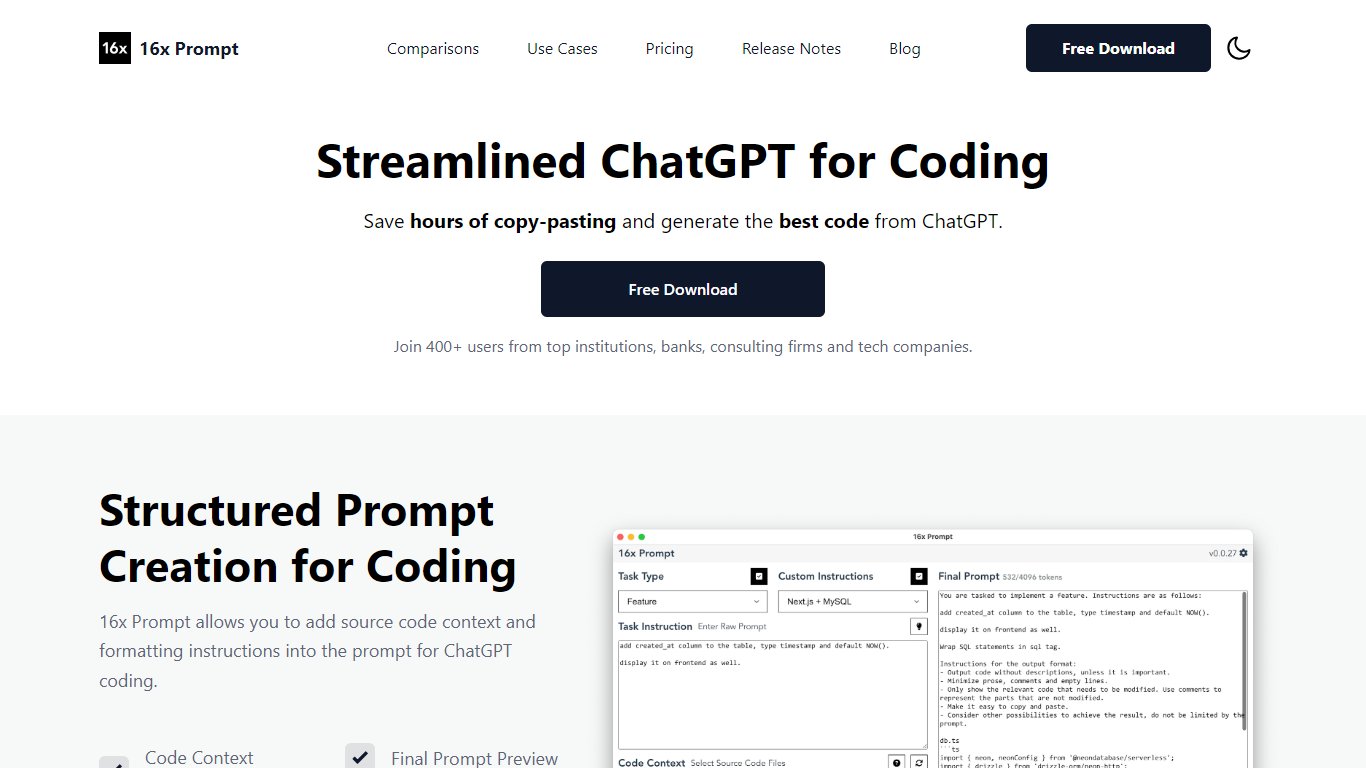
16x Prompt is a desktop app for developers who want more control over AI-assisted coding. You select source files, add task instructions and formatting rules, and the app assembles an optimized prompt with the right context for complex work on existing codebases.
You can copy the final prompt into ChatGPT, Claude, or any LLM, or send it directly through API integrations using your own keys. Supported providers include OpenAI, Anthropic Claude, Google Gemini, DeepSeek, OpenRouter, Ollama, and Azure OpenAI. The app also includes code edit mode with visual diffs, automatic backups, and side-by-side model comparison.
Prompt generation runs locally on your machine. Workspaces let you organize multiple repositories, save reusable task templates, and track token limits so prompts stay within model constraints. Available for macOS, Windows, and Linux.
Warp
What is Warp?
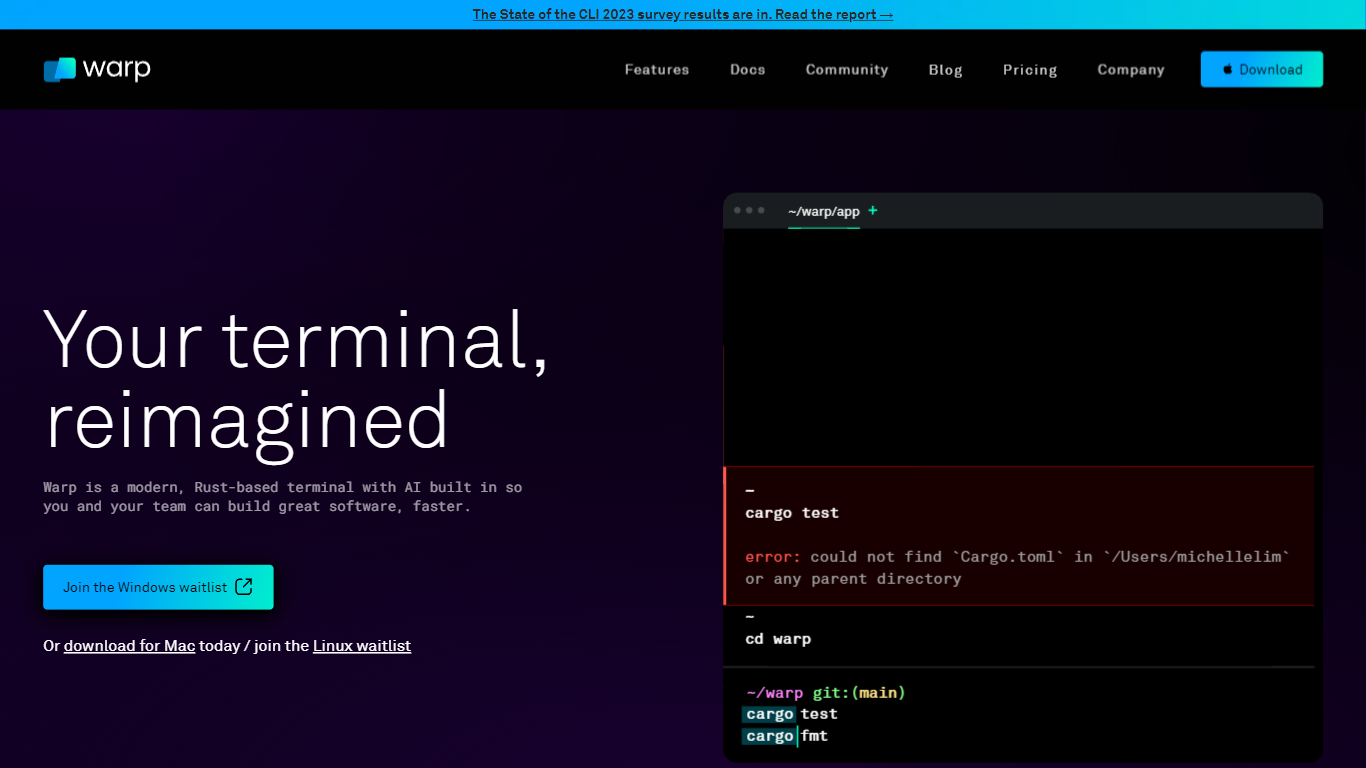
Warp is revolutionizing the terminal experience for developers worldwide. At its core, Warp is a modern, Rust-based terminal designed to enhance productivity, speed, and efficiency. With a built-in AI and knowledge-sharing tools, Warp offers smart autocompletions and intelligent command executions that significantly accelerate the development process.
In addition to its performance advantages, Warp prioritizes privacy and security, never collecting input or output data and ensuring any saved data is encrypted. The terminal's user interface is highly customizable with popular themes, and the modern text input editor provides a convenient and familiar IDE experience.
Leading developers have praised Warp for its exceptional features such as easy navigation, one-click output copying, and its ability to execute saved workflows on-demand. The terminal is not just about speed; it's about providing a seamless and smart development environment that resonates with today's technological demands. Warp is available for Mac, with a waitlist for Windows and Linux users, promising a future where all developers can benefit from its advanced features.
16x Prompt Upvotes
Warp Upvotes
16x Prompt Top Features
Select source files and task instructions to build structured coding prompts
Copy prompts to any LLM or send via BYOK API to OpenAI, Claude, Gemini, and more
Apply AI code edits with visual diffs, automatic backups, and rollback
Compare responses from different LLM models side by side
Save reusable task instructions and custom formatting rules per tech stack
Organize multiple repositories in workspaces with token limit tracking
Runs locally on macOS, Windows, and Linux with dark mode support
Warp Top Features
Smart Autocompletions: Utilize AI-powered tools and knowledge sharing for faster coding.
Modern Text Input Editor: Enjoy a coding experience akin to modern IDEs with advanced text editing.
Increased Efficiency: Speed through tasks with Rust-based performance optimized for quick command execution.
Privacy and Security First: Trust in a terminal that safeguards your data encrypting information at rest.
Customizable UI: Tailor Warp to your preferences with a selection of themes and visual customization options.
16x Prompt Category
- Code Assistant
Warp Category
- Code Assistant
16x Prompt Pricing Type
- Freemium
Warp Pricing Type
- Freemium