A.V. Mapping vs Pictory AI
In the contest of A.V. Mapping vs Pictory AI, which AI Video Generation tool is the champion? We evaluate pricing, alternatives, upvotes, features, reviews, and more.
If you had to choose between A.V. Mapping and Pictory AI, which one would you go for?
When we examine A.V. Mapping and Pictory AI, both of which are AI-enabled video generation tools, what unique characteristics do we discover? A.V. Mapping stands out as the clear frontrunner in terms of upvotes. A.V. Mapping has garnered 100 upvotes, and Pictory AI has garnered 41 upvotes.
Feeling rebellious? Cast your vote and shake things up!
A.V. Mapping

What is A.V. Mapping?
A.V. Mapping is a video music sync and licensing platform that matches licensed tracks and sound effects to your footage. Upload a video, photo, or reference music link, and the platform analyzes visual and audio cues to recommend music from its creator marketplace. You can preview matches, license tracks, and pay musicians in one workflow instead of hunting through stock libraries.
Where generic royalty-free sites make you scroll thousands of unrelated tracks, A.V. Mapping reads emotional metadata from each frame and pairs it with acoustic fingerprints from over 100,000 licensed songs. The site claims it can shrink a six-month licensing cycle to about eight seconds, and it routes payments directly to musicians rather than through multiple agency layers.
The platform suits video creators, filmmakers, and marketing teams who need cleared music fast, plus musicians who want distribution and licensing revenue. Chrome extension, Zapier, and API options extend the same matching engine into existing editing pipelines.
Pictory AI
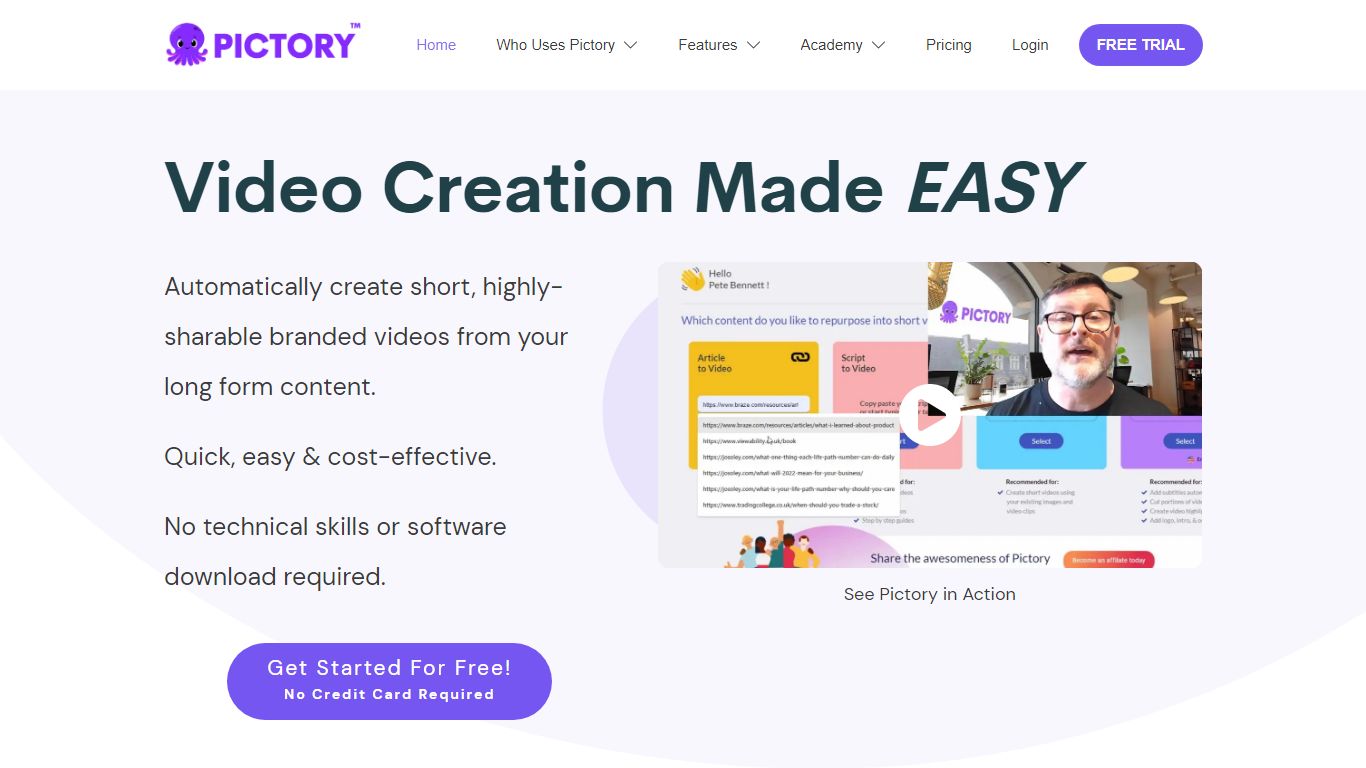
What is Pictory AI?
Pictory AI turns scripts, blog posts, PowerPoint decks, URLs, audio files, and screen recordings into finished marketing videos without a traditional timeline editor. You feed text or existing media into Pictory, and it builds scenes with stock footage, Gen AI visuals, automatic captions, realistic voices, and optional AI avatars ready for social or training channels.
Desktop editors expect you to hunt B-roll and manually chop long webinars into clips. Pictory automates structure, highlights key moments from long recordings, and resizes exports for multiple platforms, which is why teams use it to repurpose Zoom calls and articles instead of rebuilding each cut by hand.
Marketers, course creators, and enterprise video teams adopt Pictory to ship more video from content they already own. The homepage advertises a 14-day free trial with no credit card required and plans that start at $25 per month on annual billing.
A.V. Mapping Upvotes
Pictory AI Upvotes
A.V. Mapping Top Features
Upload video up to 50MB per file on the free General plan and re-run analysis until the match fits
Three matching algorithms: Sonnet for emotion and text, Sonata for image analysis, Mosaic for reference-music similarity
VIP plan includes 100,000+ exclusive tracks with WAV 96kHz and multi-track export
Chrome extension and Zapier integration trigger analysis from copied text, uploads, or new YouTube playlist videos
Output options include rendered video, mixed audio, and .xml files for Final Cut Pro, Premiere, DaVinci Resolve, and similar editors
Noise reduction processing handles up to 10,000 minutes of audio in under 15 minutes per the product FAQ
Pictory AI Top Features
14-day free trial includes 3 video project exports on pictory.ai
Starter plan is $25 per month billed annually with 2,400 video minutes per year
Professional plan adds custom avatars and voice cloning at $35 per month annually
Library includes 5 million Getty Images and Storyblocks clips on Starter
Rated 4.7 out of 5 on G2 according to the Pictory homepage
A.V. Mapping Category
- Video Generation
Pictory AI Category
- Video Generation
A.V. Mapping Pricing Type
- Freemium
Pictory AI Pricing Type
- Freemium