AI Art Generator, Image-Maker vs Adobe Firefly
When comparing AI Art Generator, Image-Maker vs Adobe Firefly, which AI Image Generation tool shines brighter? We look at pricing, alternatives, upvotes, features, reviews, and more.
In a comparison between AI Art Generator, Image-Maker and Adobe Firefly, which one comes out on top?
When we put AI Art Generator, Image-Maker and Adobe Firefly side by side, both being AI-powered image generation tools, The users have made their preference clear, Adobe Firefly leads in upvotes. Adobe Firefly has attracted 7 upvotes from aitools.fyi users, and AI Art Generator, Image-Maker has attracted 6 upvotes.
Feeling rebellious? Cast your vote and shake things up!
AI Art Generator, Image-Maker
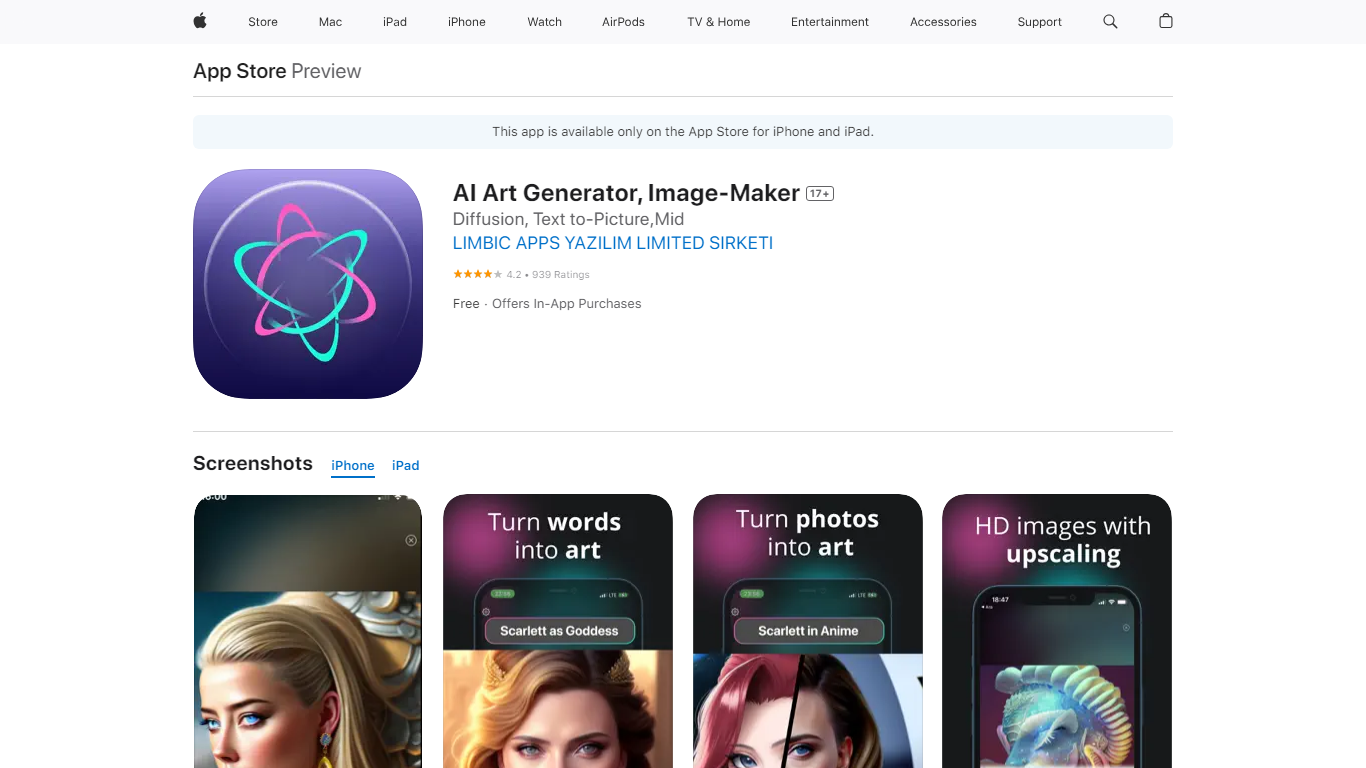

What is AI Art Generator, Image-Maker?
AI Art Generator, Image-Maker turns text prompts into shareable artwork on iPhone and iPad using models such as DALL·E, Stable Diffusion, and Flux. The App Store listing brands it as Video-Art-X and highlights text-to-art, AI selfies, image-to-image edits, inpainting, and HD upscaling.
Mobile art apps often lock you into one style preset. This one exposes multiple named models like Realistic Vision, Stable Diffusion XL, DreamShaper, Deliberate 2, and anime-focused checkpoints, so you can swap aesthetics without leaving the app.
Hobbyist creators and social media posters use it to draft surreal, vaporwave, or cyberpunk looks, then upscale results for sharing. It requires iOS 15 or later, ships free with in-app purchases, and is rated 4.1 stars across about 1.7K App Store reviews.
Adobe Firefly
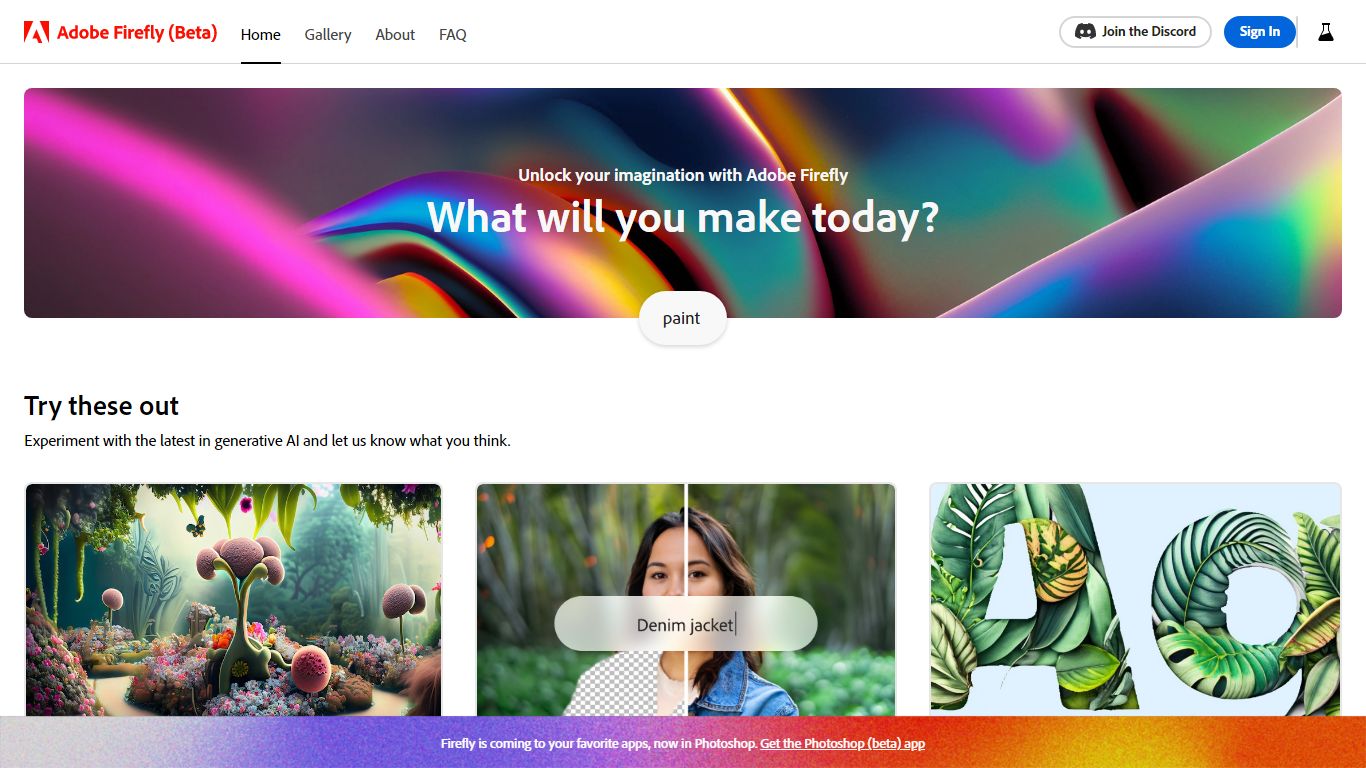
What is Adobe Firefly?
Adobe Firefly generates images, video, audio, and edits from text prompts inside one browser-based creative studio. The homepage lists 30+ models spanning Adobe's commercially safe Firefly Image 5 line and partner models like GPT Image, Gemini, FLUX, and Runway Gen-4, with workflows for generative fill, image expansion, video from image, speech, music, and Boards collaboration.
Standalone image generators rarely ship video, audio, and timeline editing in the same UI. Firefly bundles image editor quick actions, Quick Cut video assembly, Firefly Boards for guided remix workflows, and a Timeline view so marketers and designers stay in one Adobe surface instead of exporting between tools.
Creative teams use it for social assets, product mockups, and short video clips, while photographers lean on remove-object, upscale, and generative expand tools. Adobe-trained models are labeled commercially safe for business use, with partner models clearly marked as third-party options.
AI Art Generator, Image-Maker Upvotes
Adobe Firefly Upvotes
AI Art Generator, Image-Maker Top Features
Text-to-image generation using DALL·E, Stable Diffusion, and Flux model families
AI Selfie Generator turns portraits into stylized artwork
Image-to-image and inpainting tools for partial edits
HD upscaling for sharper exports
Style presets spanning surrealism, vaporwave, cyberpunk, and anime models
180.5 MB download size with iOS 15+ and iPad support
In-app credit packs and weekly or annual subscriptions listed on the App Store
Adobe Firefly Top Features
30+ AI models including Firefly Image 5 and partner models like FLUX and Gemini
Text-to-image, image-to-video, speech, music, and sound effect generation
Generative fill, expand image, remove object, and upscale quick actions
Firefly Boards and Timeline for collaborative remix and video workflows
Adobe models labeled commercially safe for business content
Promo offers 30% off annual plans with unlimited generations
AI Art Generator, Image-Maker Category
- Image Generation
Adobe Firefly Category
- Image Generation
AI Art Generator, Image-Maker Pricing Type
- Freemium
Adobe Firefly Pricing Type
- Freemium