AI Art Generator, Image-Maker vs AI2image
In the contest of AI Art Generator, Image-Maker vs AI2image, which AI Image Generation tool is the champion? We evaluate pricing, alternatives, upvotes, features, reviews, and more.
If you had to choose between AI Art Generator, Image-Maker and AI2image, which one would you go for?
When we examine AI Art Generator, Image-Maker and AI2image, both of which are AI-enabled image generation tools, what unique characteristics do we discover? Both tools are equally favored, as indicated by the identical upvote count. The power is in your hands! Cast your vote and have a say in deciding the winner.
Does the result make you go "hmm"? Cast your vote and turn that frown upside down!
AI Art Generator, Image-Maker
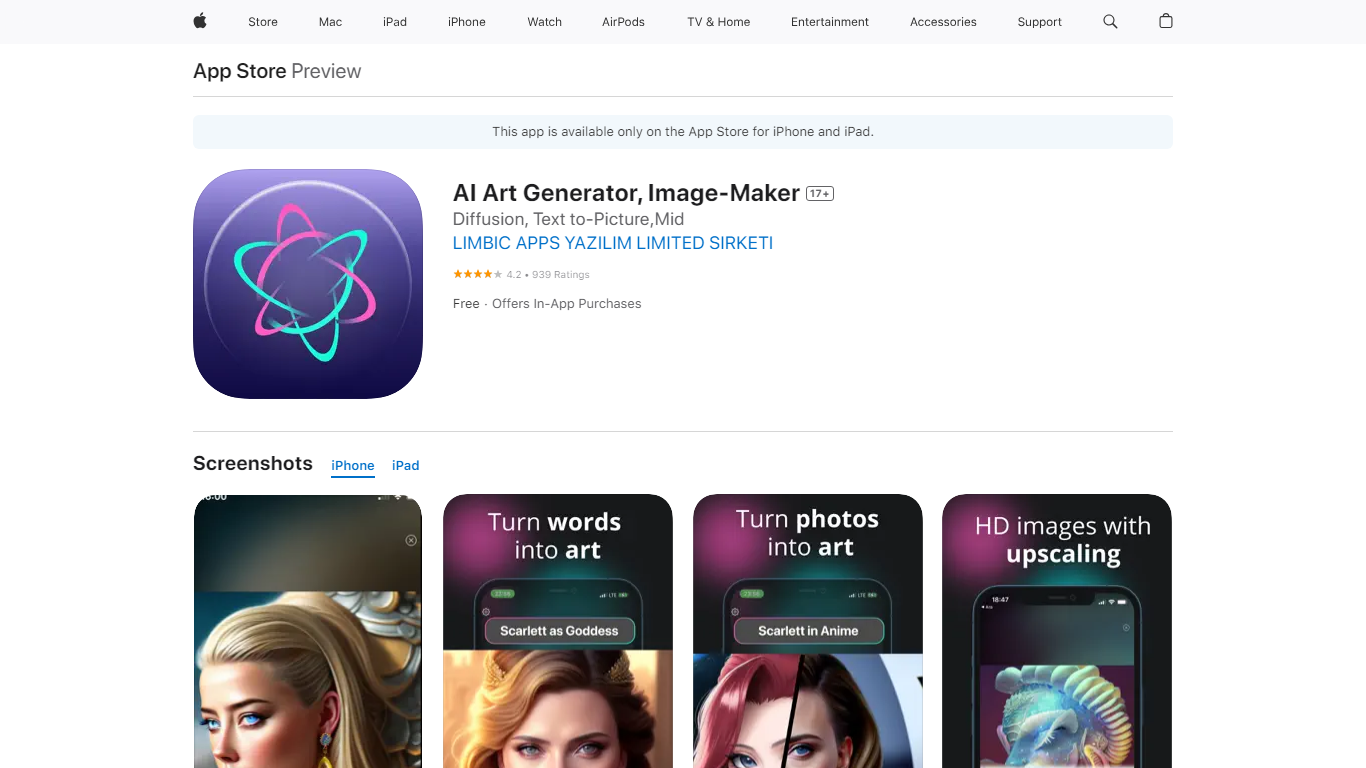

What is AI Art Generator, Image-Maker?
AI Art Generator, Image-Maker turns text prompts into shareable artwork on iPhone and iPad using models such as DALL·E, Stable Diffusion, and Flux. The App Store listing brands it as Video-Art-X and highlights text-to-art, AI selfies, image-to-image edits, inpainting, and HD upscaling.
Mobile art apps often lock you into one style preset. This one exposes multiple named models like Realistic Vision, Stable Diffusion XL, DreamShaper, Deliberate 2, and anime-focused checkpoints, so you can swap aesthetics without leaving the app.
Hobbyist creators and social media posters use it to draft surreal, vaporwave, or cyberpunk looks, then upscale results for sharing. It requires iOS 15 or later, ships free with in-app purchases, and is rated 4.1 stars across about 1.7K App Store reviews.
AI2image
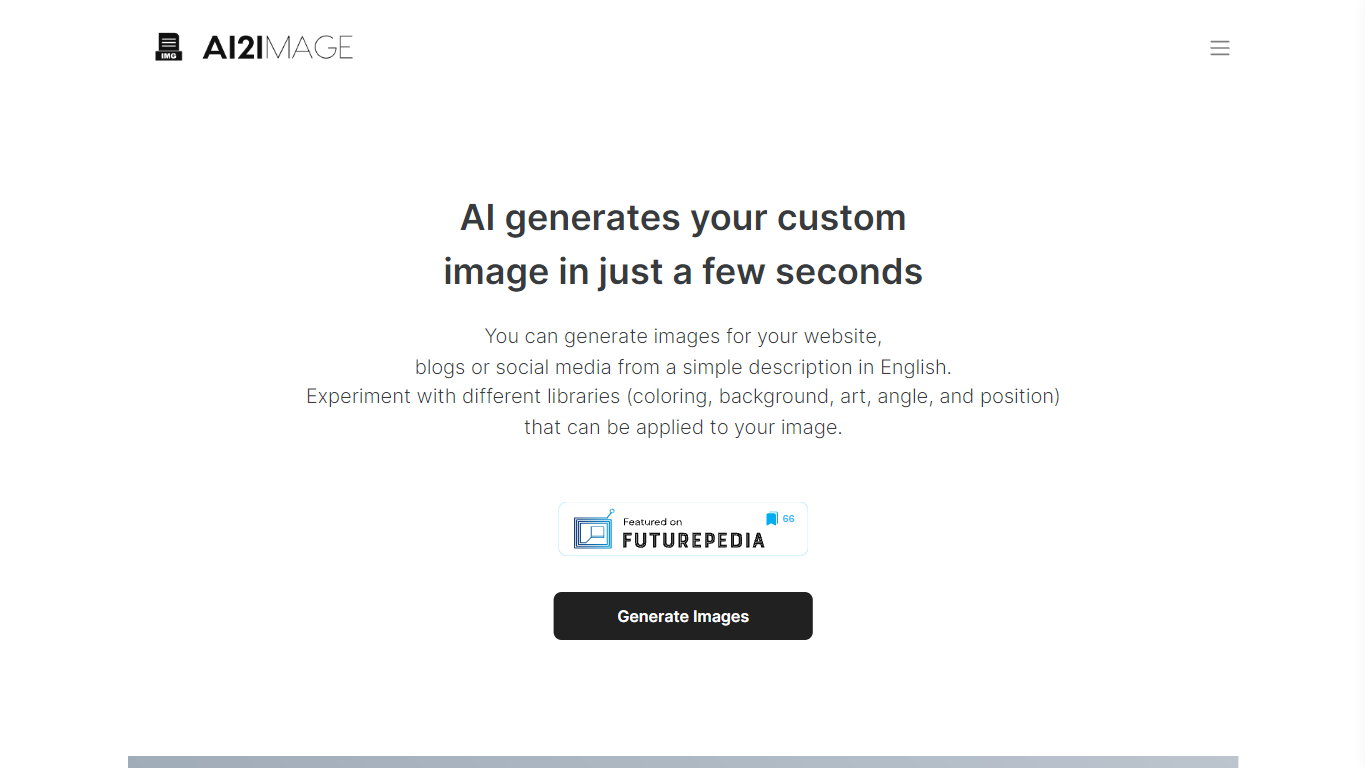
What is AI2image?
AI2image turns text prompts into images across 12 art styles, from Studio Ghibli scenes to photorealistic product shots. You type a description on the web or iOS app and get results in seconds using OpenAI image models.
Unlike single-style generators, AI2image bundles Ghibli, anime, oil painting, pixel art, cyberpunk, and logo presets behind one prompt box with square, landscape, and portrait sizes for social posts. Credits sync between ai2image.com and the mobile app, so you can start on web and finish on iPhone.
AI2image fits content creators, social media managers, and hobbyists who want quick visuals without design software. The homepage says 500+ creators use it, and the iOS app sells credit packs from $5.99 for 10 images or subscription access for unlimited generations.
AI Art Generator, Image-Maker Upvotes
AI2image Upvotes
AI Art Generator, Image-Maker Top Features
Text-to-image generation using DALL·E, Stable Diffusion, and Flux model families
AI Selfie Generator turns portraits into stylized artwork
Image-to-image and inpainting tools for partial edits
HD upscaling for sharper exports
Style presets spanning surrealism, vaporwave, cyberpunk, and anime models
180.5 MB download size with iOS 15+ and iPad support
In-app credit packs and weekly or annual subscriptions listed on the App Store
AI2image Top Features
12+ art styles including Studio Ghibli, anime, oil painting, and pixel art
Text-to-image generation powered by OpenAI image models
Square, landscape, and portrait sizes for Instagram, TikTok, and YouTube
Credits sync between ai2image.com and the iOS app
iOS credit packs from $5.99 for 10 images or subscription for unlimited
AI Art Generator, Image-Maker Category
- Image Generation
AI2image Category
- Image Generation
AI Art Generator, Image-Maker Pricing Type
- Freemium
AI2image Pricing Type
- Freemium