AI Art Generator, Image-Maker vs BannerGPT
Explore the showdown between AI Art Generator, Image-Maker vs BannerGPT and find out which AI Image Generation tool wins. We analyze upvotes, features, reviews, pricing, alternatives, and more.
In a face-off between AI Art Generator, Image-Maker and BannerGPT, which one takes the crown?
When we contrast AI Art Generator, Image-Maker with BannerGPT, both of which are exceptional AI-operated image generation tools, and place them side by side, we can spot several crucial similarities and divergences. The upvote count is neck and neck for both AI Art Generator, Image-Maker and BannerGPT. Join the aitools.fyi users in deciding the winner by casting your vote.
Want to flip the script? Upvote your favorite tool and change the game!
AI Art Generator, Image-Maker
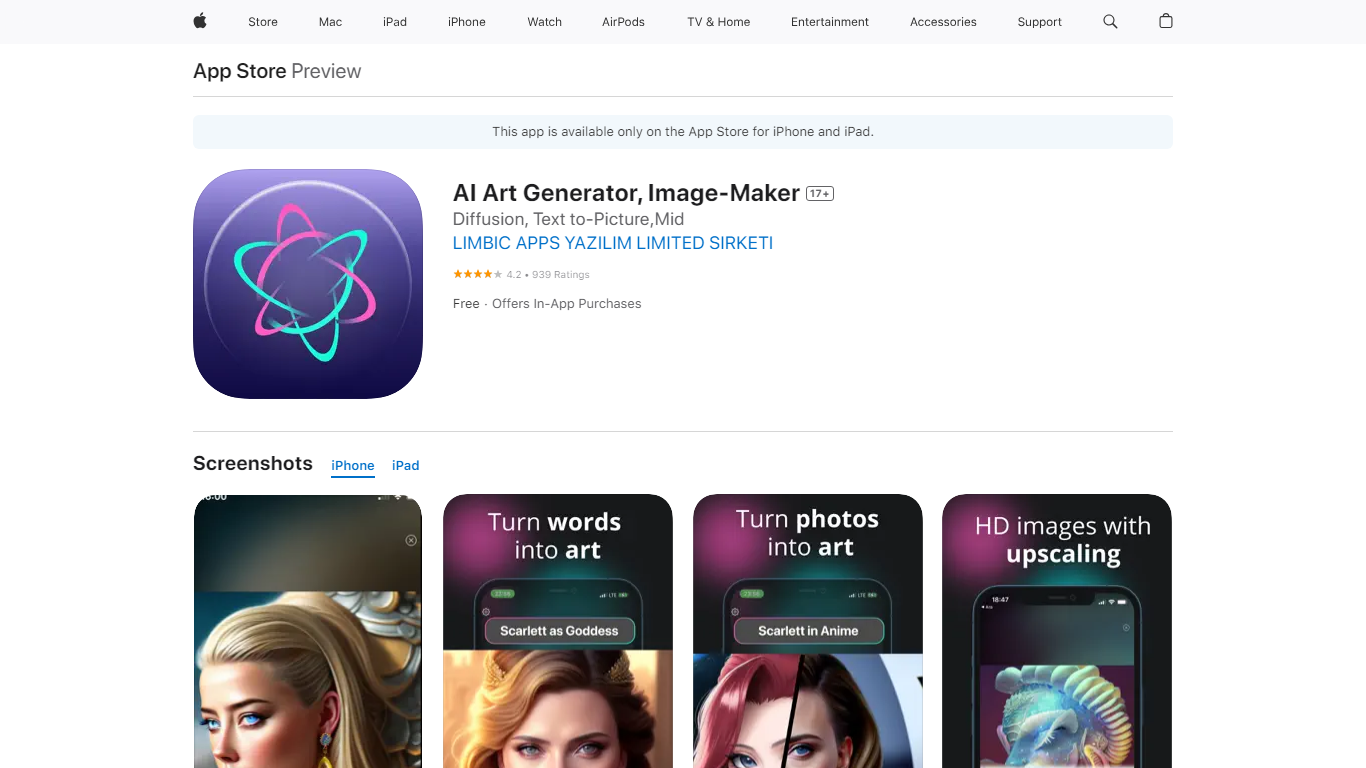

What is AI Art Generator, Image-Maker?
AI Art Generator, Image-Maker turns text prompts into shareable artwork on iPhone and iPad using models such as DALL·E, Stable Diffusion, and Flux. The App Store listing brands it as Video-Art-X and highlights text-to-art, AI selfies, image-to-image edits, inpainting, and HD upscaling.
Mobile art apps often lock you into one style preset. This one exposes multiple named models like Realistic Vision, Stable Diffusion XL, DreamShaper, Deliberate 2, and anime-focused checkpoints, so you can swap aesthetics without leaving the app.
Hobbyist creators and social media posters use it to draft surreal, vaporwave, or cyberpunk looks, then upscale results for sharing. It requires iOS 15 or later, ships free with in-app purchases, and is rated 4.1 stars across about 1.7K App Store reviews.
BannerGPT
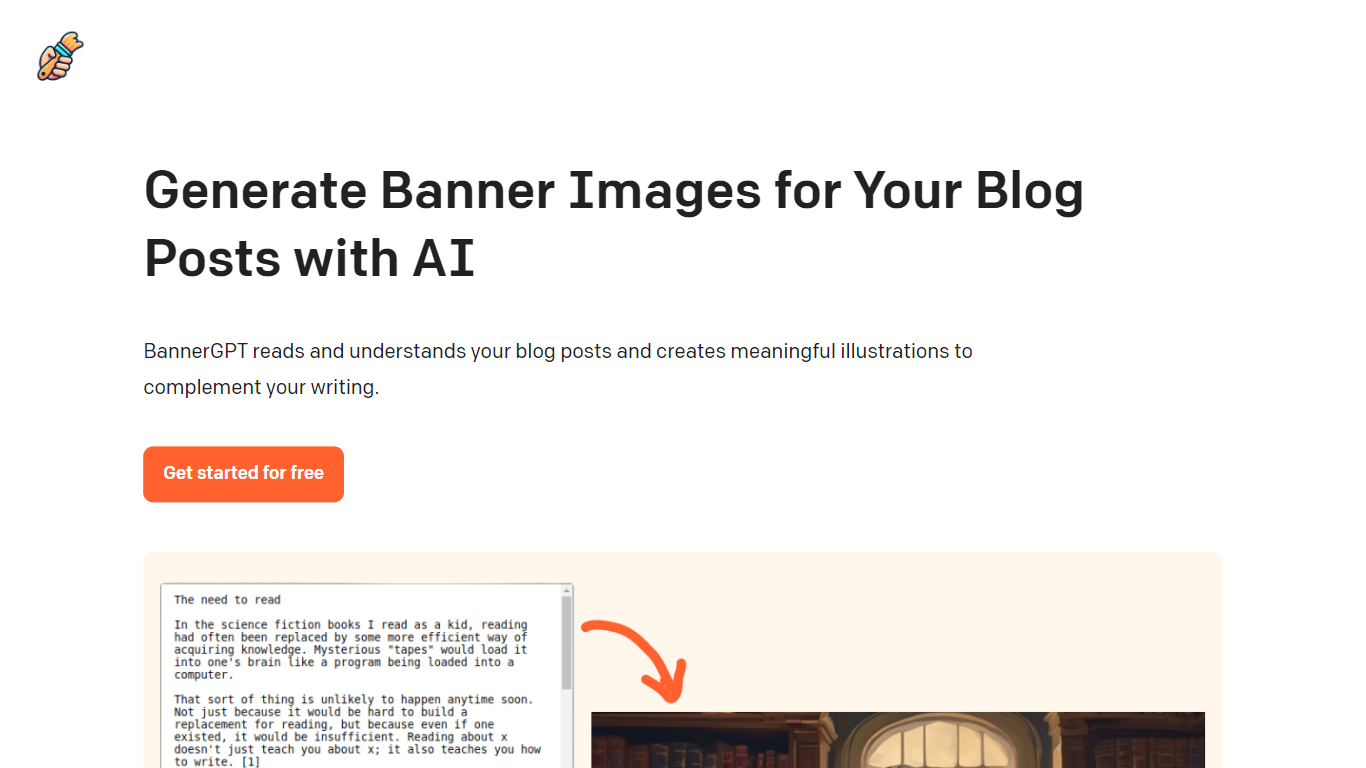
What is BannerGPT?
BannerGPT is an innovative tool designed to enhance the visual appeal of your blog posts. It employs advanced artificial intelligence to read and comprehend the content of your blog posts.
Based on its understanding, it generates relevant and meaningful illustrations that perfectly complement the essence of your writing. This not only adds a visual dimension to your content but also makes it more engaging for your readers.
The platform offers a user-friendly interface, allowing bloggers and content creators to seamlessly integrate AI-generated images into their posts. The best part? You can start using BannerGPT for free and elevate the aesthetics of your blog in no time.
AI Art Generator, Image-Maker Upvotes
BannerGPT Upvotes
AI Art Generator, Image-Maker Top Features
Text-to-image generation using DALL·E, Stable Diffusion, and Flux model families
AI Selfie Generator turns portraits into stylized artwork
Image-to-image and inpainting tools for partial edits
HD upscaling for sharper exports
Style presets spanning surrealism, vaporwave, cyberpunk, and anime models
180.5 MB download size with iOS 15+ and iPad support
In-app credit packs and weekly or annual subscriptions listed on the App Store
BannerGPT Top Features
AI-Powered Image Generation: Harness the power of artificial intelligence to create captivating visuals.
Contextual Understanding of Blog Content: Deeply analyze and comprehend blog narratives for relevant image suggestions.
User-Friendly Interface: Navigate and utilize the platform with ease, regardless of tech expertise.
Seamless Integration with Blogging Platforms: Effortlessly embed AI-generated images into your favorite blogging sites.
Free Access for Basic Usage: Dive into the world of AI-enhanced visuals without any initial cost.
AI Art Generator, Image-Maker Category
- Image Generation
BannerGPT Category
- Image Generation
AI Art Generator, Image-Maker Pricing Type
- Freemium
BannerGPT Pricing Type
- Freemium