AI Art Generator, Image-Maker vs Directory Crop
When comparing AI Art Generator, Image-Maker vs Directory Crop, which AI Image Generation tool shines brighter? We look at pricing, alternatives, upvotes, features, reviews, and more.
In a comparison between AI Art Generator, Image-Maker and Directory Crop, which one comes out on top?
When we put AI Art Generator, Image-Maker and Directory Crop side by side, both being AI-powered image generation tools, With more upvotes, Directory Crop is the preferred choice. Directory Crop has attracted 7 upvotes from aitools.fyi users, and AI Art Generator, Image-Maker has attracted 6 upvotes.
Disagree with the result? Upvote your favorite tool and help it win!
AI Art Generator, Image-Maker
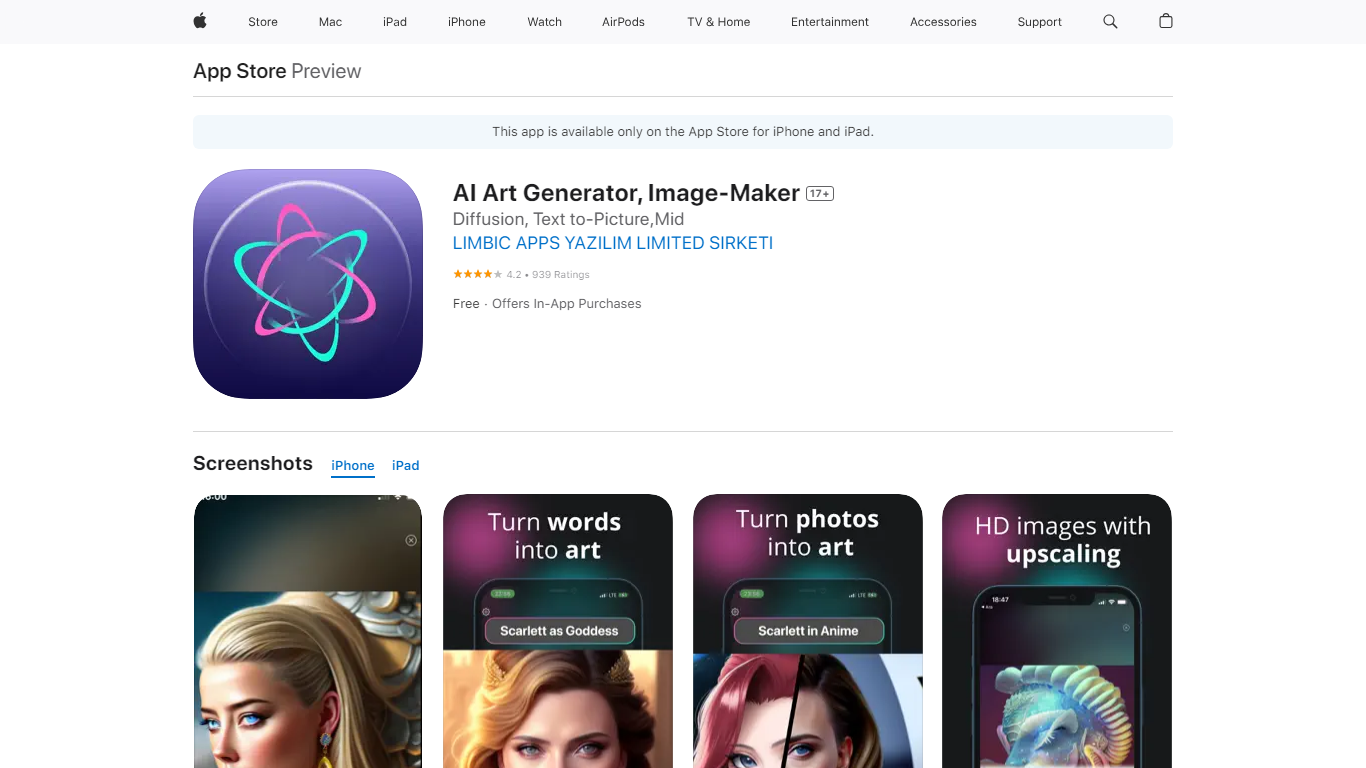

What is AI Art Generator, Image-Maker?
AI Art Generator, Image-Maker turns text prompts into shareable artwork on iPhone and iPad using models such as DALL·E, Stable Diffusion, and Flux. The App Store listing brands it as Video-Art-X and highlights text-to-art, AI selfies, image-to-image edits, inpainting, and HD upscaling.
Mobile art apps often lock you into one style preset. This one exposes multiple named models like Realistic Vision, Stable Diffusion XL, DreamShaper, Deliberate 2, and anime-focused checkpoints, so you can swap aesthetics without leaving the app.
Hobbyist creators and social media posters use it to draft surreal, vaporwave, or cyberpunk looks, then upscale results for sharing. It requires iOS 15 or later, ships free with in-app purchases, and is rated 4.1 stars across about 1.7K App Store reviews.
Directory Crop

What is Directory Crop?
Directory Crop speeds up sorting bulk AI image outputs on Windows, macOS, and Linux. Open a folder of generations, crop out bad hands or extra limbs, and delete failed files with one click or one keypress. After each crop or delete, the app jumps to the next image so you can review hundreds of files without digging through file managers.
Photo editors built for single images slow you down when a Stable Diffusion run drops 200 variants. Directory Crop is built for that culling workflow: crop guidelines, optional output folders, metadata preservation, and keyboard shortcuts for next, previous, and delete. Images never leave your machine, which matters when prompts or outputs are private.
The free tier covers 100 crops per month before a watermark appears. Professional plans start at $9 per month for 1,000 crops, $19 for 5,000, or $49 for unlimited per user. Students, journalists, Java Champions, and beta testers can apply for free license keys. Install via direct download, Homebrew, Chocolatey, or winget.
AI Art Generator, Image-Maker Upvotes
Directory Crop Upvotes
AI Art Generator, Image-Maker Top Features
Text-to-image generation using DALL·E, Stable Diffusion, and Flux model families
AI Selfie Generator turns portraits into stylized artwork
Image-to-image and inpainting tools for partial edits
HD upscaling for sharper exports
Style presets spanning surrealism, vaporwave, cyberpunk, and anime models
180.5 MB download size with iOS 15+ and iPad support
In-app credit packs and weekly or annual subscriptions listed on the App Store
Directory Crop Top Features
Crop and delete images in a folder with automatic jump to the next file
One-click or one-key delete for bad AI generations like extra limbs
Runs locally on Windows, macOS, and Linux with privacy-first processing
Crop guidelines, metadata preservation, and optional separate output directory
Free tier includes 100 crops per month before watermarking
Install via EXE, DMG, DEB, Homebrew, Chocolatey, or winget package managers
AI Art Generator, Image-Maker Category
- Image Generation
Directory Crop Category
- Image Generation
AI Art Generator, Image-Maker Pricing Type
- Freemium
Directory Crop Pricing Type
- Freemium