AI Art Generator, Image-Maker vs Dream by WOMBO
When comparing AI Art Generator, Image-Maker vs Dream by WOMBO, which AI Image Generation tool shines brighter? We look at pricing, alternatives, upvotes, features, reviews, and more.
In a comparison between AI Art Generator, Image-Maker and Dream by WOMBO, which one comes out on top?
When we put AI Art Generator, Image-Maker and Dream by WOMBO side by side, both being AI-powered image generation tools, The upvote count favors Dream by WOMBO, making it the clear winner. The number of upvotes for Dream by WOMBO stands at 7, and for AI Art Generator, Image-Maker it's 6.
Think we got it wrong? Cast your vote and show us who's boss!
AI Art Generator, Image-Maker
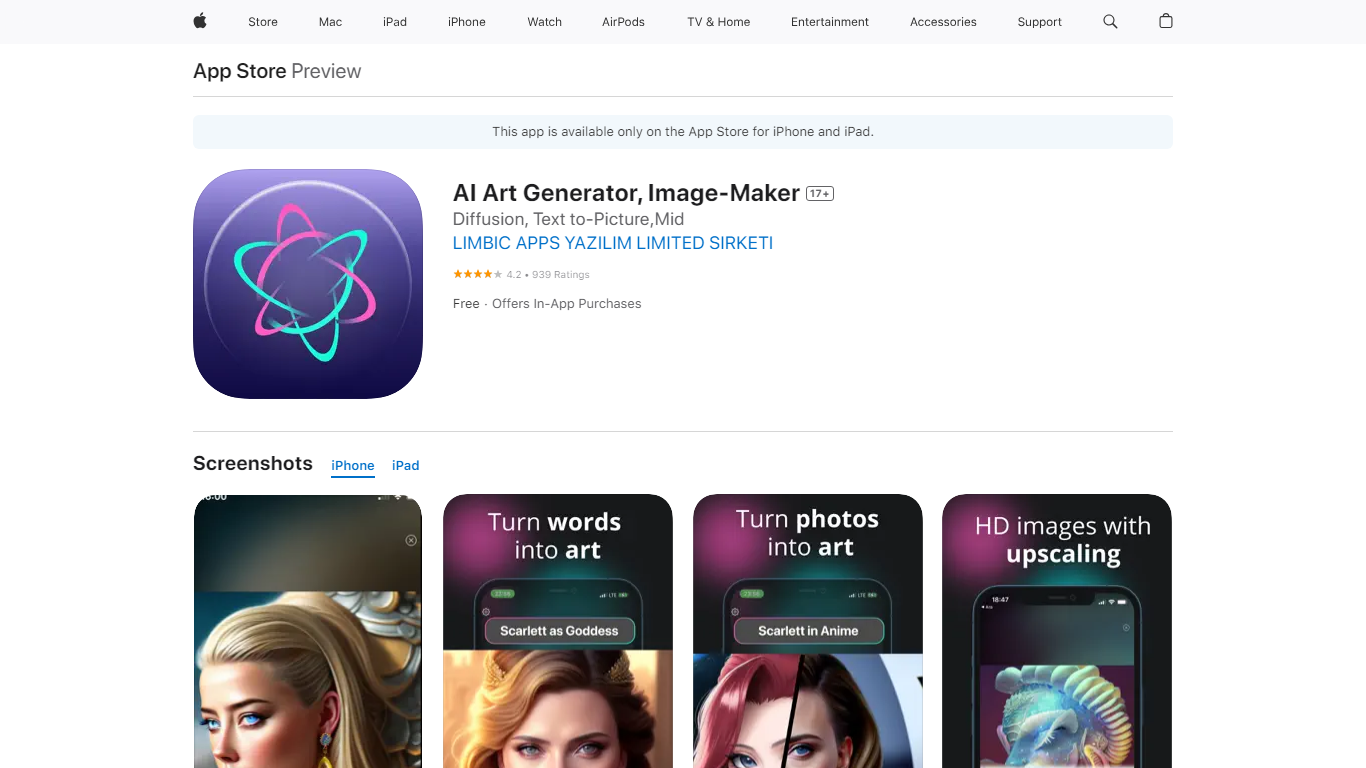

What is AI Art Generator, Image-Maker?
AI Art Generator, Image-Maker turns text prompts into shareable artwork on iPhone and iPad using models such as DALL·E, Stable Diffusion, and Flux. The App Store listing brands it as Video-Art-X and highlights text-to-art, AI selfies, image-to-image edits, inpainting, and HD upscaling.
Mobile art apps often lock you into one style preset. This one exposes multiple named models like Realistic Vision, Stable Diffusion XL, DreamShaper, Deliberate 2, and anime-focused checkpoints, so you can swap aesthetics without leaving the app.
Hobbyist creators and social media posters use it to draft surreal, vaporwave, or cyberpunk looks, then upscale results for sharing. It requires iOS 15 or later, ships free with in-app purchases, and is rated 4.1 stars across about 1.7K App Store reviews.
Dream by WOMBO
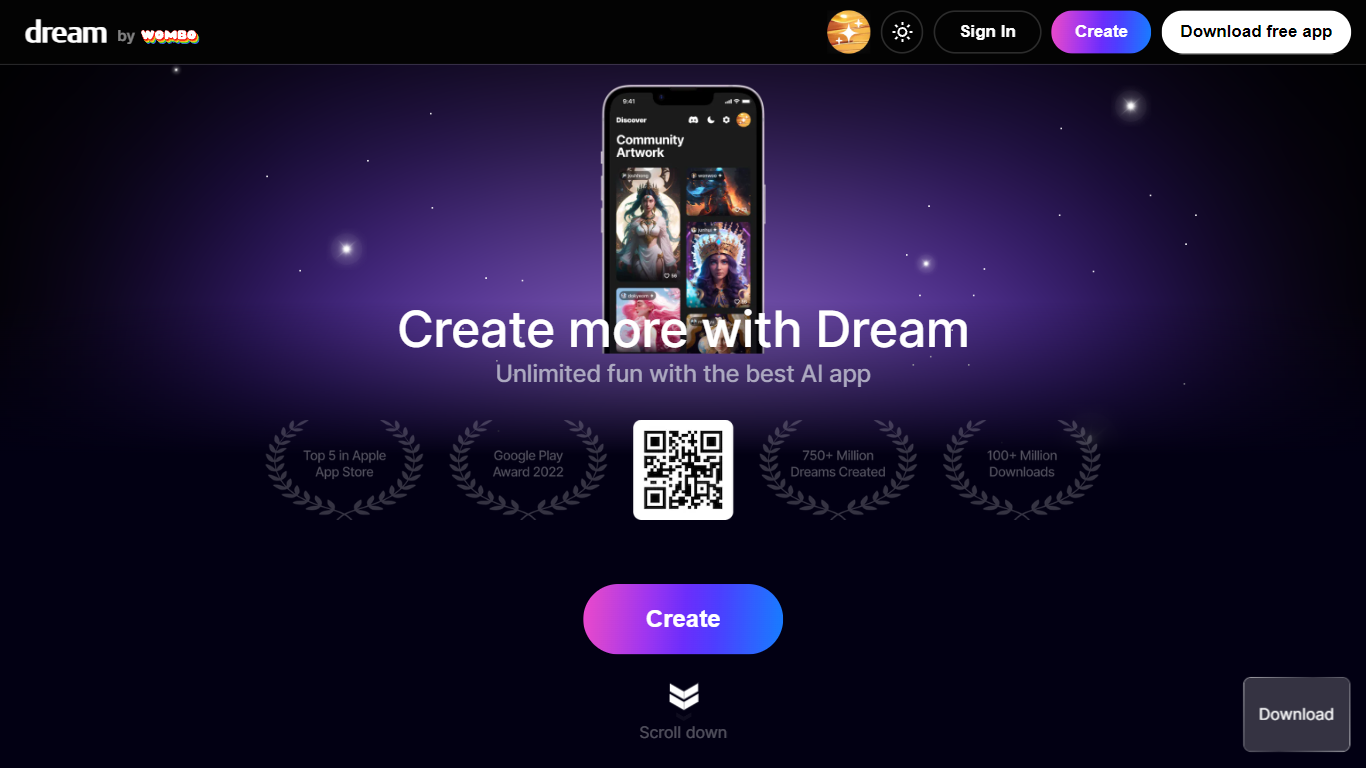
What is Dream by WOMBO?
Dream by WOMBO is an image and video generator from WOMBO AI Inc. that runs in the browser and on iOS and Android. You write a text prompt, pick from 100+ curated art styles, and get still images or short videos without opening a separate design app. The site splits work into dedicated Create, Edit, and Video pages plus a personal gallery.
Most image generators lean on model names and parameter sliders. Dream frames choices around named style presets like Baroque, Cartoon, and Whimsical, with separate flows for stills, four-image guided edits, and cinematic or anime video clips. Paid Standard and Pro plans trade daily free credits for unlimited images, HD exports, and video generation with priority queue access on Pro.
Casual creators, illustrators, and social media makers use it for quick concept art, styled portraits, and short clips. The Edit page accepts up to four reference images with a 2,000-character prompt, and the Video page adds duration, aspect ratio, and Standard versus Pro style tiers.
AI Art Generator, Image-Maker Upvotes
Dream by WOMBO Upvotes
AI Art Generator, Image-Maker Top Features
Text-to-image generation using DALL·E, Stable Diffusion, and Flux model families
AI Selfie Generator turns portraits into stylized artwork
Image-to-image and inpainting tools for partial edits
HD upscaling for sharper exports
Style presets spanning surrealism, vaporwave, cyberpunk, and anime models
180.5 MB download size with iOS 15+ and iPad support
In-app credit packs and weekly or annual subscriptions listed on the App Store
Dream by WOMBO Top Features
100+ curated art styles including Baroque, Cartoon, Mechanical, and Whimsical presets showcased on the homepage
Free plan includes 5 daily credits with standard styles and watermarked exports; Standard is $19.99/mo with unlimited images and video
Edit flow uploads up to 4 reference images with prompts up to 2,000 characters plus a Suggest button
Video generator supports text-to-video and image-to-video with cinematic and anime modes at up to 1080p
Standard includes 1,250 monthly credits and Pro includes 3,250 monthly credits per the site pricing schema
Native iOS (WOMBO Dream) and Android apps mirror the web create workflow
AI Art Generator, Image-Maker Category
- Image Generation
Dream by WOMBO Category
- Image Generation
AI Art Generator, Image-Maker Pricing Type
- Freemium
Dream by WOMBO Pricing Type
- Freemium