AI Art Generator, Image-Maker vs Haiku Lens
In the face-off between AI Art Generator, Image-Maker vs Haiku Lens, which AI Image Generation tool takes the crown? We scrutinize features, alternatives, upvotes, reviews, pricing, and more.
In a face-off between AI Art Generator, Image-Maker and Haiku Lens, which one takes the crown?
If we were to analyze AI Art Generator, Image-Maker and Haiku Lens, both of which are AI-powered image generation tools, what would we find? Both tools are equally favored, as indicated by the identical upvote count. Be a part of the decision-making process. Your vote could determine the winner.
Want to flip the script? Upvote your favorite tool and change the game!
AI Art Generator, Image-Maker
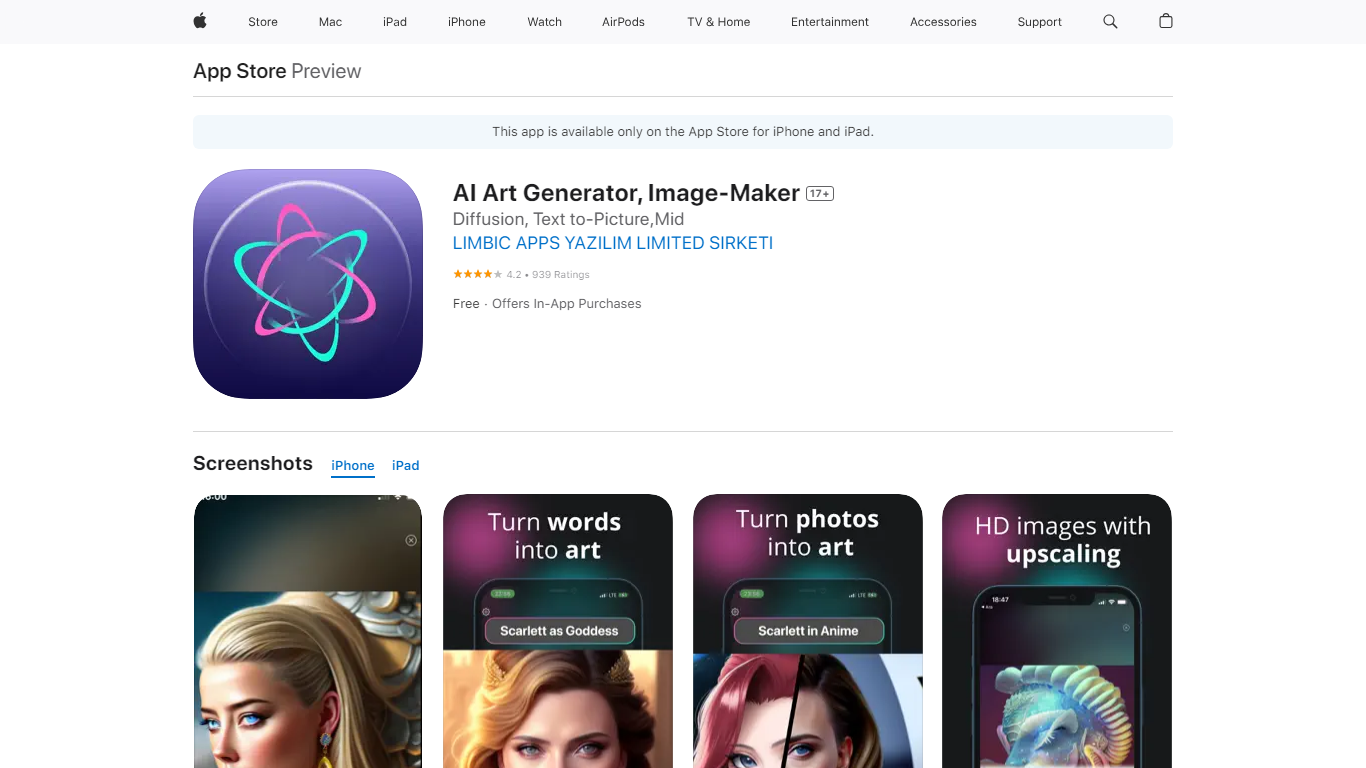

What is AI Art Generator, Image-Maker?
AI Art Generator, Image-Maker turns text prompts into shareable artwork on iPhone and iPad using models such as DALL·E, Stable Diffusion, and Flux. The App Store listing brands it as Video-Art-X and highlights text-to-art, AI selfies, image-to-image edits, inpainting, and HD upscaling.
Mobile art apps often lock you into one style preset. This one exposes multiple named models like Realistic Vision, Stable Diffusion XL, DreamShaper, Deliberate 2, and anime-focused checkpoints, so you can swap aesthetics without leaving the app.
Hobbyist creators and social media posters use it to draft surreal, vaporwave, or cyberpunk looks, then upscale results for sharing. It requires iOS 15 or later, ships free with in-app purchases, and is rated 4.1 stars across about 1.7K App Store reviews.
Haiku Lens
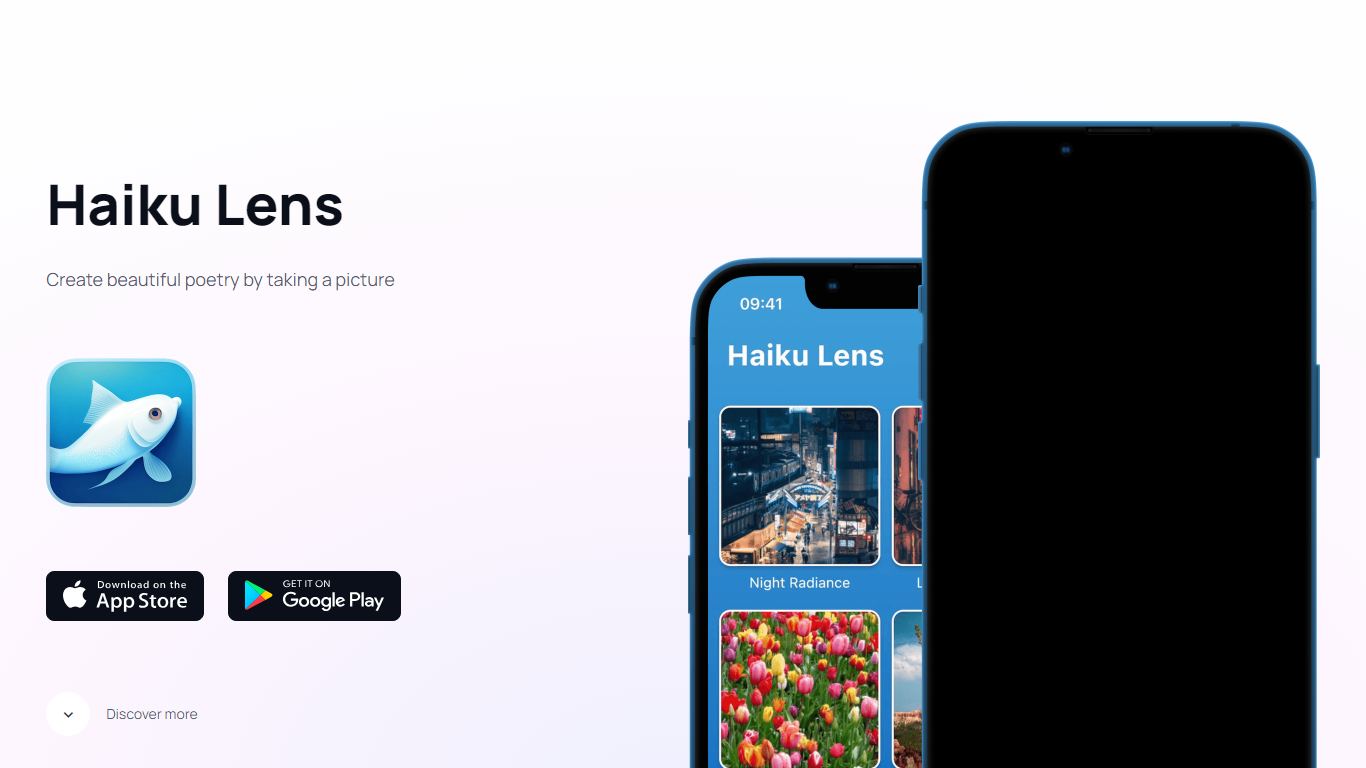
What is Haiku Lens?
Snap a photo with Haiku Lens and you get a three-line haiku in 5-7-5 syllable form, written from the colors, textures, and shapes it sees in the frame. The app pairs that poem with your image, then can turn the result into an animated, voiced video clip. It is built for turning camera roll moments into short poetry, not filters or generic captions.
Most photo-to-text tools aim for social captions or alt text. Haiku Lens locks the output to a fixed poetic form, then layers animated video and spoken narration on top. That narrow focus trades flexibility for a shareable clip built around one disciplined format.
The app targets people who want a mindful, creative take on camera roll moments. Nature walks, family snapshots, and routine street scenes all work. You need a phone, an internet connection for new haikus, and either iOS or Android.
Free download covers your first few haikus before credit packs kick in. Past creations stay on your device and can be replayed offline, which matters if you treat the app as a personal journal rather than a one-off novelty.
AI Art Generator, Image-Maker Upvotes
Haiku Lens Upvotes
AI Art Generator, Image-Maker Top Features
Text-to-image generation using DALL·E, Stable Diffusion, and Flux model families
AI Selfie Generator turns portraits into stylized artwork
Image-to-image and inpainting tools for partial edits
HD upscaling for sharper exports
Style presets spanning surrealism, vaporwave, cyberpunk, and anime models
180.5 MB download size with iOS 15+ and iPad support
In-app credit packs and weekly or annual subscriptions listed on the App Store
Haiku Lens Top Features
Writes 5-7-5 syllable haikus from photo colors, textures, and shapes
Animated haiku video pairs your photo with the generated poem
Voiced haiku reads your poem aloud inside the app
Free on App Store and Google Play with a limited number of free generations
Credit packages sold as in-app purchases after the initial free allowance
Shareable video exports include photo, poem text, and spoken audio
AI Art Generator, Image-Maker Category
- Image Generation
Haiku Lens Category
- Image Generation
AI Art Generator, Image-Maker Pricing Type
- Freemium
Haiku Lens Pricing Type
- Freemium