AI Art Generator, Image-Maker vs Mokker Instant
In the clash of AI Art Generator, Image-Maker vs Mokker Instant, which AI Image Generation tool emerges victorious? We assess reviews, pricing, alternatives, features, upvotes, and more.
When we put AI Art Generator, Image-Maker and Mokker Instant head to head, which one emerges as the victor?
Let's take a closer look at AI Art Generator, Image-Maker and Mokker Instant, both of which are AI-driven image generation tools, and see what sets them apart. The upvote count is neck and neck for both AI Art Generator, Image-Maker and Mokker Instant. Be a part of the decision-making process. Your vote could determine the winner.
Does the result make you go "hmm"? Cast your vote and turn that frown upside down!
AI Art Generator, Image-Maker
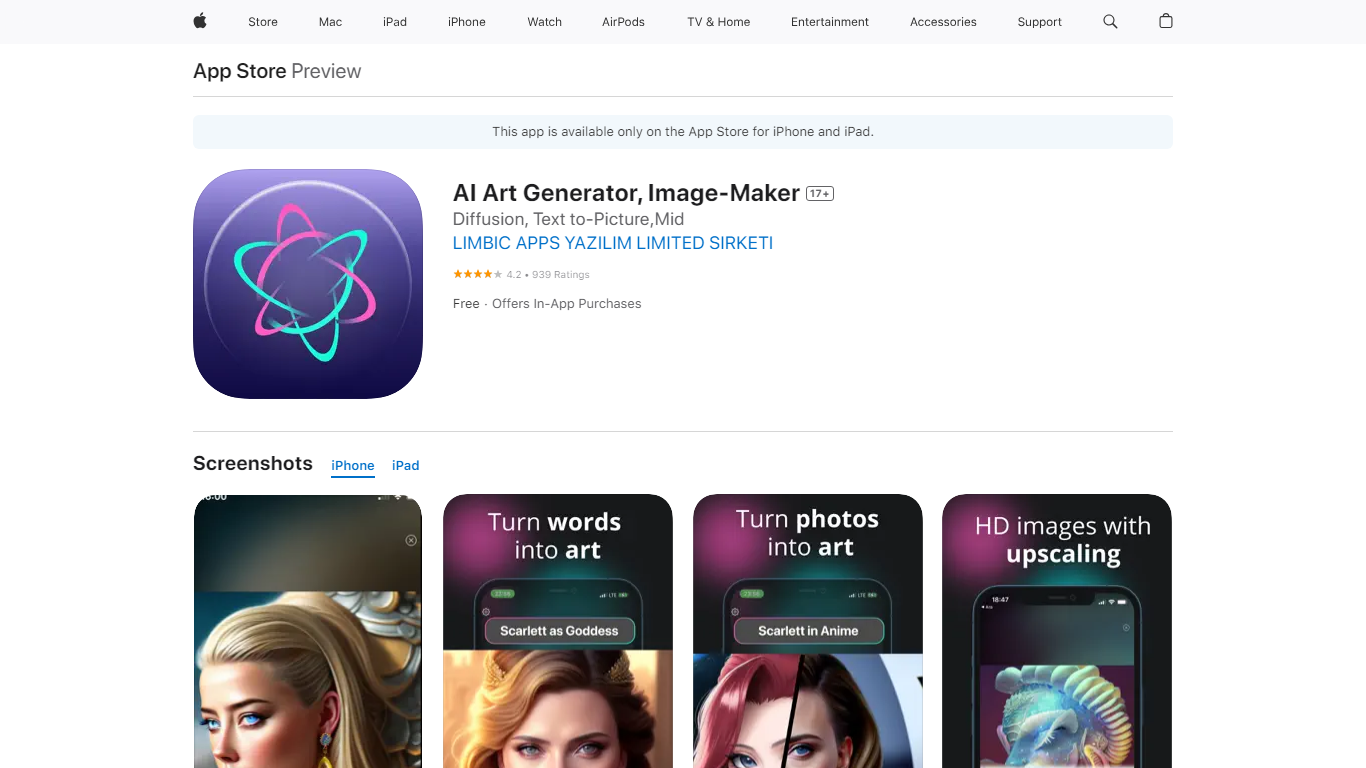

What is AI Art Generator, Image-Maker?
AI Art Generator, Image-Maker turns text prompts into shareable artwork on iPhone and iPad using models such as DALL·E, Stable Diffusion, and Flux. The App Store listing brands it as Video-Art-X and highlights text-to-art, AI selfies, image-to-image edits, inpainting, and HD upscaling.
Mobile art apps often lock you into one style preset. This one exposes multiple named models like Realistic Vision, Stable Diffusion XL, DreamShaper, Deliberate 2, and anime-focused checkpoints, so you can swap aesthetics without leaving the app.
Hobbyist creators and social media posters use it to draft surreal, vaporwave, or cyberpunk looks, then upscale results for sharing. It requires iOS 15 or later, ships free with in-app purchases, and is rated 4.1 stars across about 1.7K App Store reviews.
Mokker Instant
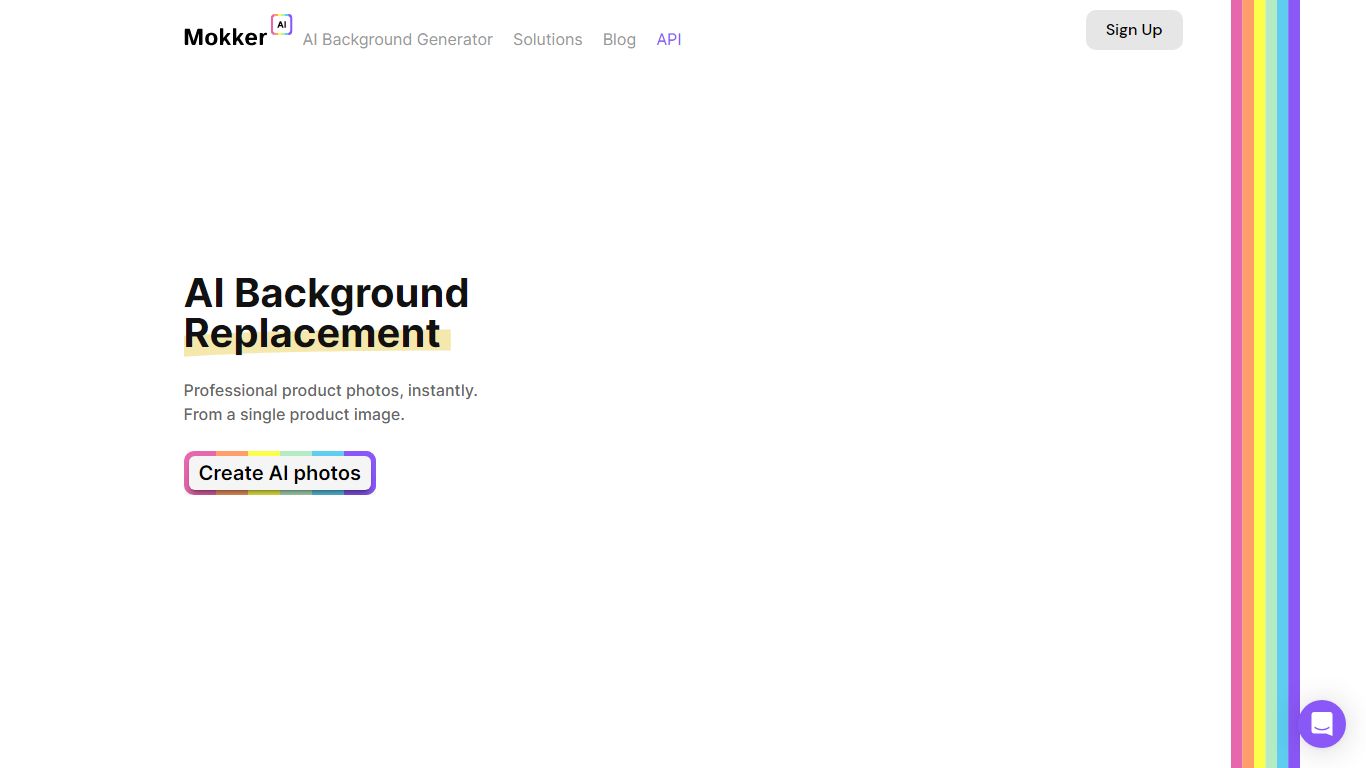
What is Mokker Instant?
Upload one product photo and Mokker Instant generates studio-style shots with new AI backgrounds, no manual masking required. The workflow is upload, pick from 100+ templates, and export catalog-ready images in seconds from app.mokker.ai.
Traditional product shoots mean booking a set for every SKU variant. Mokker Instant removes the background automatically, then composites your item into lifestyle or studio scenes so you can batch out furniture, cosmetics, jewelry, or electronics listings from a single capture. A developer API endpoint for background replacement is listed as coming soon with free integration credits.
E-commerce sellers, catalog managers, and small brand teams are the core audience, with mokker.ai citing 249,961+ professionals on the homepage. Mokker is joining forces with soona, so support links now route to soona.co while the Mokker studio remains live.
AI Art Generator, Image-Maker Upvotes
Mokker Instant Upvotes
AI Art Generator, Image-Maker Top Features
Text-to-image generation using DALL·E, Stable Diffusion, and Flux model families
AI Selfie Generator turns portraits into stylized artwork
Image-to-image and inpainting tools for partial edits
HD upscaling for sharper exports
Style presets spanning surrealism, vaporwave, cyberpunk, and anime models
180.5 MB download size with iOS 15+ and iPad support
In-app credit packs and weekly or annual subscriptions listed on the App Store
Mokker Instant Top Features
Free tier includes 20 photos once with full studio access and all templates per the pricing page
Starter plan at $13 per month includes 500 photos and high quality export
Team plan at $29 per user per month offers unlimited photos and a 3-seat team account
100+ templates for furniture, cosmetics, jewelry, and electronics use cases
Automatic background removal from a single uploaded product image
API endpoint at api.mokker.ai/v2/replace-background listed for developer early access
AI Art Generator, Image-Maker Category
- Image Generation
Mokker Instant Category
- Image Generation
AI Art Generator, Image-Maker Pricing Type
- Freemium
Mokker Instant Pricing Type
- Freemium