AI Art Generator, Image-Maker vs Picso AI
In the contest of AI Art Generator, Image-Maker vs Picso AI, which AI Image Generation tool is the champion? We evaluate pricing, alternatives, upvotes, features, reviews, and more.
If you had to choose between AI Art Generator, Image-Maker and Picso AI, which one would you go for?
When we examine AI Art Generator, Image-Maker and Picso AI, both of which are AI-enabled image generation tools, what unique characteristics do we discover? The upvote count favors AI Art Generator, Image-Maker, making it the clear winner. The upvote count for AI Art Generator, Image-Maker is 6, and for Picso AI it's 5.
Think we got it wrong? Cast your vote and show us who's boss!
AI Art Generator, Image-Maker
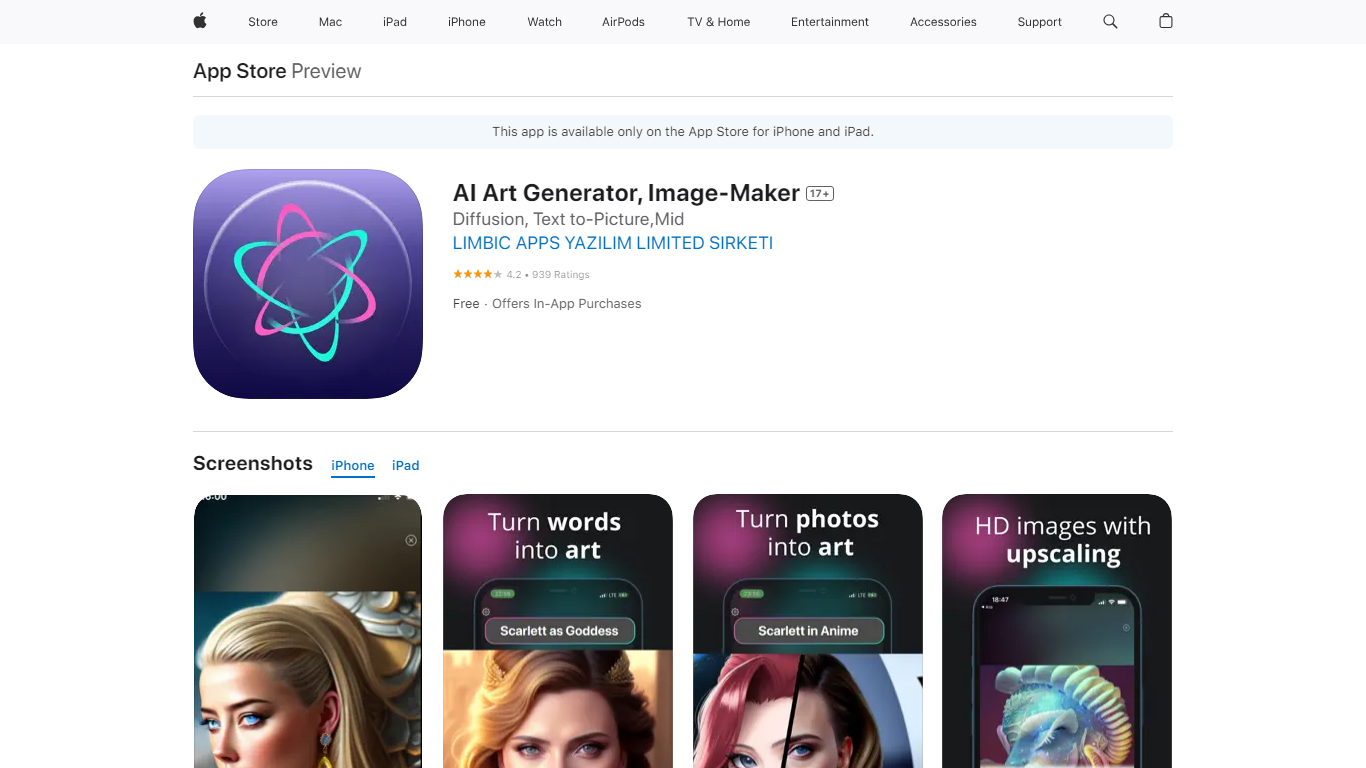

What is AI Art Generator, Image-Maker?
AI Art Generator, Image-Maker turns text prompts into shareable artwork on iPhone and iPad using models such as DALL·E, Stable Diffusion, and Flux. The App Store listing brands it as Video-Art-X and highlights text-to-art, AI selfies, image-to-image edits, inpainting, and HD upscaling.
Mobile art apps often lock you into one style preset. This one exposes multiple named models like Realistic Vision, Stable Diffusion XL, DreamShaper, Deliberate 2, and anime-focused checkpoints, so you can swap aesthetics without leaving the app.
Hobbyist creators and social media posters use it to draft surreal, vaporwave, or cyberpunk looks, then upscale results for sharing. It requires iOS 15 or later, ships free with in-app purchases, and is rated 4.1 stars across about 1.7K App Store reviews.
Picso AI

What is Picso AI?
PicSo is a text-to-image art generator and online platform for turning short prompts into portraits, characters, and stylized artwork. You type a text description, pick a style like Real Girl or AI Character, and the tool generates images you can edit or extend in the same workflow. It runs in the browser and also targets mobile creation, with sync between phone and desktop.
Most general image generators spread across dozens of modes. PicSo leans into portrait and character workflows, with dedicated AI Character creation, inpainting edits, and an image extender alongside the core text prompt box. The creation UI caps prompts at 500 characters and surfaces style presets up front, which suits quick portrait experiments more than long-form scene composition.
Casual creators, mobile artists, and hobbyists who want fast AI portraits without learning a full design suite will find the style-first layout familiar. Discord and email support channels are listed on the site for account and subscription questions.
AI Art Generator, Image-Maker Upvotes
Picso AI Upvotes
AI Art Generator, Image-Maker Top Features
Text-to-image generation using DALL·E, Stable Diffusion, and Flux model families
AI Selfie Generator turns portraits into stylized artwork
Image-to-image and inpainting tools for partial edits
HD upscaling for sharper exports
Style presets spanning surrealism, vaporwave, cyberpunk, and anime models
180.5 MB download size with iOS 15+ and iPad support
In-app credit packs and weekly or annual subscriptions listed on the App Store
Picso AI Top Features
Text prompts up to 500 characters drive image generation from the AI Character creator
Pro plan includes 100 credits per month at $9.99 per month, listed at 50% off $19.99
Dedicated tools for edit image, extend image, and AI Character modes in one Create menu
Pro subscribers get priority queue access and unlock multitask generation
Mobile app syncs creations between phone and PC through your PicSo account
Portrait style presets include options like Real Girl for character-focused output
AI Art Generator, Image-Maker Category
- Image Generation
Picso AI Category
- Image Generation
AI Art Generator, Image-Maker Pricing Type
- Freemium
Picso AI Pricing Type
- Freemium