AI Art Generator, Image-Maker vs PixAI
Dive into the comparison of AI Art Generator, Image-Maker vs PixAI and discover which AI Image Generation tool stands out. We examine alternatives, upvotes, features, reviews, pricing, and beyond.
When comparing AI Art Generator, Image-Maker and PixAI, which one rises above the other?
When we compare AI Art Generator, Image-Maker and PixAI, two exceptional image generation tools powered by artificial intelligence, and place them side by side, several key similarities and differences come to light. In the race for upvotes, PixAI takes the trophy. PixAI has garnered 15 upvotes, and AI Art Generator, Image-Maker has garnered 6 upvotes.
Disagree with the result? Upvote your favorite tool and help it win!
AI Art Generator, Image-Maker
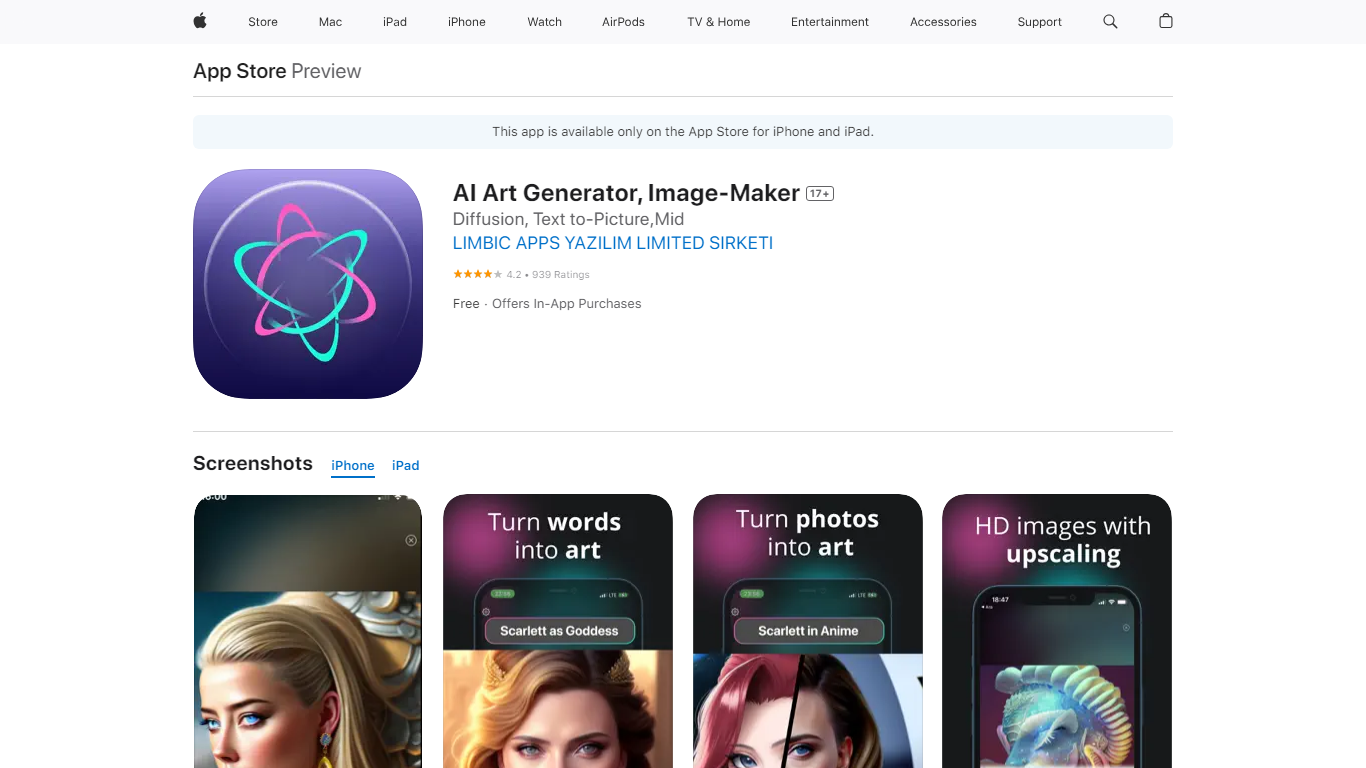

What is AI Art Generator, Image-Maker?
AI Art Generator, Image-Maker turns text prompts into shareable artwork on iPhone and iPad using models such as DALL·E, Stable Diffusion, and Flux. The App Store listing brands it as Video-Art-X and highlights text-to-art, AI selfies, image-to-image edits, inpainting, and HD upscaling.
Mobile art apps often lock you into one style preset. This one exposes multiple named models like Realistic Vision, Stable Diffusion XL, DreamShaper, Deliberate 2, and anime-focused checkpoints, so you can swap aesthetics without leaving the app.
Hobbyist creators and social media posters use it to draft surreal, vaporwave, or cyberpunk looks, then upscale results for sharing. It requires iOS 15 or later, ships free with in-app purchases, and is rated 4.1 stars across about 1.7K App Store reviews.
PixAI
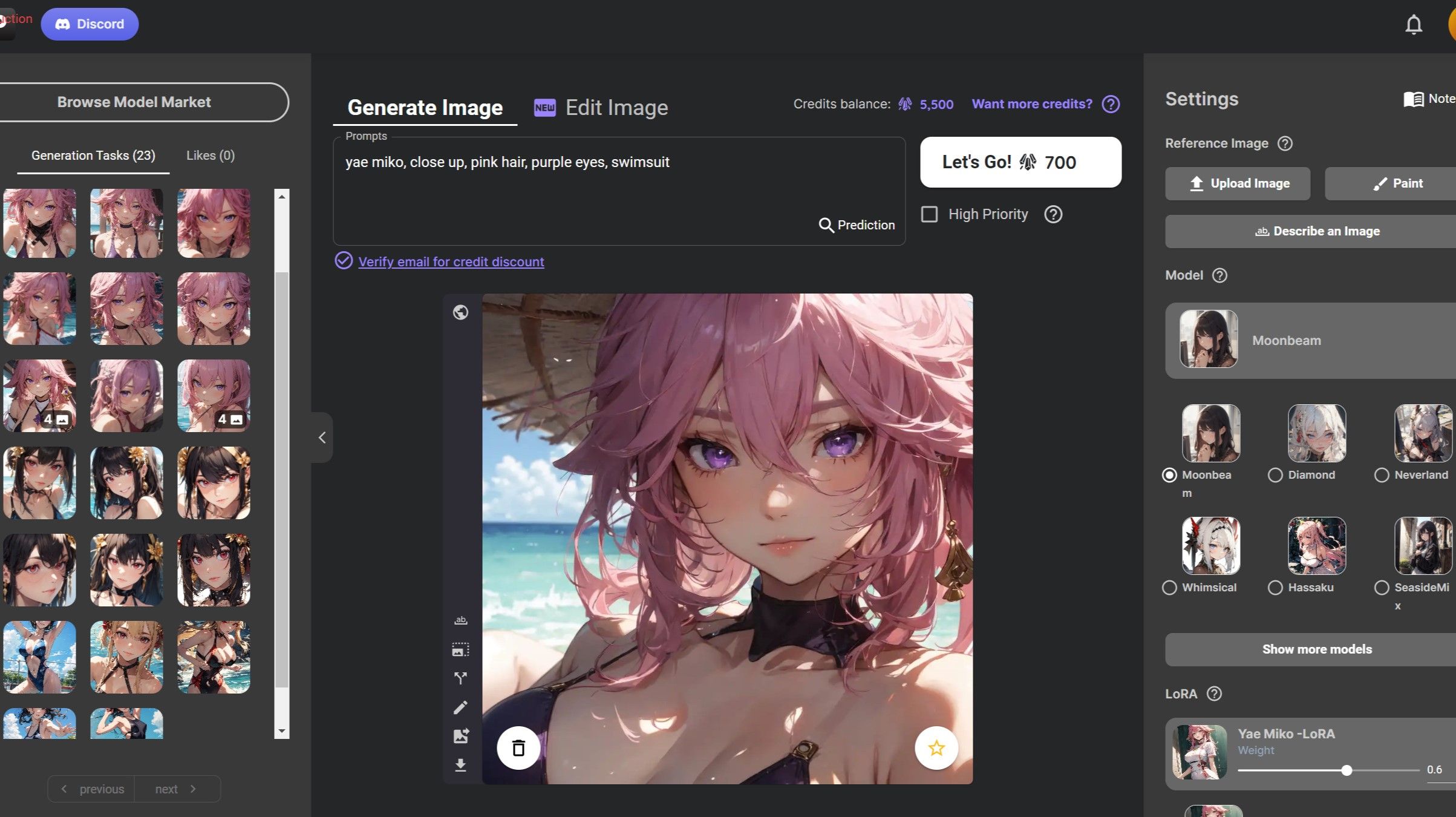
What is PixAI?
PixAI generates anime-style images and short videos from text prompts, with access to over one million community-trained models and LoRAs. You pick a base model, stack LoRAs for a specific character or style, and run generations in the browser without installing Stable Diffusion locally.
Compared to general image generators that ship a handful of house models, PixAI is built around community uploads and contests, so niche anime franchises and character LoRAs surface in the feed daily. Turbo Mode on paid plans removes the wait between batches when you are iterating on a prompt.
Anime artists, fan creators, and VTuber communities use PixAI when they need character-accurate fan art, animated clips, or LoRA training on their own datasets without running a GPU at home.
AI Art Generator, Image-Maker Upvotes
PixAI Upvotes
AI Art Generator, Image-Maker Top Features
Text-to-image generation using DALL·E, Stable Diffusion, and Flux model families
AI Selfie Generator turns portraits into stylized artwork
Image-to-image and inpainting tools for partial edits
HD upscaling for sharper exports
Style presets spanning surrealism, vaporwave, cyberpunk, and anime models
180.5 MB download size with iOS 15+ and iPad support
In-app credit packs and weekly or annual subscriptions listed on the App Store
PixAI Top Features
Free tier includes 10,000 daily credits for image generation
Starter at $7.99 per month billed annually adds 300,000 monthly credits
Plus at $22.99 per month billed annually includes 1,000,000 monthly credits
Premium at $35.99 per month billed annually includes 2,000,000 monthly credits
Paid plans unlock unlimited Turbo Mode and video generation tools
Members train up to 10 free LoRAs per month on the Premium tier
AI Art Generator, Image-Maker Category
- Image Generation
PixAI Category
- Image Generation
AI Art Generator, Image-Maker Pricing Type
- Freemium
PixAI Pricing Type
- Freemium