AI Art Generator, Image-Maker vs SlashDreamer
Dive into the comparison of AI Art Generator, Image-Maker vs SlashDreamer and discover which AI Image Generation tool stands out. We examine alternatives, upvotes, features, reviews, pricing, and beyond.
In a comparison between AI Art Generator, Image-Maker and SlashDreamer, which one comes out on top?
When we compare AI Art Generator, Image-Maker and SlashDreamer, two exceptional image generation tools powered by artificial intelligence, and place them side by side, several key similarities and differences come to light. Neither tool takes the lead, as they both have the same upvote count. The power is in your hands! Cast your vote and have a say in deciding the winner.
Disagree with the result? Upvote your favorite tool and help it win!
AI Art Generator, Image-Maker
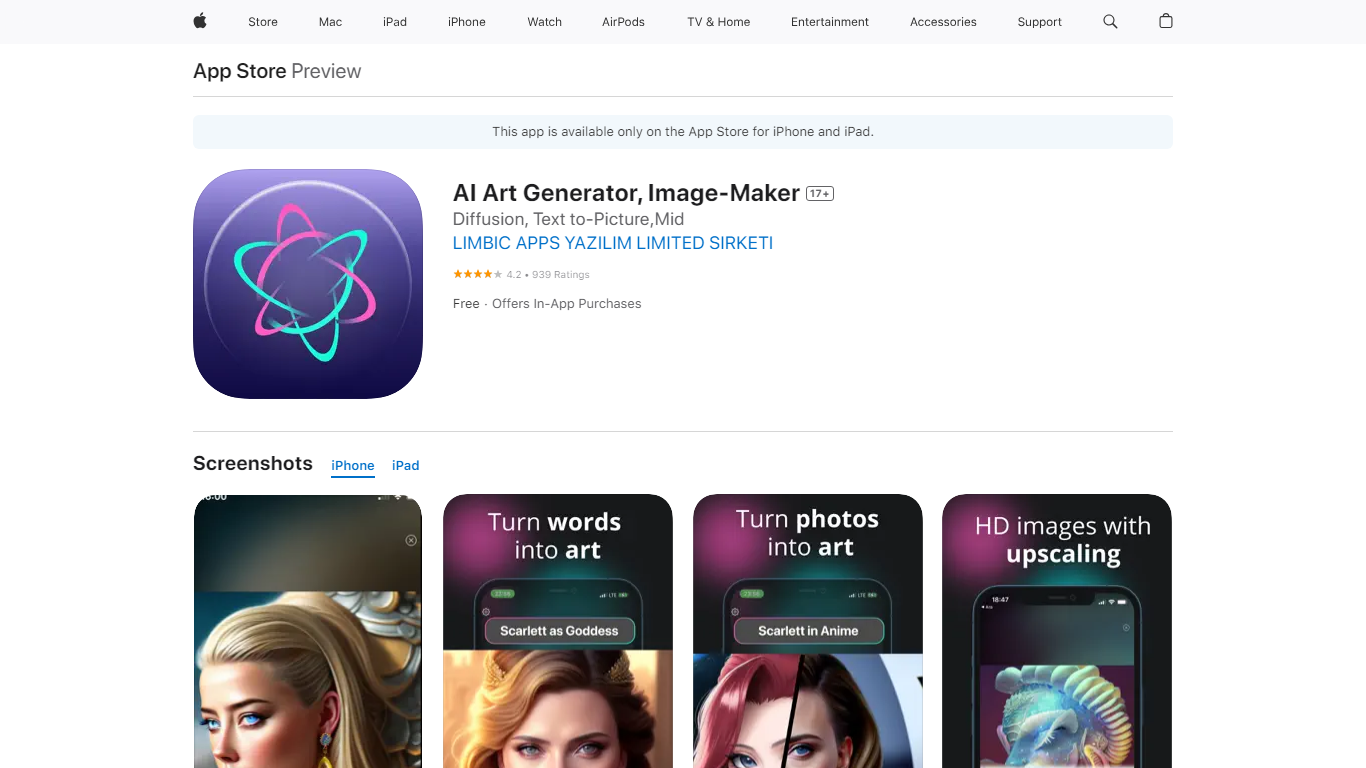

What is AI Art Generator, Image-Maker?
AI Art Generator, Image-Maker turns text prompts into shareable artwork on iPhone and iPad using models such as DALL·E, Stable Diffusion, and Flux. The App Store listing brands it as Video-Art-X and highlights text-to-art, AI selfies, image-to-image edits, inpainting, and HD upscaling.
Mobile art apps often lock you into one style preset. This one exposes multiple named models like Realistic Vision, Stable Diffusion XL, DreamShaper, Deliberate 2, and anime-focused checkpoints, so you can swap aesthetics without leaving the app.
Hobbyist creators and social media posters use it to draft surreal, vaporwave, or cyberpunk looks, then upscale results for sharing. It requires iOS 15 or later, ships free with in-app purchases, and is rated 4.1 stars across about 1.7K App Store reviews.
SlashDreamer
What is SlashDreamer?
SlashDreamer connects to your Notion workspace and turns text prompts into inline images using a /dream slash command. You type /dream, describe what you want, end with a dot, and the generated picture replaces your prompt line on the same page.
Standalone image generators make you download files and upload them back into your notes. SlashDreamer stays inside Notion and turns prompts into images where you wrote them, using Stable Diffusion and other models like DALL-E. The trade-off is scope: it only works inside Notion, not as a general-purpose art studio.
Notion power users, bloggers, and product teams use SlashDreamer to add visuals to docs, wikis, and project pages without leaving their workspace. Plans scale from 15 images per month on the entry tier to 300 on Pro, with a 7-day trial on every subscription.
AI Art Generator, Image-Maker Upvotes
SlashDreamer Upvotes
AI Art Generator, Image-Maker Top Features
Text-to-image generation using DALL·E, Stable Diffusion, and Flux model families
AI Selfie Generator turns portraits into stylized artwork
Image-to-image and inpainting tools for partial edits
HD upscaling for sharper exports
Style presets spanning surrealism, vaporwave, cyberpunk, and anime models
180.5 MB download size with iOS 15+ and iPad support
In-app credit packs and weekly or annual subscriptions listed on the App Store
SlashDreamer Top Features
Type /dream followed by a prompt and a dot to generate an image in place
AI Artist Beginner plan includes 15 images per month at $0.99
AI Artist plan includes 100 images per month at $4.99
AI Artist Pro plan includes 300 images per month with 24-hour priority response
Uses Stable Diffusion and models like DALL-E for generation
Every plan includes a 7-day trial before billing starts
AI Art Generator, Image-Maker Category
- Image Generation
SlashDreamer Category
- Image Generation
AI Art Generator, Image-Maker Pricing Type
- Freemium
SlashDreamer Pricing Type
- Paid