AI Art Generator, Image-Maker vs Texture Lab
In the face-off between AI Art Generator, Image-Maker vs Texture Lab, which AI Image Generation tool takes the crown? We scrutinize features, alternatives, upvotes, reviews, pricing, and more.
In a face-off between AI Art Generator, Image-Maker and Texture Lab, which one takes the crown?
If we were to analyze AI Art Generator, Image-Maker and Texture Lab, both of which are AI-powered image generation tools, what would we find? Neither tool takes the lead, as they both have the same upvote count. Be a part of the decision-making process. Your vote could determine the winner.
Want to flip the script? Upvote your favorite tool and change the game!
AI Art Generator, Image-Maker
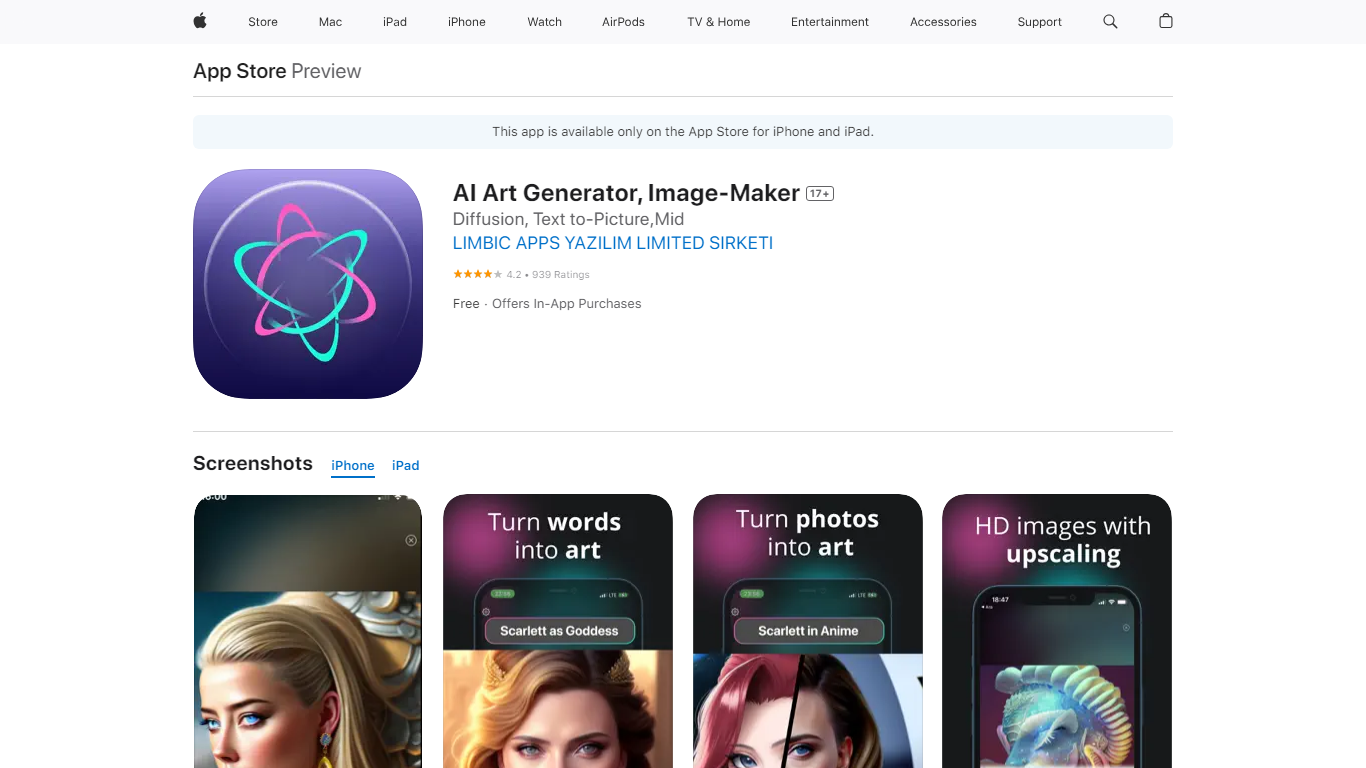

What is AI Art Generator, Image-Maker?
AI Art Generator, Image-Maker turns text prompts into shareable artwork on iPhone and iPad using models such as DALL·E, Stable Diffusion, and Flux. The App Store listing brands it as Video-Art-X and highlights text-to-art, AI selfies, image-to-image edits, inpainting, and HD upscaling.
Mobile art apps often lock you into one style preset. This one exposes multiple named models like Realistic Vision, Stable Diffusion XL, DreamShaper, Deliberate 2, and anime-focused checkpoints, so you can swap aesthetics without leaving the app.
Hobbyist creators and social media posters use it to draft surreal, vaporwave, or cyberpunk looks, then upscale results for sharing. It requires iOS 15 or later, ships free with in-app purchases, and is rated 4.1 stars across about 1.7K App Store reviews.
Texture Lab
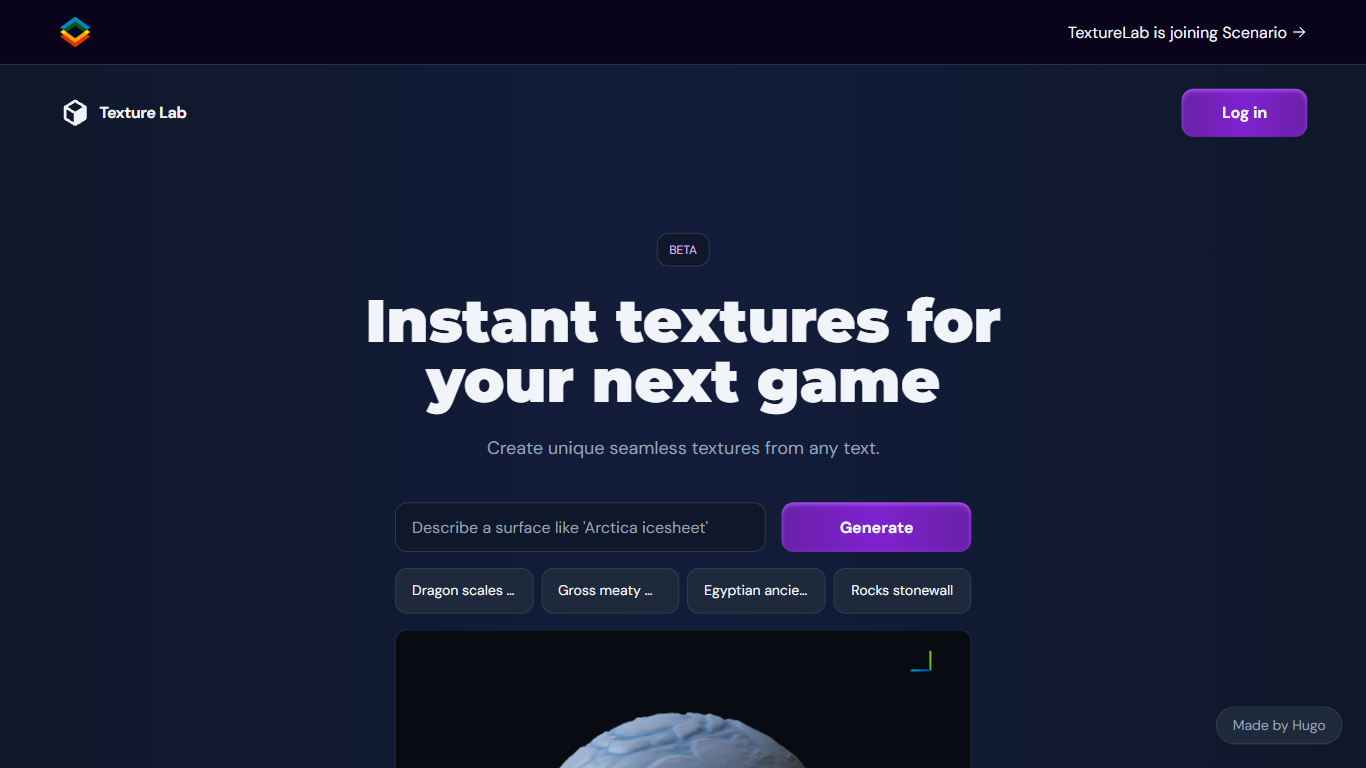
What is Texture Lab?
Texture Lab now lives inside Scenario as a seamless PBR texture generator that turns text prompts or reference images into tileable game-ready materials. You pick a texture model like Realistic Textures 2.0, generate an albedo map, preview it on a 3D object, and export full PBR sets with height, normal, metallic, edge, and ambient occlusion maps up to 8K resolution.
Standalone texture sites usually hand you diffuse images only. Scenario's Textures workflow adds specialized material models, custom model training on your art style, Prompt Spark prompt expansion, and one-click 8K upscaling inside the same creative platform used for images and 3D. The trade-off is that Texture Lab is no longer a separate product; it requires a Scenario account and credits.
Game environment artists, architectural visualizers, and AR/VR builders use Texture Lab to produce wood, stone, terracotta, and fantasy surfaces without hand-painting maps. Scenario offers 50 free daily credits with paid plans from $10 per month on annual billing for higher volume production.
AI Art Generator, Image-Maker Upvotes
Texture Lab Upvotes
AI Art Generator, Image-Maker Top Features
Text-to-image generation using DALL·E, Stable Diffusion, and Flux model families
AI Selfie Generator turns portraits into stylized artwork
Image-to-image and inpainting tools for partial edits
HD upscaling for sharper exports
Style presets spanning surrealism, vaporwave, cyberpunk, and anime models
180.5 MB download size with iOS 15+ and iPad support
In-app credit packs and weekly or annual subscriptions listed on the App Store
Texture Lab Top Features
Generates tileable albedo, height, normal, metallic, edge, and ambient occlusion maps from text or images
Specialized models for wood, stone, terracotta, and other material categories
Train custom texture models on Scenario to match your project's art style
3D viewer previews tiling, geometry shape, and material properties before export
One-click 8K upscaling for high-resolution environment work
Unity integration imports generated textures directly into game projects
50 free daily Scenario credits with no credit card required to start
AI Art Generator, Image-Maker Category
- Image Generation
Texture Lab Category
- Image Generation
AI Art Generator, Image-Maker Pricing Type
- Freemium
Texture Lab Pricing Type
- Freemium