AI Cartoon Generator vs Magic Brush AI
Dive into the comparison of AI Cartoon Generator vs Magic Brush AI and discover which AI Design tool stands out. We examine alternatives, upvotes, features, reviews, pricing, and beyond.
When comparing AI Cartoon Generator and Magic Brush AI, which one rises above the other?
When we compare AI Cartoon Generator and Magic Brush AI, two exceptional design tools powered by artificial intelligence, and place them side by side, several key similarities and differences come to light. There's no clear winner in terms of upvotes, as both tools have received the same number. The power is in your hands! Cast your vote and have a say in deciding the winner.
Want to flip the script? Upvote your favorite tool and change the game!
AI Cartoon Generator
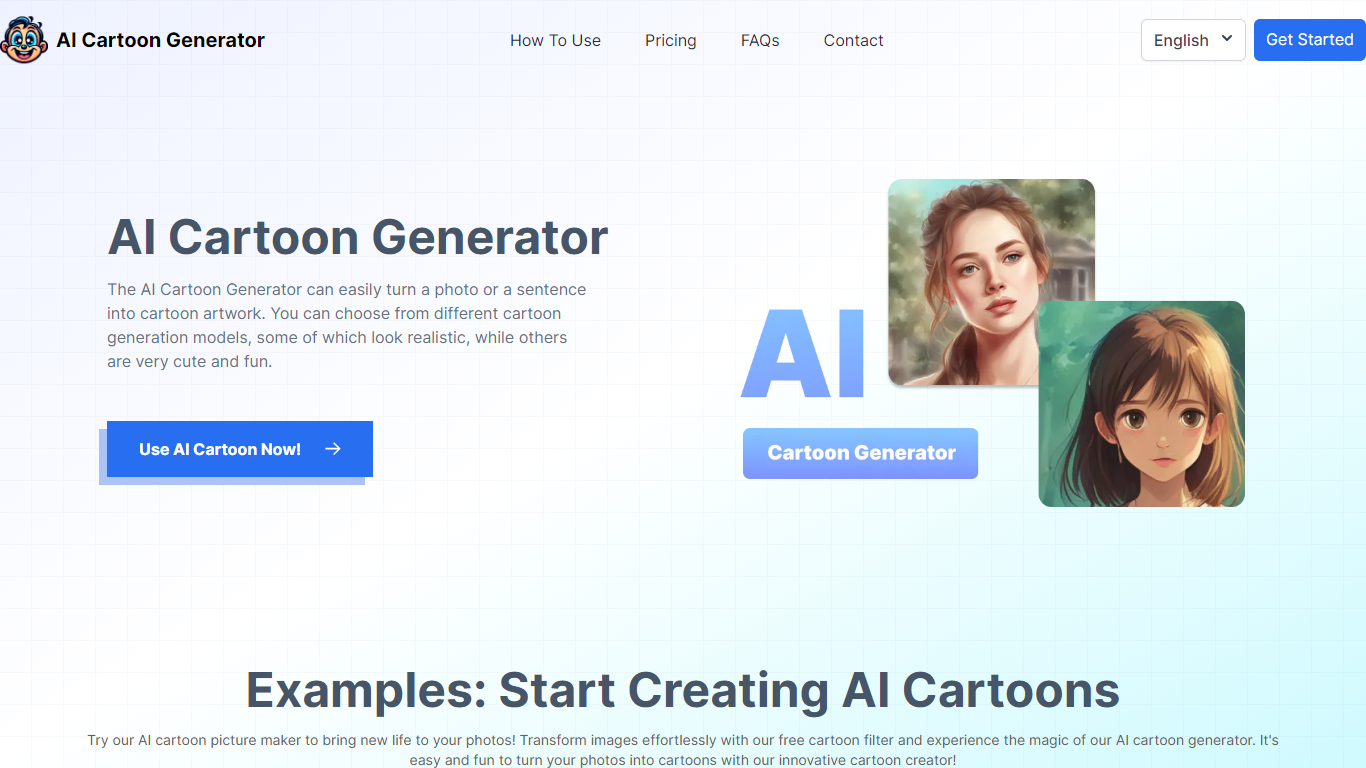

What is AI Cartoon Generator ?
AI Cartoon Generator turns text prompts into cartoon and anime artwork using SDXL, FLUX.1, and Banana models. Pick from 50+ art styles spanning Studio Ghibli, shonen, chibi, and cyberpunk, then generate characters, scenes, and illustrations in seconds without drawing skills.
The platform supports image-to-cartoon transformation, aspect ratio control, negative prompts, and batch generation. Output reaches up to 4K resolution with commercial usage rights included on paid plans. A dedicated Ghibli AI Generator page offers Studio Ghibli-style creation as a separate workflow.
New users receive 5 free credits to test the tool. Subscription plans add monthly credit pools, priority processing, private generation mode, and access to premium models like Flux Pro and Flux Dev.
Magic Brush AI

What is Magic Brush AI?
Magic Brush AI introduces an innovative AI-powered plugin specifically designed for Figma users who wish to enhance their design process. The Magic Brush AI plugin seamlessly integrates with Figma, allowing designers to generate and edit images directly within the application. If you're looking to speed up your design workflow and leverage artificial intelligence in your projects, Magic Brush AI offers a simple yet powerful solution. With easy installation and a user-friendly interface, Magic Brush expands creative possibilities without ever leaving your favorite design platform. Additionally, the community aspect is emphasized with an invitation to join their Discord, suggesting a focus on user engagement and support. Designed by Elie Toubiana from sunshine-filled Los Angeles, CA, Magic Brush AI is poised to transform how creatives interact with Figma and image editing.
AI Cartoon Generator Upvotes
Magic Brush AI Upvotes
AI Cartoon Generator Top Features
Turn text descriptions into cartoon or anime illustrations in 10 to 30 seconds
Choose from 50+ art styles including Studio Ghibli, shonen, shoujo, chibi, and cyberpunk
Run SDXL, FLUX.1, and Banana models with aspect ratio and negative prompt controls
Convert existing photos into cartoon artwork with image-to-cartoon transformation
Download high-resolution output up to 4K with commercial usage rights on paid plans
Magic Brush AI Top Features
AI Powered Plugin: A convenient Figma plugin that utilizes AI for image generation and editing.
Seamless Integration: Integrates with Figma for a streamlined design workflow.
Easy Installation: Simple process to install the plugin directly on Figma.
Community Support: Access to a Discord community for networking and support.
Frequent Updates: Continual improvements and feature additions to enhance user experience.
AI Cartoon Generator Category
- Design
Magic Brush AI Category
- Design
AI Cartoon Generator Pricing Type
- Freemium
Magic Brush AI Pricing Type
- Freemium