AI Coder Buddy vs Gorilla Terminal
Dive into the comparison of AI Coder Buddy vs Gorilla Terminal and discover which AI Code Assistant tool stands out. We examine alternatives, upvotes, features, reviews, pricing, and beyond.
When comparing AI Coder Buddy and Gorilla Terminal, which one rises above the other?
When we compare AI Coder Buddy and Gorilla Terminal, two exceptional code assistant tools powered by artificial intelligence, and place them side by side, several key similarities and differences come to light. There's no clear winner in terms of upvotes, as both tools have received the same number. Your vote matters! Help us decide the winner among aitools.fyi users by casting your vote.
Feeling rebellious? Cast your vote and shake things up!
AI Coder Buddy

What is AI Coder Buddy ?
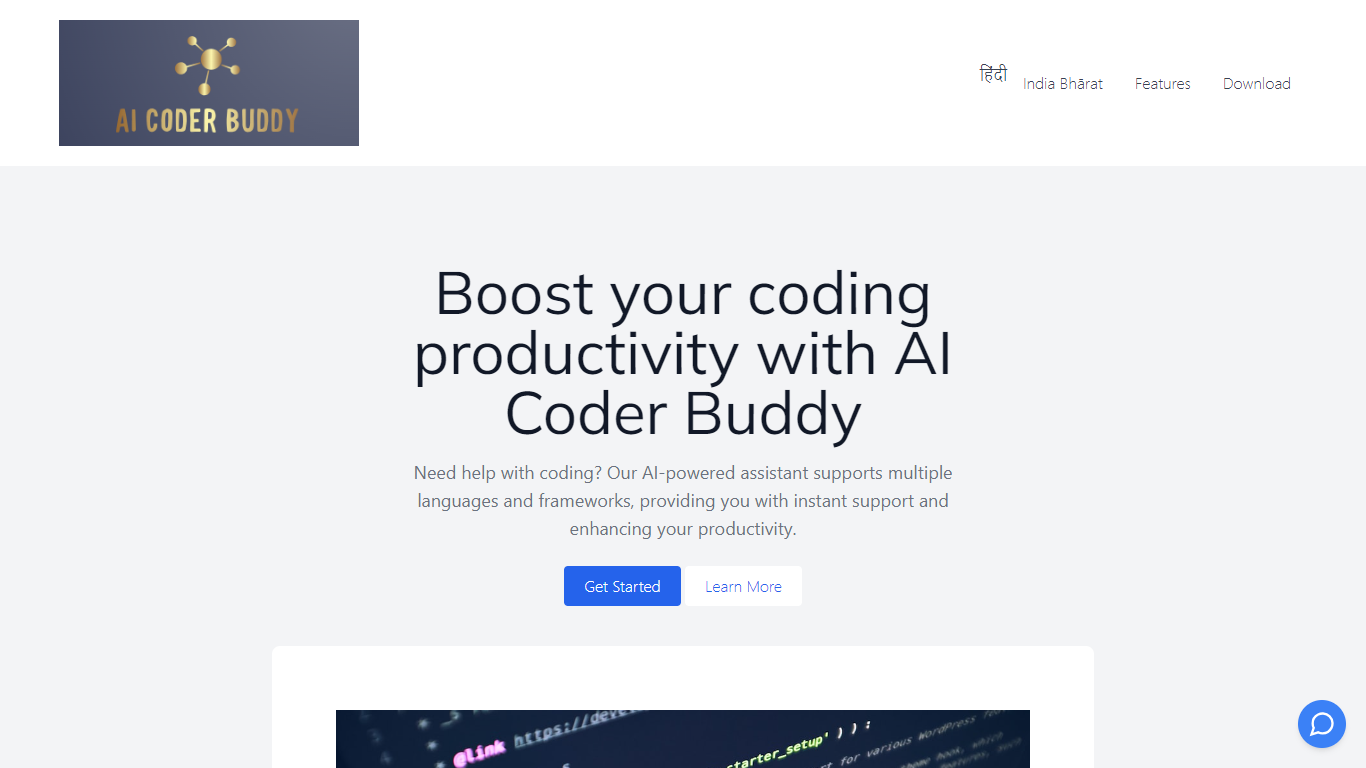
AI Coder Buddy is an innovative AI-powered coding assistant that boosts your productivity by offering real-time support and assistance with your programming tasks. Whether you are a seasoned developer or a beginner, AI Coder Buddy provides comprehensive support for over 90 programming languages, frameworks, and libraries. With an extensive database comprising more than 145,000 code examples, you can effortlessly search and find relevant code snippets using the AI-powered Fuzzy Search feature.
AI Coder Buddy isn't just a reference tool; it's also an excellent learning resource, featuring nearly 150,000 questions and answers to help you rapidly master your chosen language and technical skills. The built-in AI features offer fast, accurate answers—much quicker than sifting through Google Search or Stack Overflow results.
One of the standout features of AI Coder Buddy is its offline capability. You don't need an internet connection to keep coding, making it a perfect companion for remote coding sessions, while ensuring complete privacy and security. All your code queries remain on your computer, free from any external monitoring, thus guaranteeing that your code and intellectual property stay secure.
Gorilla Terminal

What is Gorilla Terminal?
Gorilla Terminal pulls stock data, SEC filings, macro indicators, and earnings call transcripts into one terminal-style dashboard in your browser. Search by ticker and you get charts, quarterly reports, insider trades, Twitter sentiment, and live futures without hopping between Bloomberg tabs and scattered finance sites.
Most research terminals either dump raw data tables or lean on generic summaries. Gorilla Terminal focuses on earnings calls: it runs sentiment analysis on what executives actually said, flags positive and negative statements, and lets you filter by quarter. That transcript-first angle is the trade-off. You get deeper call breakdowns than a charting site, but the product is built for equity research rather than crypto or forex.
Portfolio managers, solo investors, and finance students use this investment research tool to prep for earnings season, scan sector averages, and stress-test holdings with value-at-risk and regression tools. The macro panel covers CPI, unemployment, retail sales, and consumer sentiment in one click.
AI Coder Buddy Upvotes
Gorilla Terminal Upvotes
AI Coder Buddy Top Features
Multiple Language and Framework Support: AI Coder Buddy supports over 90 different programming languages, frameworks, and libraries.
Extensive Code Example Database: Access to more than 145,000 code examples through AI-powered Fuzzy Search.
Robust Learning Resource: Nearly 150,000 Q&A to expedite the learning process in various languages.
Fast Built-in AI Search: Receive quick and relevant coding answers, outdoing traditional search methods.
Privacy and Offline Capability: No need for an internet connection, and your code remains private and secure on your local machine.
Gorilla Terminal Top Features
Earnings call transcripts with AI sentiment scoring and positive/negative statement filters per quarter
Macro dashboard covering CPI, unemployment, retail sales, and consumer sentiment in one view
Stock search returns charts, 10-Ks, 10-Qs, insider buying, and Twitter sentiment on one page
Value-at-risk and regression analysis for portfolio risk modeling
Industry average metrics across revenue growth, margins, and tax rates by sector
Pro plan at $29 per month, down from a listed $49 per month on the pricing page
7-day pass at $9.99 for short-term access without a monthly commitment
AI Coder Buddy Category
- Code Assistant
Gorilla Terminal Category
- Code Assistant
AI Coder Buddy Pricing Type
- Freemium
Gorilla Terminal Pricing Type
- Paid