AI Engine on Meow Apps vs TypingMind
In the contest of AI Engine on Meow Apps vs TypingMind, which AI Chat Bot tool is the champion? We evaluate pricing, alternatives, upvotes, features, reviews, and more.
If you had to choose between AI Engine on Meow Apps and TypingMind, which one would you go for?
When we examine AI Engine on Meow Apps and TypingMind, both of which are AI-enabled chat bot tools, what unique characteristics do we discover? There's no clear winner in terms of upvotes, as both tools have received the same number. You can help us determine the winner by casting your vote and tipping the scales in favor of one of the tools.
Think we got it wrong? Cast your vote and show us who's boss!
AI Engine on Meow Apps
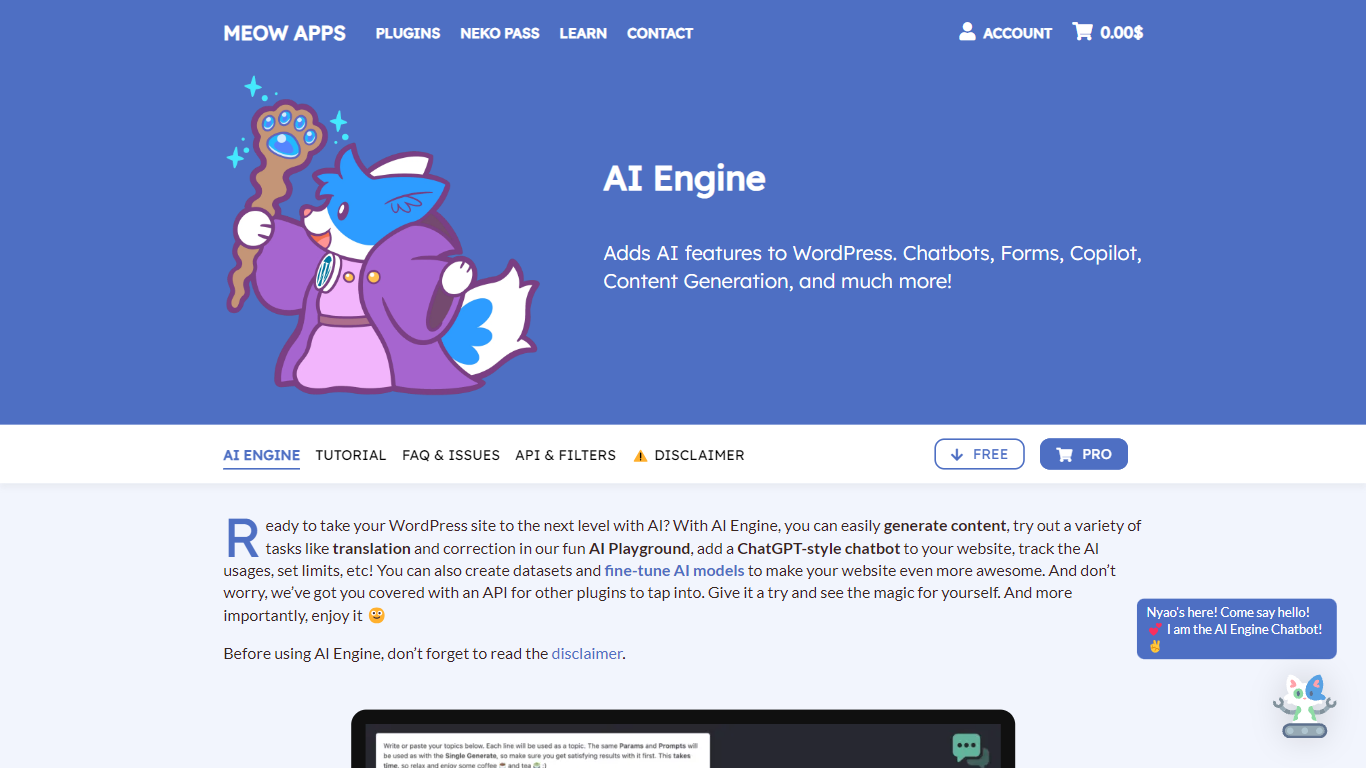

What is AI Engine on Meow Apps?
AI Engine on Meow Apps is a WordPress plugin that wires chatbots, content generation, AI forms, embeddings, and image tools into your site dashboard. You bring your own API keys from OpenAI, Anthropic, Google, Mistral, Perplexity, or OpenRouter, so token costs stay on your provider accounts with no markup from the plugin.
Most WordPress AI plugins lock you to one vendor chatbot. AI Engine instead acts as a framework: it turns your site into an MCP server so Claude, ChatGPT, and other agents can manage posts, plugins, and WooCommerce through conversation, and it bundles a full Workspace chat app inside wp-admin with an iOS companion.
Site owners, agencies, and developers use it to deploy grounded chatbots from site content, automate editorial workflows, and expose WordPress data to external automations through REST and MCP. The free plugin on WordPress.org covers core chatbots and copilot tools; Pro unlocks AI forms, cross-site embeds, realtime voice chat, and deeper MCP controls.
TypingMind
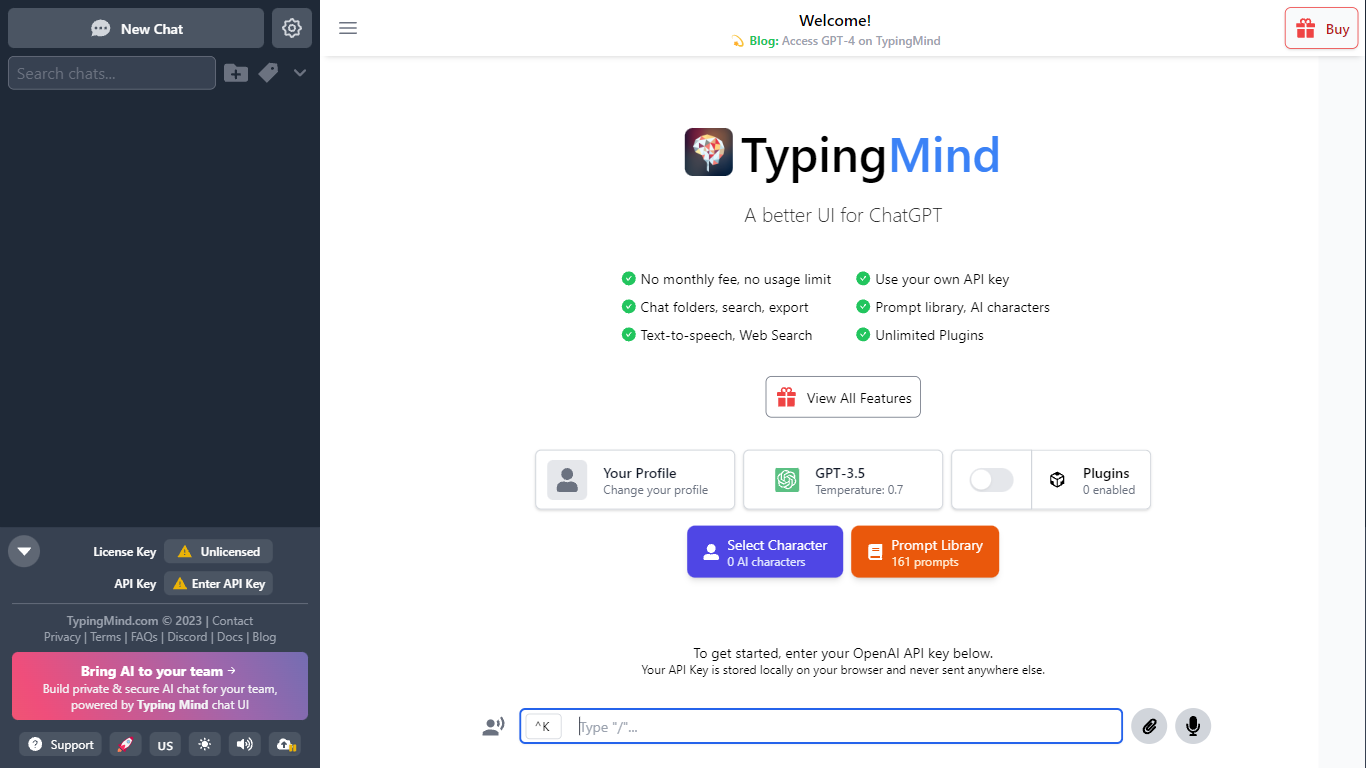
What is TypingMind?
TypingMind gives you one chat interface for ChatGPT, Claude, Gemini, DeepSeek, and other LLMs while you bring your own API keys. You pay a one-time license fee to TypingMind, then only for the tokens each model provider charges. Chats, folders, agents, and API credentials stay in local browser storage by default, so your conversations are not sent for model training.
Where ChatGPT Plus locks you into OpenAI and caps usage, TypingMind lets you switch models mid-conversation, run multi-model parallel chats, and connect MCP tools, RAG knowledge bases, and custom plugins. Prompt caching can cut token costs up to 90% on supported models. Over 50 pre-built agents cover coding, research, and marketing workflows out of the box.
TypingMind suits power users and teams who already pay for API access and want a richer UI than vendor defaults. More than 20,641 customers use it daily, and a separate TypingMind for Teams product adds admin controls, custom branding, and self-hosting for companies.
AI Engine on Meow Apps Upvotes
TypingMind Upvotes
AI Engine on Meow Apps Top Features
Connect OpenAI, Anthropic, Google, Mistral, Perplexity, and OpenRouter behind one WordPress interface
Turn the site into an MCP server so Claude and ChatGPT can manage WordPress through conversation
Build chatbots with themes, voice chat, file uploads, and persistent memory via shortcodes
Workspace full-screen AI chat in wp-admin with folders, search, and an iOS companion app
Create embeddings from posts and PDFs with Pinecone, Qdrant, Chroma, or OpenAI Vector Store
Track token usage and costs per user with configurable limits in Insights
TypingMind Top Features
Access ChatGPT, Claude, Gemini, and 20+ LLMs from one interface
Lifetime licenses from $39 Standard to $99 Premium with no TypingMind subscription
Prompt caching reduces token costs up to 90% on supported models
50+ pre-built AI agents plus custom agent and plugin builder
MCP connectors for Figma, GitHub, GitLab, Redis, Make, and Apify
Local-first storage keeps chats and API keys on your device by default
AI Engine on Meow Apps Category
- Chat Bot
TypingMind Category
- Chat Bot
AI Engine on Meow Apps Pricing Type
- Freemium
TypingMind Pricing Type
- Paid