AI Image Generator From Text Free Online vs Directory Crop
In the contest of AI Image Generator From Text Free Online vs Directory Crop, which AI Image Generation tool is the champion? We evaluate pricing, alternatives, upvotes, features, reviews, and more.
If you had to choose between AI Image Generator From Text Free Online and Directory Crop, which one would you go for?
When we examine AI Image Generator From Text Free Online and Directory Crop, both of which are AI-enabled image generation tools, what unique characteristics do we discover? Directory Crop stands out as the clear frontrunner in terms of upvotes. Directory Crop has been upvoted 7 times by aitools.fyi users, and AI Image Generator From Text Free Online has been upvoted 6 times.
You don't agree with the result? Cast your vote to help us decide!
AI Image Generator From Text Free Online
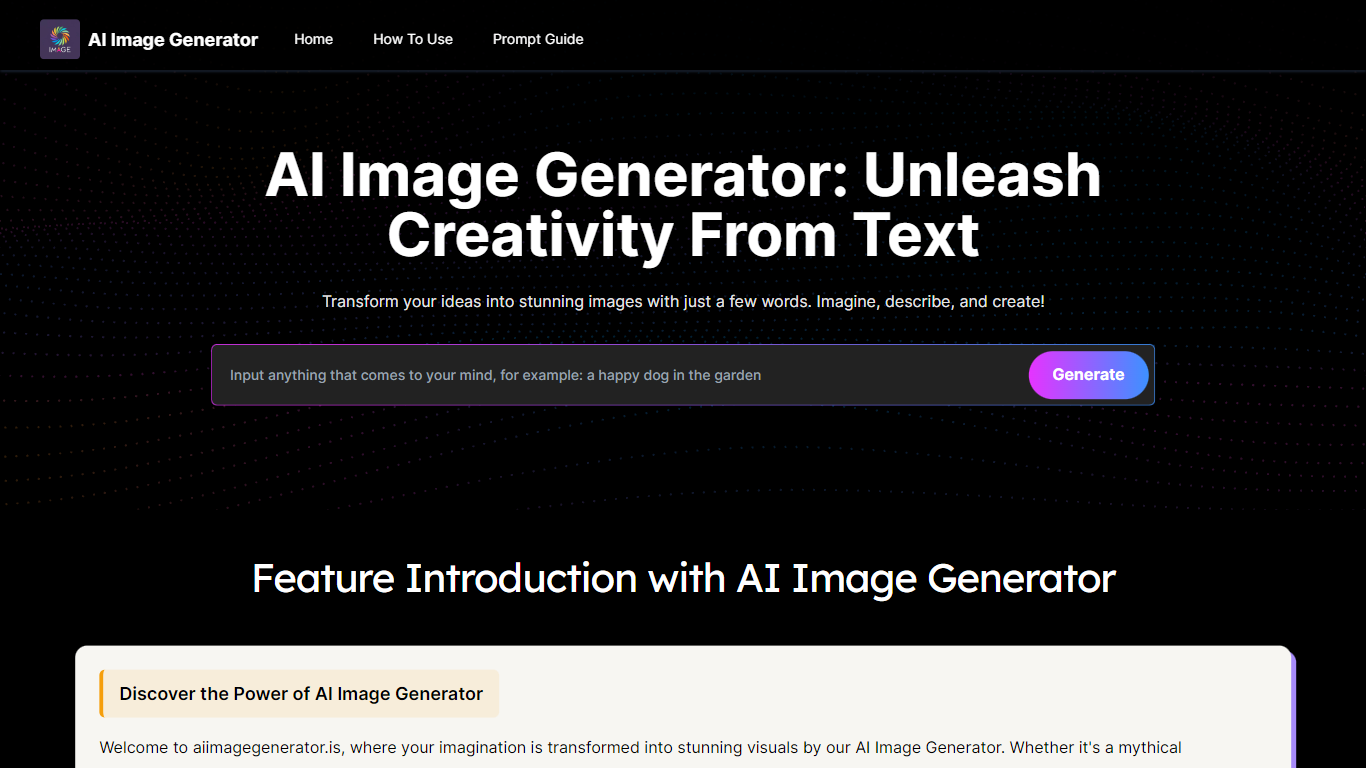

What is AI Image Generator From Text Free Online ?
AI Image Generator From Text Free Online is a browser-based image generation site that turns written prompts into finished artwork. You type a description, pick one of four model presets, choose output dimensions, and download the result in seconds. The homepage runs without an account, which makes it a quick option when you need a visual draft rather than a full design suite.
Where many image tools bury model choice behind settings panels, aiimagegenerator.is puts Normal, Realistic, Anime, and 3D Anime on the main workflow. The site also advertises an image-to-image mode that keeps the structure of an uploaded file while applying your text edits. Stable Diffusion XL sits at the center of the stack, so the trade-off is speed and simplicity over deep inpainting or layer control.
The site targets hobbyists, bloggers, marketers, and indie designers who want stock-style visuals without opening Photoshop. FAQ copy states that regular users face a daily generation cap while premium accounts get higher or unlimited access, and that commercial use is permitted. If you need predictable billing or team seats, the missing public pricing page is the main gap.
Directory Crop

What is Directory Crop?
Directory Crop speeds up sorting bulk AI image outputs on Windows, macOS, and Linux. Open a folder of generations, crop out bad hands or extra limbs, and delete failed files with one click or one keypress. After each crop or delete, the app jumps to the next image so you can review hundreds of files without digging through file managers.
Photo editors built for single images slow you down when a Stable Diffusion run drops 200 variants. Directory Crop is built for that culling workflow: crop guidelines, optional output folders, metadata preservation, and keyboard shortcuts for next, previous, and delete. Images never leave your machine, which matters when prompts or outputs are private.
The free tier covers 100 crops per month before a watermark appears. Professional plans start at $9 per month for 1,000 crops, $19 for 5,000, or $49 for unlimited per user. Students, journalists, Java Champions, and beta testers can apply for free license keys. Install via direct download, Homebrew, Chocolatey, or winget.
AI Image Generator From Text Free Online Upvotes
Directory Crop Upvotes
AI Image Generator From Text Free Online Top Features
Stable Diffusion XL engine named on the homepage as the core model
Four presets on the generator: Normal, Realistic, Anime, and 3D Anime
Selectable output dimensions before each generation run
Image-to-image uploads that apply text edits to an existing file
Free tier with a daily generation cap; premium tier raises limits per FAQ
Commercial use allowed according to the site FAQ
Directory Crop Top Features
Crop and delete images in a folder with automatic jump to the next file
One-click or one-key delete for bad AI generations like extra limbs
Runs locally on Windows, macOS, and Linux with privacy-first processing
Crop guidelines, metadata preservation, and optional separate output directory
Free tier includes 100 crops per month before watermarking
Install via EXE, DMG, DEB, Homebrew, Chocolatey, or winget package managers
AI Image Generator From Text Free Online Category
- Image Generation
Directory Crop Category
- Image Generation
AI Image Generator From Text Free Online Pricing Type
- Freemium
Directory Crop Pricing Type
- Freemium