AI Photo Editor | Canva vs PhotoAid's AI Image Enlarger
In the face-off between AI Photo Editor | Canva vs PhotoAid's AI Image Enlarger, which AI Photo Editing tool takes the crown? We scrutinize features, alternatives, upvotes, reviews, pricing, and more.
In a face-off between AI Photo Editor | Canva and PhotoAid's AI Image Enlarger, which one takes the crown?
If we were to analyze AI Photo Editor | Canva and PhotoAid's AI Image Enlarger, both of which are AI-powered photo editing tools, what would we find? Neither tool takes the lead, as they both have the same upvote count. Join the aitools.fyi users in deciding the winner by casting your vote.
Disagree with the result? Upvote your favorite tool and help it win!
AI Photo Editor | Canva
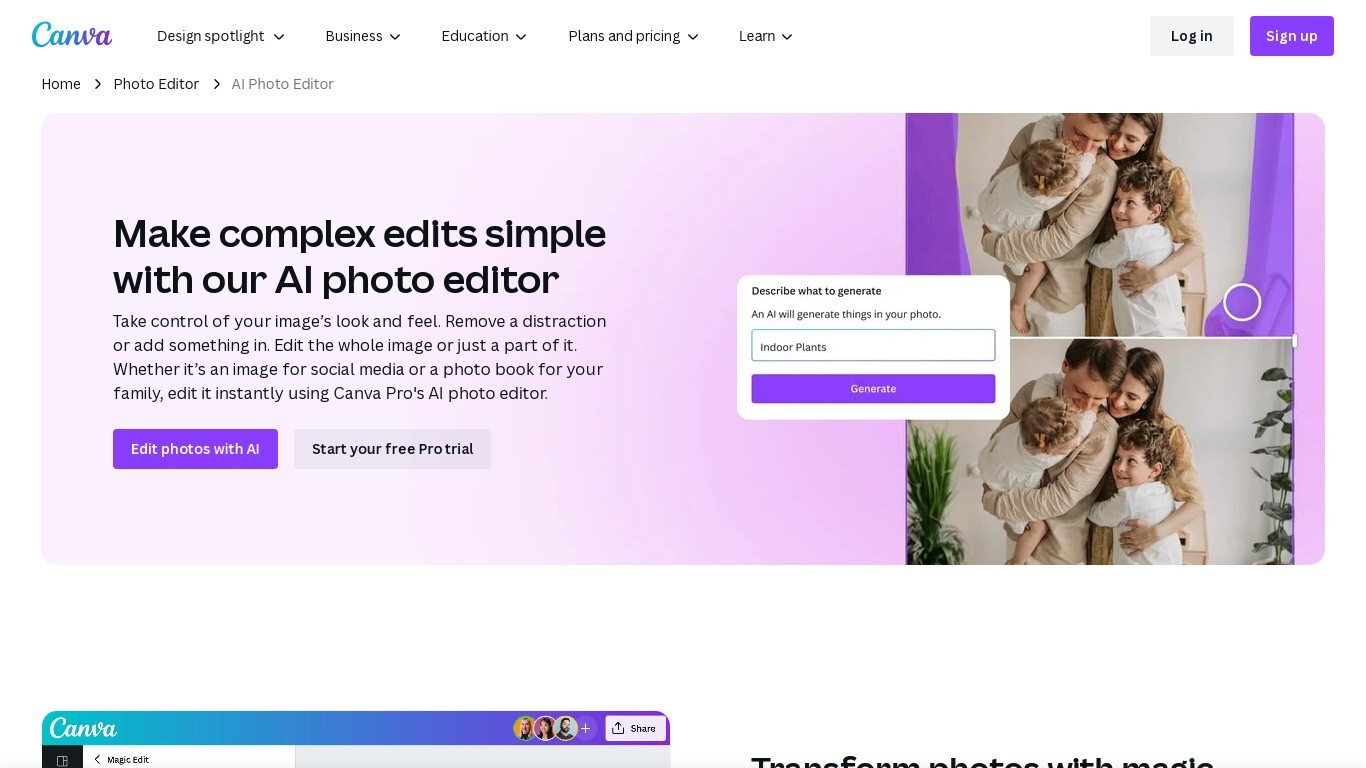

What is AI Photo Editor | Canva?
Canva AI Photo Editor is a browser-based photo editing workspace inside Canva where you upload an image and apply AI tools like Magic Edit, Magic Eraser, Background Remover, and Image Upscaler. You can erase objects, replace backgrounds from a text prompt, recolor detected subjects, and extend image borders without opening a separate desktop app.
Unlike standalone AI photo apps, these edits live inside Canva's full design editor. A cleaned product shot can drop straight into an Instagram template, presentation slide, or print layout in the same session, which is the trade-off most single-purpose editors skip.
Magic Edit runs on Google's Nano Banana model: click an element or brush an area, type what to change, and the tool adds or replaces that region. Magic Grab isolates subjects, foreground objects, and backgrounds so you can resize or reposition each piece individually, while Grab Text lets you edit words baked into a photo.
Marketers, small business owners, students, and social creators use it for quick touch-ups when they need polished visuals but not a Photoshop workflow. The base photo editor is free with no export watermark; Magic Eraser, Background Remover, and other premium AI tools require Canva Pro or higher.
PhotoAid's AI Image Enlarger

What is PhotoAid's AI Image Enlarger?
PhotoAid's AI Image Enlarger upscales photos in the browser without a software download. You upload a JPEG, WEBP, or PNG file up to 30MB or 10,000 by 10,000 pixels, pick a 1x or 2x zoom level, and the tool doubles dimensions while smoothing detail instead of leaving blocky pixels.
Standard resize tools stretch pixels and blur faces fast. PhotoAid's upscaler uses AI smoothing tuned especially for portraits, so a 1000 by 1000 px image can become 2000 by 2000 px with fewer artifacts than a basic bicubic stretch.
The enlarger is free and hosted by PhotoAiD, the same team behind passport and visa photo tools on photoaid.com. They released it as a standalone browser utility alongside their biometric photo pipeline, with multilingual site options and links back to other PhotoAid tools.
PhotoAid's AI Image Enlarger fits photographers, ecommerce sellers, and anyone who needs a quick upscale for profile shots or product images. It also helps travelers who already use PhotoAid for passport photos and want a separate enlargement step in the same ecosystem.
AI Photo Editor | Canva Upvotes
PhotoAid's AI Image Enlarger Upvotes
AI Photo Editor | Canva Top Features
Magic Edit uses Google's Nano Banana model to add or replace image regions from a short text prompt
One-click Background Remover exports a high-resolution PNG after detecting the photo foreground
Upload JPEG, PNG, WEBP, HEIC, SVG, or PSD files directly in the browser photo editor
Image Upscaler sharpens blurry photos in one click without leaving the Canva editor
Magic Grab isolates subjects and background layers so you can resize or reposition each separately
Free plan includes up to 200 Standard AI uses or 20 Premium AI uses per billing cycle
Edited photos flow into Canva templates for social posts, presentations, and print designs
PhotoAid's AI Image Enlarger Top Features
2x zoom doubles image dimensions, for example 1000 by 1000 px to 2000 by 2000 px
Maximum upload size is 30MB or 10,000 by 10,000 pixels
Supports JPEG, WEBP, and PNG input formats
Browser-based workflow requires no desktop software download
AI upscaler emphasizes face photos but handles other image types
Free access with share and tell-friends prompts on the tool page
Multilingual PhotoAid site lists 15 language options in the footer
AI Photo Editor | Canva Category
- Photo Editing
PhotoAid's AI Image Enlarger Category
- Photo Editing
AI Photo Editor | Canva Pricing Type
- Freemium
PhotoAid's AI Image Enlarger Pricing Type
- Free