AI Screen Writer vs AIWritingPal
In the contest of AI Screen Writer vs AIWritingPal, which AI Writing Assistant tool is the champion? We evaluate pricing, alternatives, upvotes, features, reviews, and more.
If you had to choose between AI Screen Writer and AIWritingPal, which one would you go for?
When we examine AI Screen Writer and AIWritingPal, both of which are AI-enabled writing assistant tools, what unique characteristics do we discover? AIWritingPal is the clear winner in terms of upvotes. AIWritingPal has received 10 upvotes from aitools.fyi users, while AI Screen Writer has received 6 upvotes.
Does the result make you go "hmm"? Cast your vote and turn that frown upside down!
AI Screen Writer
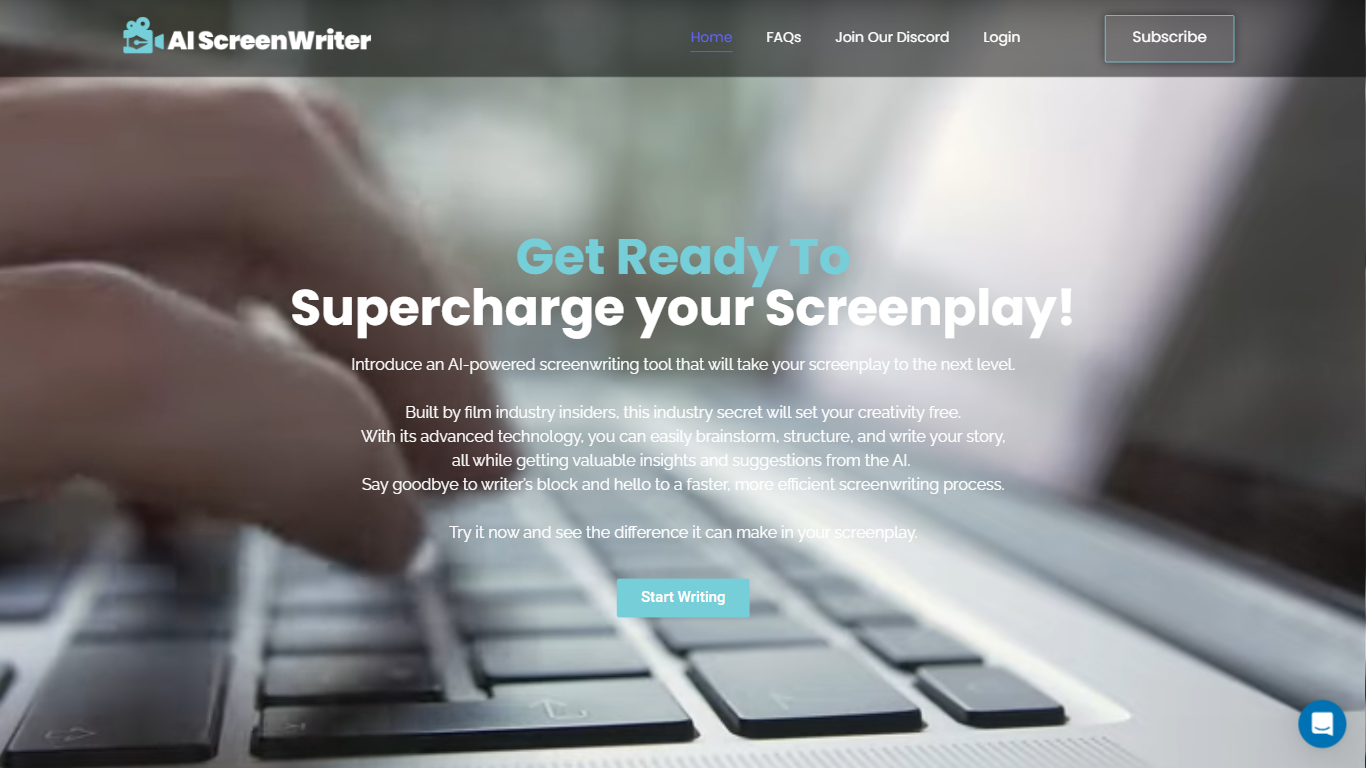

What is AI Screen Writer?
AI Screen Writer is a writing assistant for screenplays, story outlines, and character sheets. The web app walks you through character sheets, story outlines, and individual film scenes, with an editor that lets you revise generated script text instead of treating the output as final.
General-purpose writing tools can draft prose, but they rarely structure a screenplay workflow around character sheets, beat outlines, and scene generation in one project. AI Screen Writer also adds realtime output, in-app human support, and eight interface languages (Spanish, French, German, Portuguese, Tamil, Hindi, Standard Chinese, and Russian). GlassFrog Productions built it in-house; the team cites credits on Avatar, District 9, Mad Max, The Lego Movie, Cyberpunk 2077, and Total Recall.
Screenwriters, indie filmmakers, and YouTube scriptwriters are the core audience. Access runs on monthly token credits with a 10,000-token free trial, and generated content is treated as user-owned per the FAQ. Projects stay on AI Screen Writer servers while your account is active, with downloads recommended for backup.
AIWritingPal
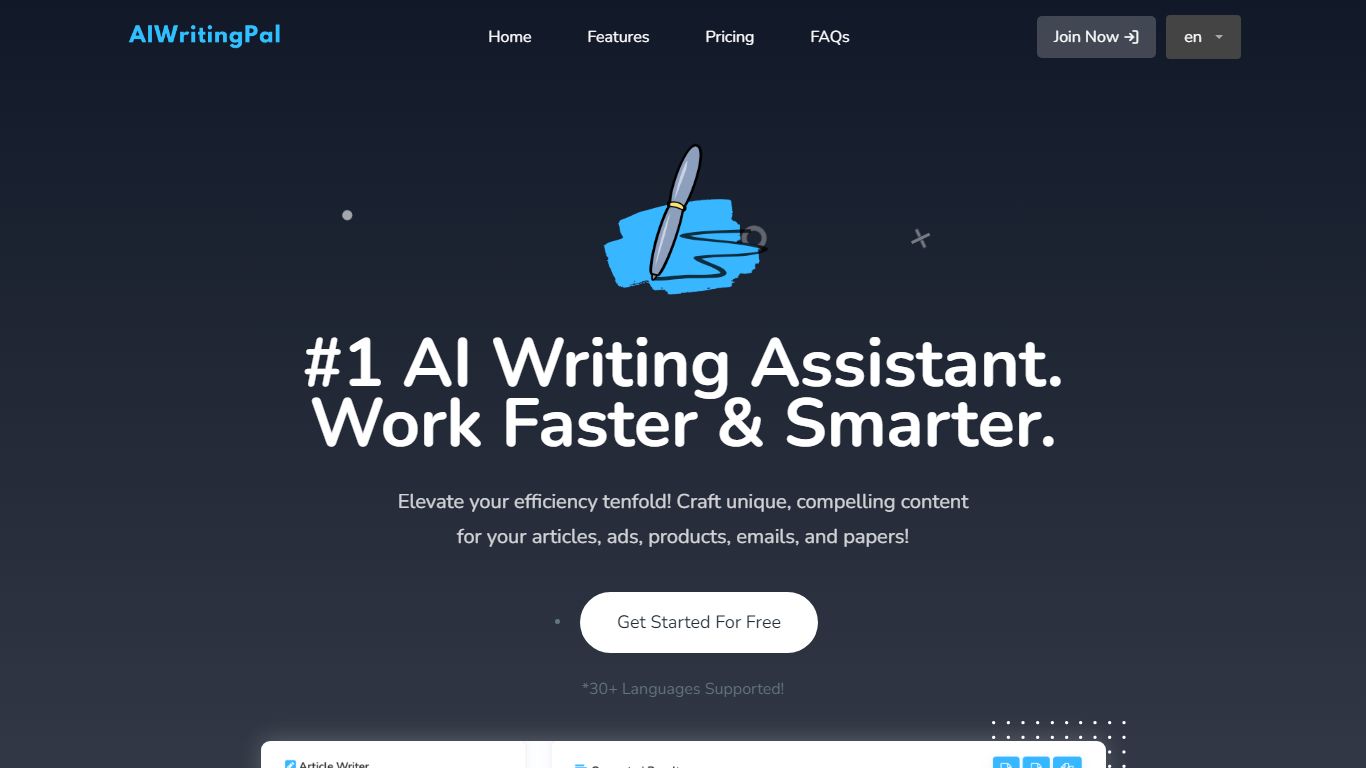
What is AIWritingPal?
AIWritingPal is a browser-based writing assistant for turning short briefs into drafts of blogs, emails, product descriptions, and social posts. You pick a template, add notes or links, and get editable copy back in seconds. The free tier includes 14 writing tools and 25,000 words per month, while Pro unlocks 19 tools and unlimited output for $5 per month.
Most writing suites chase enterprise workflows and long-form collaboration. AIWritingPal deliberately stays narrow: template-first drafts for everyday marketing and communication tasks. The 2026 redesign stripped navigation and dashboard clutter rather than adding more AI models or team features, and Pro costs $5 monthly where many competitors start at $20 or require annual plans.
Writers, marketers, founders, and small teams who need a first draft quickly without learning a complex editor are the core audience. The interface supports English, Spanish, Simplified Chinese, and Japanese, and sign-up works with Google as well as email.
AI Screen Writer Upvotes
AIWritingPal Upvotes
AI Screen Writer Top Features
Character sheet, story outline, and film scene generators in one project workflow
Edit generated screenplay, script, or character sheet text after AI output
Realtime Output streams content as the model generates it
Interface supports 8 languages including Spanish, French, German, and Hindi
Free trial includes 10,000 tokens (roughly 7,500 generated words per FAQ)
Paid plans from $10 to $50 per month with 100,000 to 500,000 monthly tokens
In-app human support without leaving the writing workspace
AIWritingPal Top Features
Free plan includes 14 AI writing tools and 25,000 words per month
Pro plan adds 5 more tools and removes the monthly word cap for $5 per month
Template groups cover coursework, editing, product copy, and social posts
Homepage demo lets you draft product descriptions, emails, or blog posts before signing up
Site claims 53 million plus words generated across its user base
Interface available in English, Spanish, Simplified Chinese, and Japanese
AI Screen Writer Category
- Writing Assistant
AIWritingPal Category
- Writing Assistant
AI Screen Writer Pricing Type
- Freemium
AIWritingPal Pricing Type
- Freemium