AI Screen Writer vs Notion AI
In the battle of AI Screen Writer vs Notion AI, which AI Writing Assistant tool comes out on top? We compare reviews, pricing, alternatives, upvotes, features, and more.
Between AI Screen Writer and Notion AI, which one is superior?
Upon comparing AI Screen Writer with Notion AI, which are both AI-powered writing assistant tools, The upvote count favors Notion AI, making it the clear winner. The upvote count for Notion AI is 9, and for AI Screen Writer it's 6.
Want to flip the script? Upvote your favorite tool and change the game!
AI Screen Writer
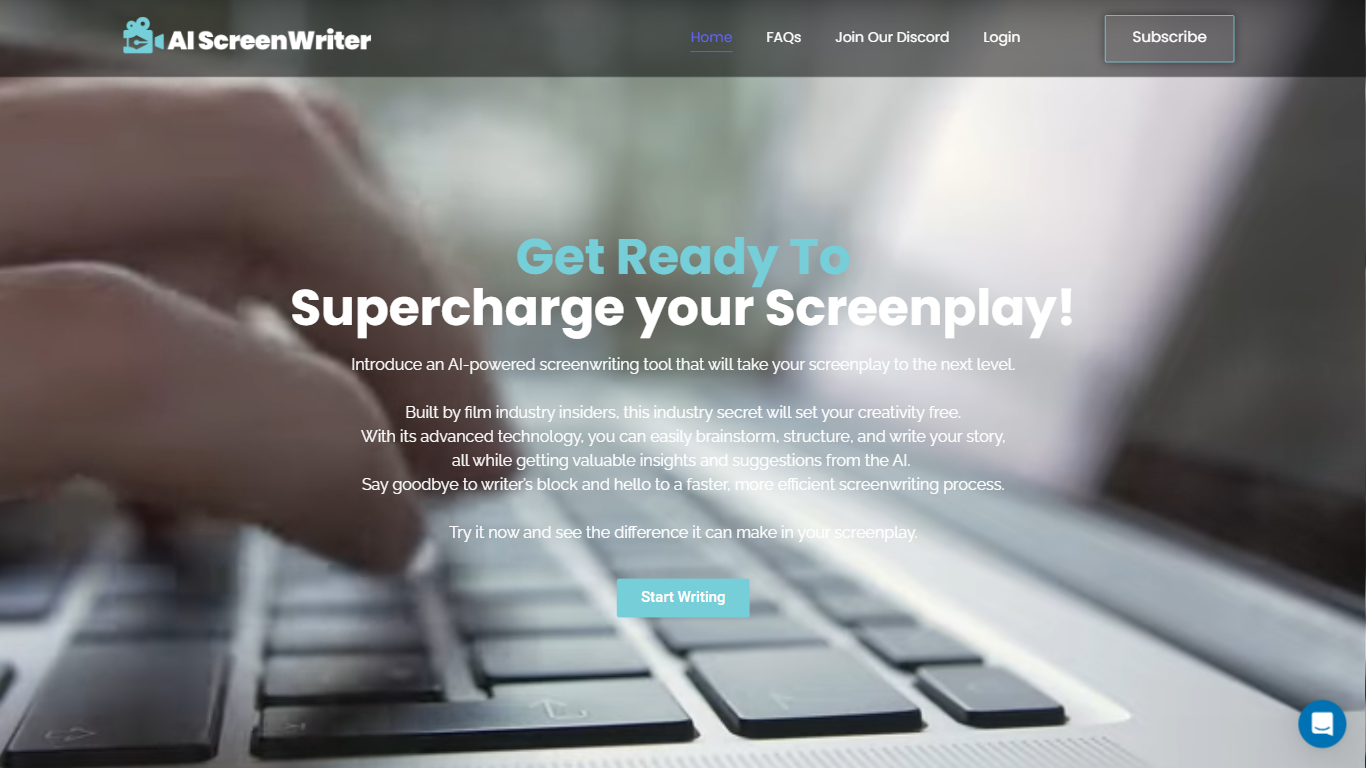

What is AI Screen Writer?
AI Screen Writer is a writing assistant for screenplays, story outlines, and character sheets. The web app walks you through character sheets, story outlines, and individual film scenes, with an editor that lets you revise generated script text instead of treating the output as final.
General-purpose writing tools can draft prose, but they rarely structure a screenplay workflow around character sheets, beat outlines, and scene generation in one project. AI Screen Writer also adds realtime output, in-app human support, and eight interface languages (Spanish, French, German, Portuguese, Tamil, Hindi, Standard Chinese, and Russian). GlassFrog Productions built it in-house; the team cites credits on Avatar, District 9, Mad Max, The Lego Movie, Cyberpunk 2077, and Total Recall.
Screenwriters, indie filmmakers, and YouTube scriptwriters are the core audience. Access runs on monthly token credits with a 10,000-token free trial, and generated content is treated as user-owned per the FAQ. Projects stay on AI Screen Writer servers while your account is active, with downloads recommended for backup.
Notion AI
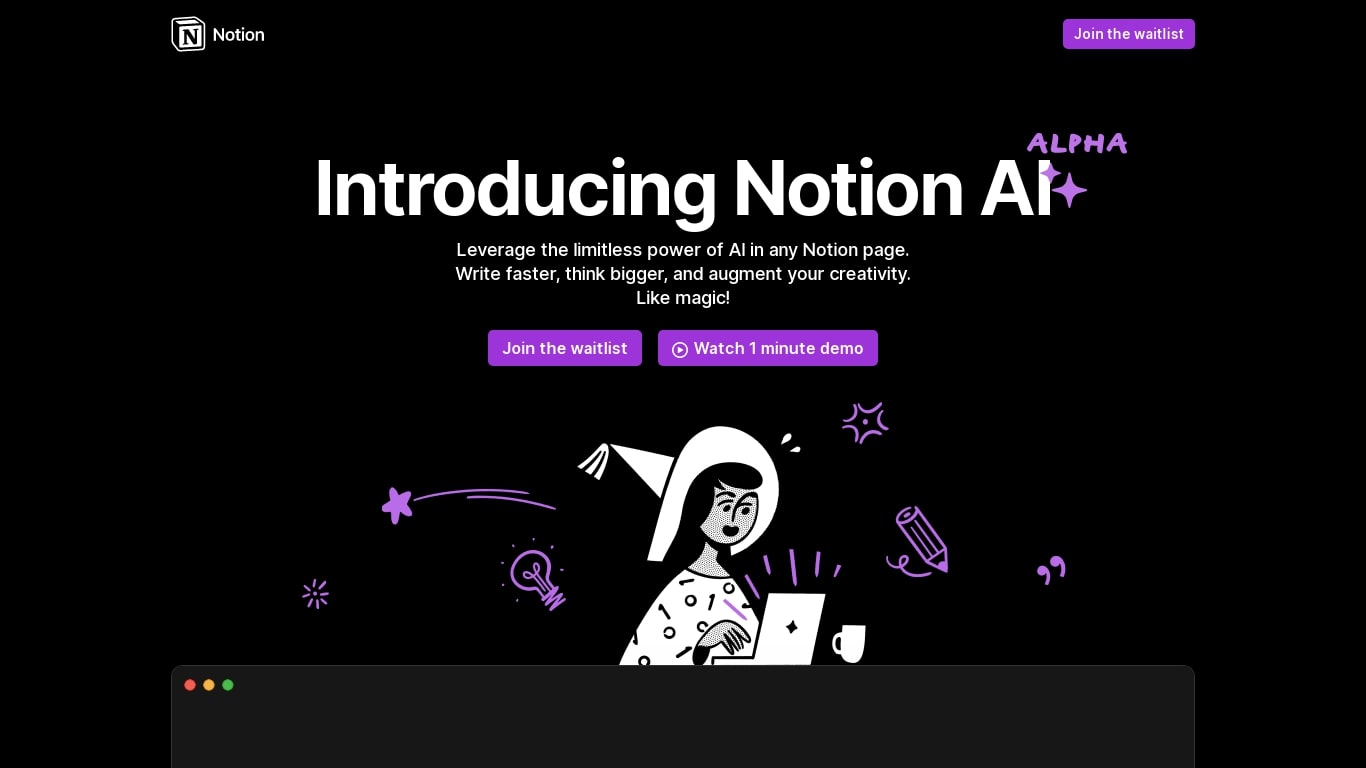
What is Notion AI?
Notion AI is a writing and workflow assistant built into Notion workspaces. It runs inside pages, docs, tasks, and databases so teams can draft content, search connected apps, and automate recurring work without leaving Notion.
Compared with standalone chat tools, Notion AI is tied to your workspace context. Notion Agent can build and edit pages, Custom Agents run on schedules or triggers across Slack and other connectors, and Enterprise Search pulls answers from Slack, Google Drive, and GitHub in seconds.
Business and Enterprise plans include core AI features like AI Meeting Notes and Enterprise Search. Custom Agents are free on those plans through May 3, 2026, then bill at $10 per 1,000 Notion credits. Free workspaces get trial AI usage for doc generation and database autofill.
AI Screen Writer Upvotes
Notion AI Upvotes
AI Screen Writer Top Features
Character sheet, story outline, and film scene generators in one project workflow
Edit generated screenplay, script, or character sheet text after AI output
Realtime Output streams content as the model generates it
Interface supports 8 languages including Spanish, French, German, and Hindi
Free trial includes 10,000 tokens (roughly 7,500 generated words per FAQ)
Paid plans from $10 to $50 per month with 100,000 to 500,000 monthly tokens
In-app human support without leaving the writing workspace
Notion AI Top Features
Notion Agent completes multi-step tasks using workspace and connected app context
Custom Agents automate Slack Q&A, task routing, and project updates on schedules
Enterprise Search queries Slack, Google Drive, GitHub, and other connected apps
AI Meeting Notes transcribe conversations and summarize follow-ups without a bot
Business plan at $20 per member per month includes Notion Agent and core AI features
Custom Agents priced at $10 per 1,000 credits starting May 4, 2026 on Business plans
AI Screen Writer Category
- Writing Assistant
Notion AI Category
- Writing Assistant
AI Screen Writer Pricing Type
- Freemium
Notion AI Pricing Type
- Freemium