AI Screen Writer vs Trinka AI
In the clash of AI Screen Writer vs Trinka AI, which AI Writing Assistant tool emerges victorious? We assess reviews, pricing, alternatives, features, upvotes, and more.
When we put AI Screen Writer and Trinka AI head to head, which one emerges as the victor?
Let's take a closer look at AI Screen Writer and Trinka AI, both of which are AI-driven writing assistant tools, and see what sets them apart. There's no clear winner in terms of upvotes, as both tools have received the same number. You can help us determine the winner by casting your vote and tipping the scales in favor of one of the tools.
Does the result make you go "hmm"? Cast your vote and turn that frown upside down!
AI Screen Writer
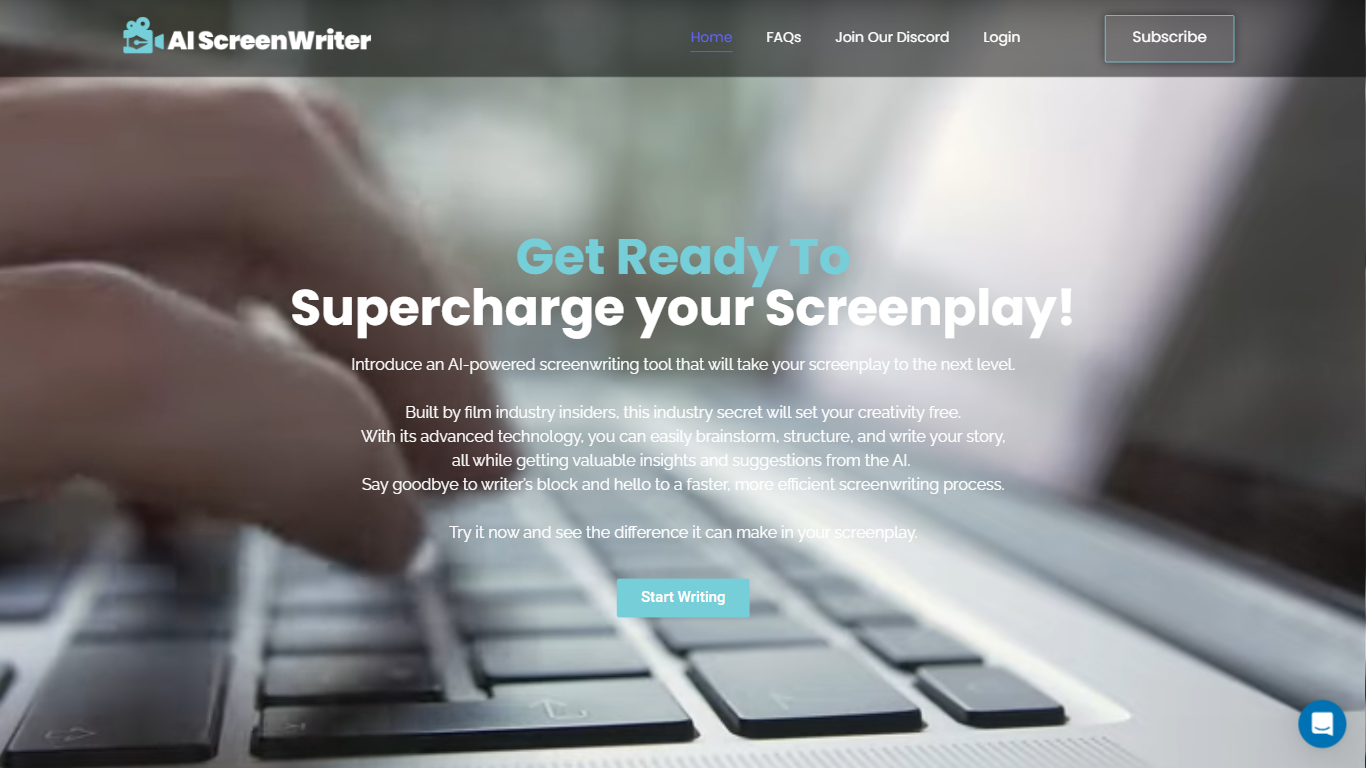

What is AI Screen Writer?
AI Screen Writer is a writing assistant for screenplays, story outlines, and character sheets. The web app walks you through character sheets, story outlines, and individual film scenes, with an editor that lets you revise generated script text instead of treating the output as final.
General-purpose writing tools can draft prose, but they rarely structure a screenplay workflow around character sheets, beat outlines, and scene generation in one project. AI Screen Writer also adds realtime output, in-app human support, and eight interface languages (Spanish, French, German, Portuguese, Tamil, Hindi, Standard Chinese, and Russian). GlassFrog Productions built it in-house; the team cites credits on Avatar, District 9, Mad Max, The Lego Movie, Cyberpunk 2077, and Total Recall.
Screenwriters, indie filmmakers, and YouTube scriptwriters are the core audience. Access runs on monthly token credits with a 10,000-token free trial, and generated content is treated as user-owned per the FAQ. Projects stay on AI Screen Writer servers while your account is active, with downloads recommended for backup.
Trinka AI
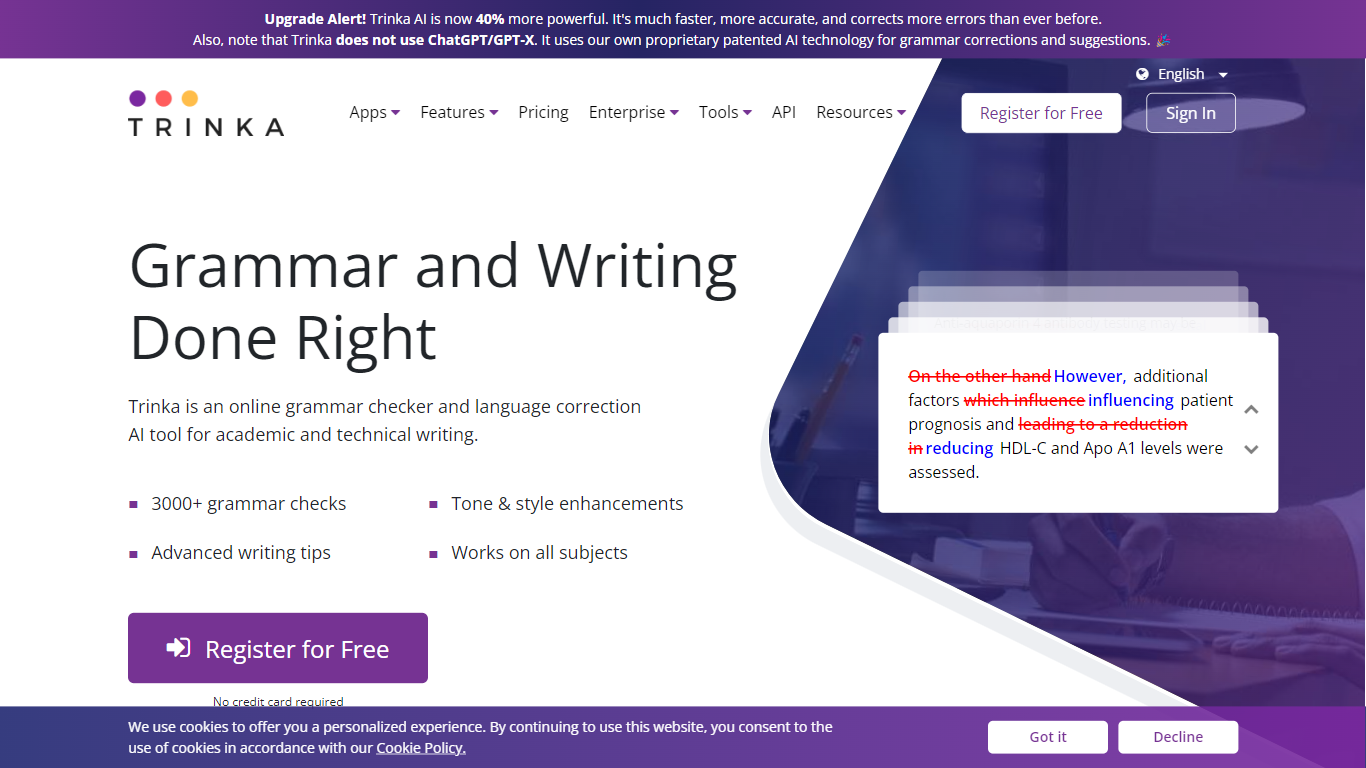
What is Trinka AI?
Trinka AI is a writing assistant built for academic and technical English and Spanish. It checks grammar, tone, and style guide rules, then adds paraphrasing, file proofreading for Word and LaTeX, plagiarism scores, and AI content detection in one dashboard. You can start on a free Basic plan or plug it into Microsoft Word, browsers, and LMS tools.
General grammar apps flag typos. Trinka targets publication-ready academic copy with style guide modes for APA, AMA, ACS, AGU, and IEEE, plus inclusive language and consistency checks that catch subject-specific phrasing other checkers miss. Premium Plus bundles 240 pages per year of standard plagiarism and AI detection, while the Confidential Data tier adds real-time deletion and compliance with SOC2, HIPAA, ISO, and GDPR.
Researchers, students, and editors at universities use Trinka to polish theses, journal submissions, and lab reports. Institutions can buy team plans starting at six seats, and non-native English authors lean on its subject-aware suggestions before sending work to reviewers.
AI Screen Writer Upvotes
Trinka AI Upvotes
AI Screen Writer Top Features
Character sheet, story outline, and film scene generators in one project workflow
Edit generated screenplay, script, or character sheet text after AI output
Realtime Output streams content as the model generates it
Interface supports 8 languages including Spanish, French, German, and Hindi
Free trial includes 10,000 tokens (roughly 7,500 generated words per FAQ)
Paid plans from $10 to $50 per month with 100,000 to 500,000 monthly tokens
In-app human support without leaving the writing workspace
Trinka AI Top Features
Basic plan includes 5,000 words per month of writing assistance at no cost
Style guide corrections for APA, AMA, ACS, AGU, and IEEE on paid tiers
Proofread up to 120 MS Word or LaTeX files per year on Premium
Grammar and paraphrasing support in English and Spanish
Microsoft Word add-in, browser extensions, and Windows desktop app available
AI Screen Writer Category
- Writing Assistant
Trinka AI Category
- Writing Assistant
AI Screen Writer Pricing Type
- Freemium
Trinka AI Pricing Type
- Freemium