AI Story vs MotionIt AI
Compare AI Story vs MotionIt AI and see which AI Content Creation tool is better when we compare features, reviews, pricing, alternatives, upvotes, etc.
Which one is better? AI Story or MotionIt AI?
When we compare AI Story with MotionIt AI, which are both AI-powered content creation tools, There's no clear winner in terms of upvotes, as both tools have received the same number. Every vote counts! Cast yours and contribute to the decision of the winner.
Feeling rebellious? Cast your vote and shake things up!
AI Story

What is AI Story?
Dive into the realm of storytelling with the cutting-edge AI Story Generator – your gateway to unleashing creativity and crafting unique narratives. Designed for writers, hobbyists, and story enthusiasts alike, this AI-powered application transforms your ideas into captivating tales. Equipped with an intuitive interface, it offers unparalleled flexibility, allowing you to construct complex characters, intricate plots, and vivid settings with ease. Embrace the power of AI as you bid farewell to writer's block, and let your imagination soar to new heights. Each story created is not just written but also illustrated and narrated by AI, fostering an unprecedented level of inventiveness and emotional depth. The AI algorithms ensure that your stories encapsulate suspense, surprise, and emotion, ensuring a literary experience that rivals that of human writers. Plus, with features like PDF export, your masterpieces are ready to be shared with the world. Step into the future of novel writing with AI Story Generator and let the saga begin!
MotionIt AI
What is MotionIt AI?
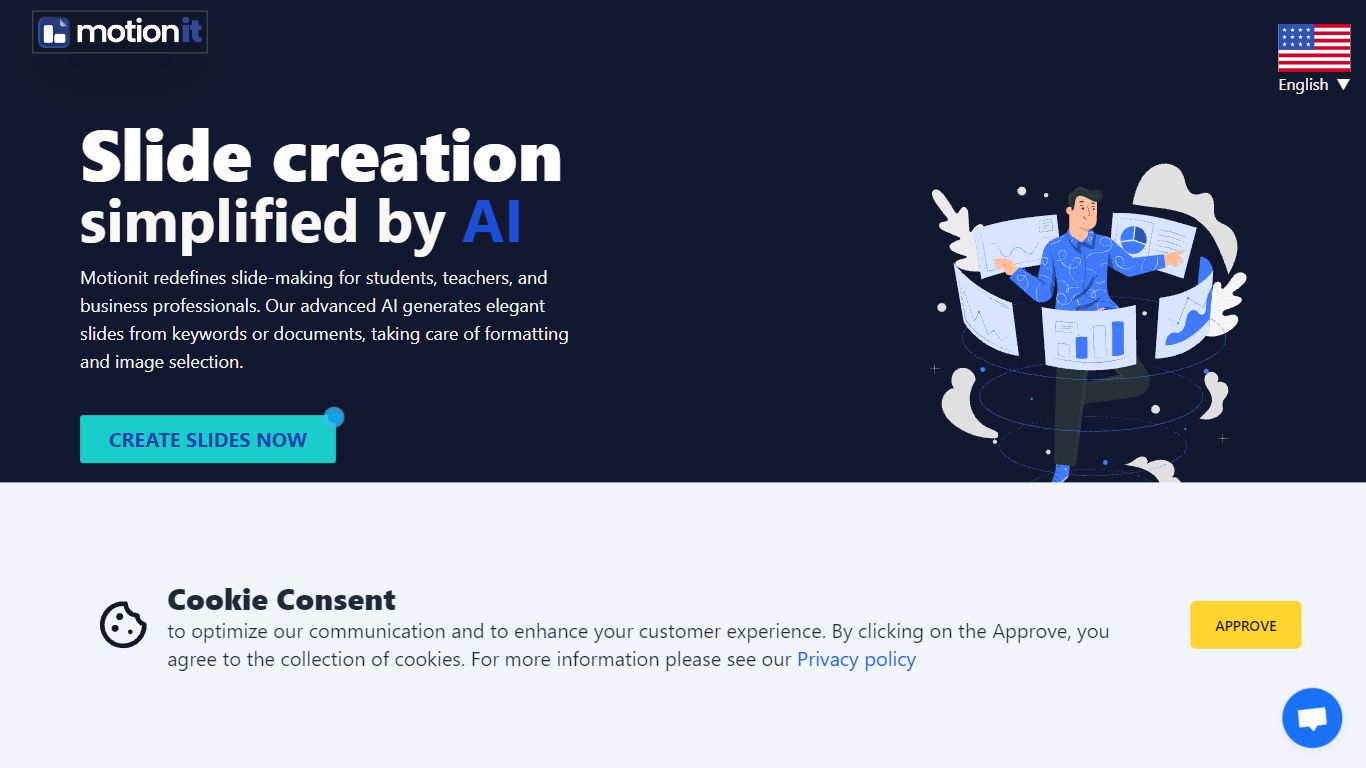
MotionIt AI turns keywords or uploaded documents into formatted slide decks with auto-selected images and consistent layouts. It targets students, teachers, and business professionals who need pitch decks or conference presentations without spending hours on image search and slide formatting. Finished decks export to Google Slides, PowerPoint, or PDF for last-mile edits.
Compared with narrative-first presentation builders like Tome, MotionIt AI focuses on editable exports rather than a locked web viewer. User reviews on the homepage highlight PowerPoint and Google Slides export as the reason they picked it over similar tools. You still write the story, but MotionIt AI handles structure, visuals, and layout from a short prompt or document upload.
The homepage lists six named templates (Nebula, Lagoon, Sunset, Frost, Shadow, and Amethyst Grid) and shows testimonials from pitch-deck and conference use cases. MotionIt AI also advertises video generation alongside slides, though the site emphasizes slide export paths more than video details.
AI Story Upvotes
MotionIt AI Upvotes
AI Story Top Features
Ease of Use: Friendly interface for freedom in character and plot development
AI-Powered Creativity: Generates imaginative and creative stories with the aid of AI
Versatile Storytelling: Construct a range of stories from thrilling tales to romances
Emotional Depth: AI capable of infusing suspense surprise and emotion into narratives
Export Options: Provides PDF export feature for easy sharing and publishing
MotionIt AI Top Features
Builds full slide decks from keywords or uploaded documents with auto-generated images and consistent layout
Exports finished decks to Google Slides, PowerPoint (PPTX), and PDF for last-mile editing
Offers six named templates: Nebula, Lagoon, Sunset, Frost, Shadow, and Amethyst Grid
Homepage states the service is trusted by 5,000+ users and requires no design skills to start
Supports pitch decks, conference presentations, and classroom slides from one web workspace
AI Story Category
- Content Creation
MotionIt AI Category
- Content Creation
AI Story Pricing Type
- Freemium
MotionIt AI Pricing Type
- Freemium