AI Bud vs Video To Blog
Dive into the comparison of AI Bud vs Video To Blog and discover which AI Content Creation tool stands out. We examine alternatives, upvotes, features, reviews, pricing, and beyond.
When comparing AI Bud and Video To Blog, which one rises above the other?
When we compare AI Bud and Video To Blog, two exceptional content creation tools powered by artificial intelligence, and place them side by side, several key similarities and differences come to light. The upvote count reveals a draw, with both tools earning the same number of upvotes. The power is in your hands! Cast your vote and have a say in deciding the winner.
Want to flip the script? Upvote your favorite tool and change the game!
AI Bud

What is AI Bud?
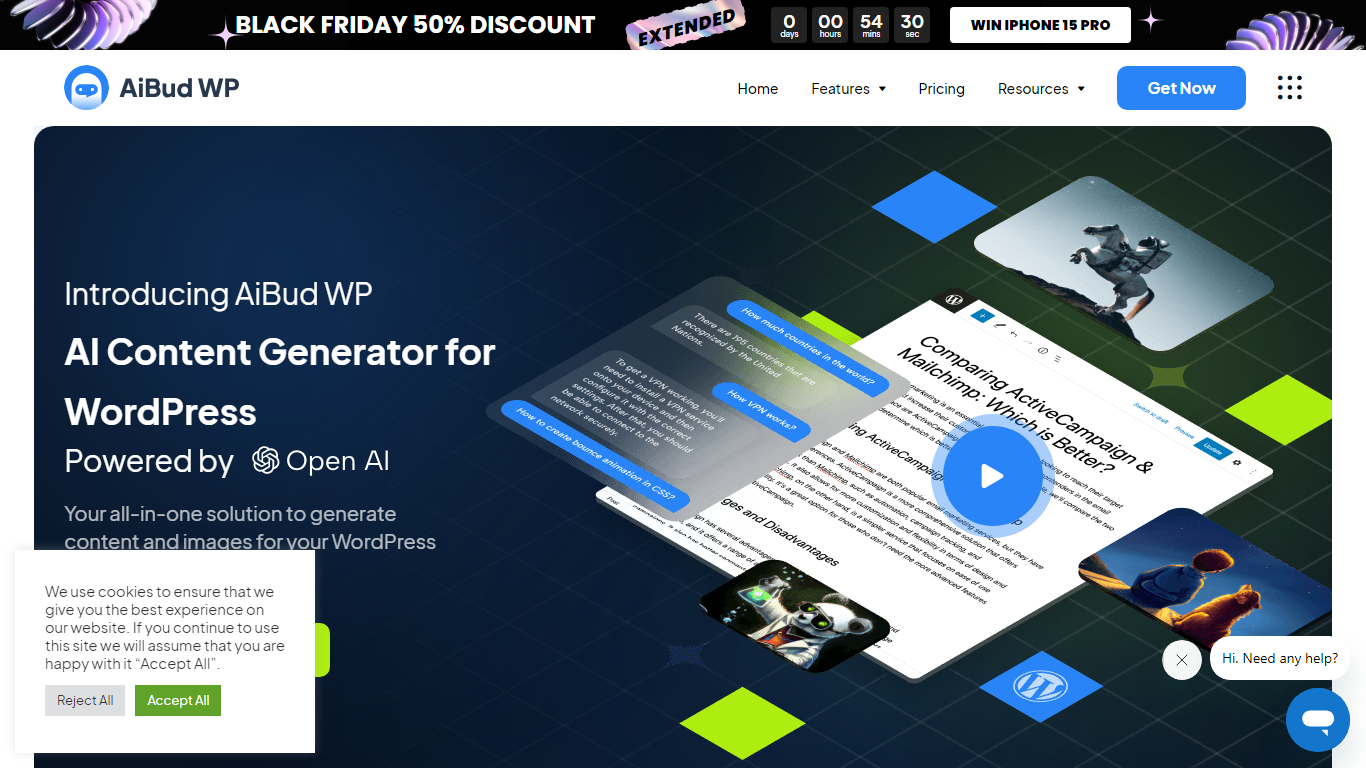
AI Bud is a WordPress plugin for AI-assisted content creation that runs inside your site admin instead of a separate chat tab. You connect your own OpenAI, Claude, Gemini, or OpenRouter API key, then generate blog posts, product copy, images, and chatbot replies without leaving the WordPress dashboard. StylemixThemes built it for site owners who want ChatGPT-style output wired directly into posts, pages, and WooCommerce listings.
Most WordPress AI plugins stop at a single content box. AI Bud spreads generation across a Gutenberg block, bulk topic lists, WooCommerce product fields, visitor-facing comment buttons, and a configurable front-end chatbot on paid plans. That breadth makes it closer to an in-dashboard AI toolkit than a one-shot writing widget, though chatbot, fine-tuning, and comment generation sit behind Pro licenses starting at $69 per year.
Bloggers, WooCommerce merchants, and agencies are the clearest fit. Bloggers use the Block Editor Assistant and Bulk Content Builder to draft posts faster. Store owners lean on the WooCommerce Product Generator for descriptions and SEO titles. Agencies can spin up demo sites with real copy and DALL-E images instead of placeholder text.
Video To Blog

What is Video To Blog?
Video To Blog turns spoken video and audio into publish-ready blog articles. Paste a YouTube link, upload a file, drop in a transcript, record audio, or connect a channel, and the service outputs structured posts with headings, screenshots, smart links, metadata, and calls to action you can send to a website, newsletter, or download as HTML, Markdown, PDF, or Word.
Transcript-to-ChatGPT workflows still leave you stitching screenshots, links, and publishing steps by hand. Video To Blog bundles those production tasks: auto screenshots from the source video, reusable CTA blocks, SEO and GEO formatting, YouTube upload automations, and a built-in Publications feature for hosting a blog plus email newsletter on a custom domain. The homepage cites 500,000+ articles created and a 4.8 average across 500+ reviews on Trustpilot, G2, and Capterra.
YouTube creators, podcasters, agencies, and teams publishing sermons or webinars are the target users. Pricing starts free with one monthly upload, scales to Business at $69 per month (yearly billing) for 50 videos, and every paid tier adds publications, website integrations, and longer runtime limits.
AI Bud Upvotes
Video To Blog Upvotes
AI Bud Top Features
Bulk Content Builder generates multiple posts from a topic list in one dashboard session
Pro licenses start at $69 per year for one site, with 5-site and 100-site tiers at $99 and $149
Image Generator uses OpenAI DALL-E from text prompts and saves results to the WordPress media gallery
Block Editor Assistant adds a Gutenberg block for in-editor content generation without leaving WordPress
Supports GPT-3, GPT-4, Claude, Gemini, and OpenRouter model selection for content and chatbot tasks
WooCommerce Product Generator fills product descriptions from AI prompts inside the store admin
Pro AI Comment Generator adds a Generate Comment button on posts and product review forms
Video To Blog Top Features
Imports YouTube links, uploaded video/audio, transcripts, Google Drive files, and channel automations
Auto screenshots pull key visual moments from source videos into each article
Smart links and reusable CTA blocks insert internal and external links automatically
Publications host a blog, email newsletter, and custom domain without extra services
Free plan includes 1 monthly upload for videos up to 30 minutes with no credit card
Pro plan ($39/mo yearly) allows 15 monthly uploads up to 1.5 hours with 3 team members
Exports finished posts as HTML, Markdown, PDF, or Word and publishes to connected websites
AI Bud Category
- Content Creation
Video To Blog Category
- Content Creation
AI Bud Pricing Type
- Freemium
Video To Blog Pricing Type
- Freemium