aiComment vs SocialBu
Dive into the comparison of aiComment vs SocialBu and discover which AI Social Media Assistant tool stands out. We examine alternatives, upvotes, features, reviews, pricing, and beyond.
In a comparison between aiComment and SocialBu, which one comes out on top?
When we compare aiComment and SocialBu, two exceptional social media assistant tools powered by artificial intelligence, and place them side by side, several key similarities and differences come to light. Neither tool takes the lead, as they both have the same upvote count. Every vote counts! Cast yours and contribute to the decision of the winner.
Don't agree with the result? Cast your vote and be a part of the decision-making process!
aiComment
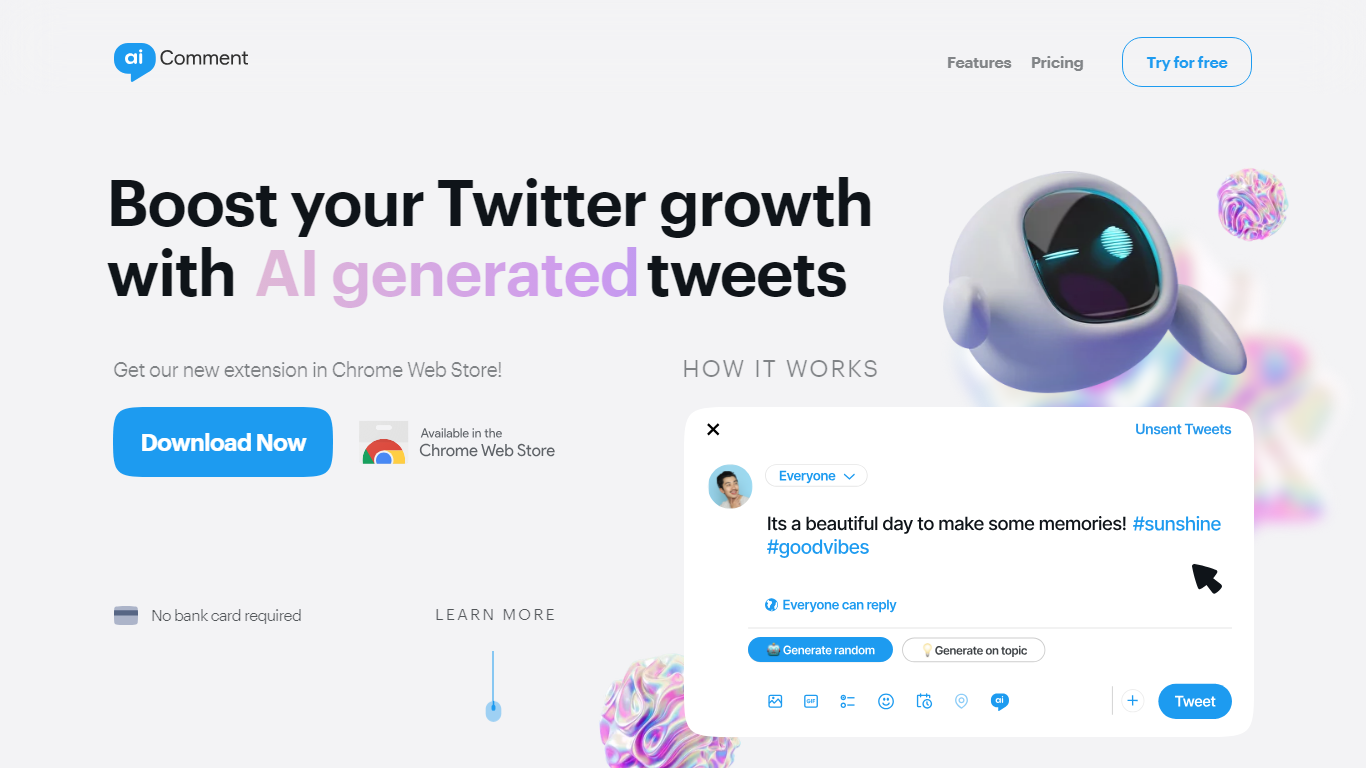

What is aiComment?
Maximize your website's potential with aiComment, an innovative solution streamlining user interaction through advanced analytics and visual enhancements. Dive deep into user behavior with features like accurate click mapping and webvisor technology, empowering you to make data-driven enhancements to your site. Improve engagement with CSS Houdini Squircle integration, offering sophisticated aesthetics for UI elements such as input fields and buttons. With aiComment, transforming your site into an intuitive, efficiently tracked, and visually appealing platform has never been easier.
SocialBu

What is SocialBu?
SocialBu puts publishing, inbox replies, listening, curation, analytics, and automation in one dashboard for social media teams. You connect up to 12 networks including X, Facebook, Instagram, LinkedIn, TikTok, YouTube, Reddit, Pinterest, Mastodon, Threads, Bluesky, and Google Business Profile. Creators, small teams, and agencies use it to schedule posts, stories, and reels without juggling separate apps for each channel.
Where bulk-first schedulers like Buffer focus on getting posts out the door, SocialBu bundles social listening, RSS automations, and an MCP server that lets Claude or Cursor query schedules and draft posts. That combo targets teams who want inbox and monitoring under the same login, not just a calendar view.
Social media managers, agency freelancers, and startup founders are the typical buyers. Use it when you need approval workflows, multi-brand workspaces, and AI caption generation without paying for a separate listening tool.
aiComment Upvotes
SocialBu Upvotes
aiComment Top Features
Accurate Click Mapping: Track user navigation patterns with precision to understand engagement.
Webvisor Technology: Visualize user activity for detailed behavioral analysis.
CSS Houdini Squircle Integration: Employ aesthetically pleasing rounded corners for UI elements.
Asynchronous Script Loading: Ensure a seamless user experience with non-blocking resource loading.
Cross-Browser Compatibility: Support for modern browser features with polyfills for legacy environments.
SocialBu Top Features
Connect 12 networks: X, Facebook, Instagram, LinkedIn, TikTok, YouTube, Reddit, Pinterest, Mastodon, Threads, Bluesky, and Google Business Profile
Starter plan schedules up to 750 posts per month across 6 accounts
Growth plan includes 5,000 social listening matches and 5,000 automation runs monthly
Agency tier supports 50 accounts with unlimited scheduled posts
MCP server lets Claude, ChatGPT, and Cursor create and review posts via natural language
Schedule Instagram reels, stories, and LinkedIn first comments from the same calendar
aiComment Category
- Social Media Assistant
SocialBu Category
- Social Media Assistant
aiComment Pricing Type
- Freemium
SocialBu Pricing Type
- Freemium