Aikiu Studio vs AutoDraw
In the battle of Aikiu Studio vs AutoDraw, which AI Design tool comes out on top? We compare reviews, pricing, alternatives, upvotes, features, and more.
Between Aikiu Studio and AutoDraw, which one is superior?
Upon comparing Aikiu Studio with AutoDraw, which are both AI-powered design tools, With more upvotes, AutoDraw is the preferred choice. AutoDraw has 16 upvotes, and Aikiu Studio has 6 upvotes.
You don't agree with the result? Cast your vote to help us decide!
Aikiu Studio

What is Aikiu Studio?
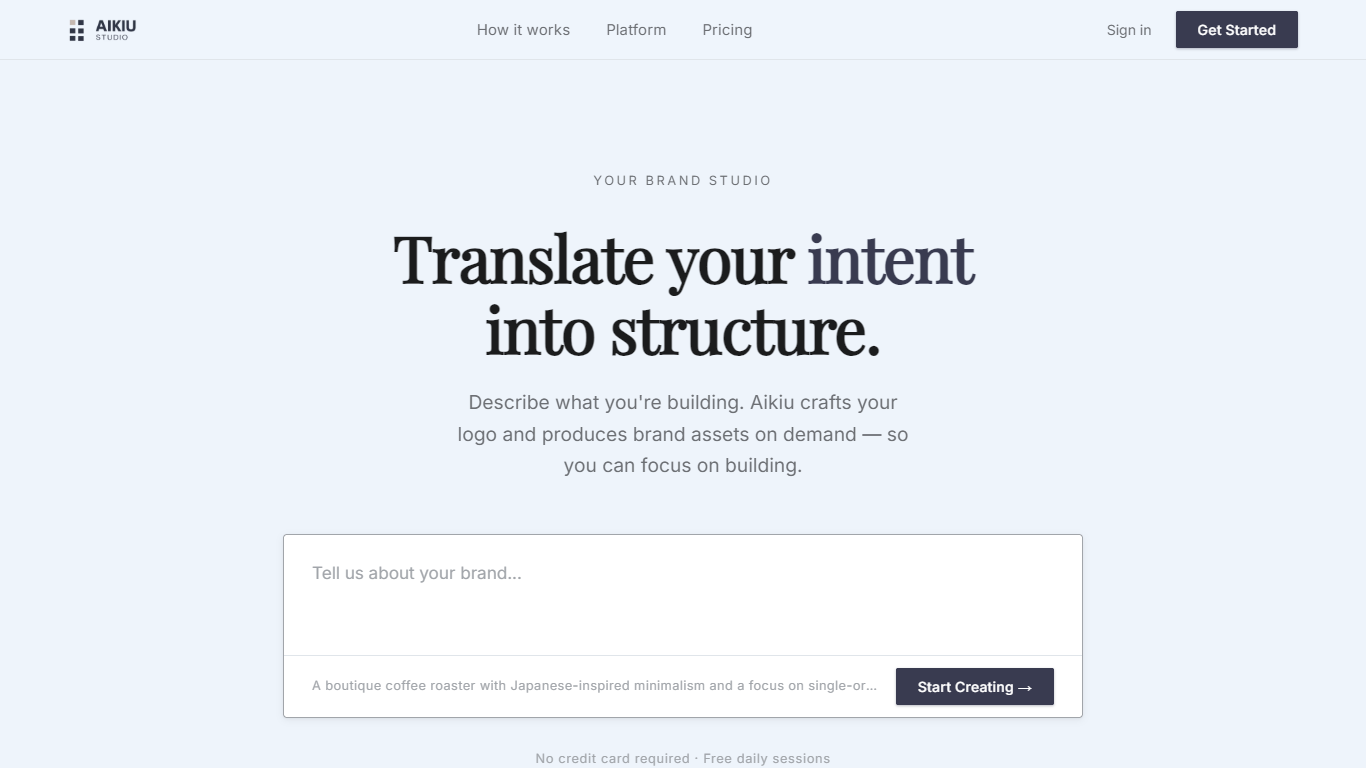
Aikiu Studio is a brand identity platform for founders who need a professional logo without hiring a designer. You describe your brand in plain language, and the tool generates a custom mark built from your brief rather than recycled templates.
The workflow moves from a short brand description to logo concepts you can refine in chat or in a visual editor. When you are ready, you can export production-ready files in SVG, PNG, and WEBP with transparent backgrounds, and commercial usage rights are included with a paid unlock.
Aikiu Studio is built by Gradient Insight and positions itself as the start of a broader identity system. A living brand profile and on-demand brand assets are listed as upcoming features beyond the logo generator.
AutoDraw
What is AutoDraw?
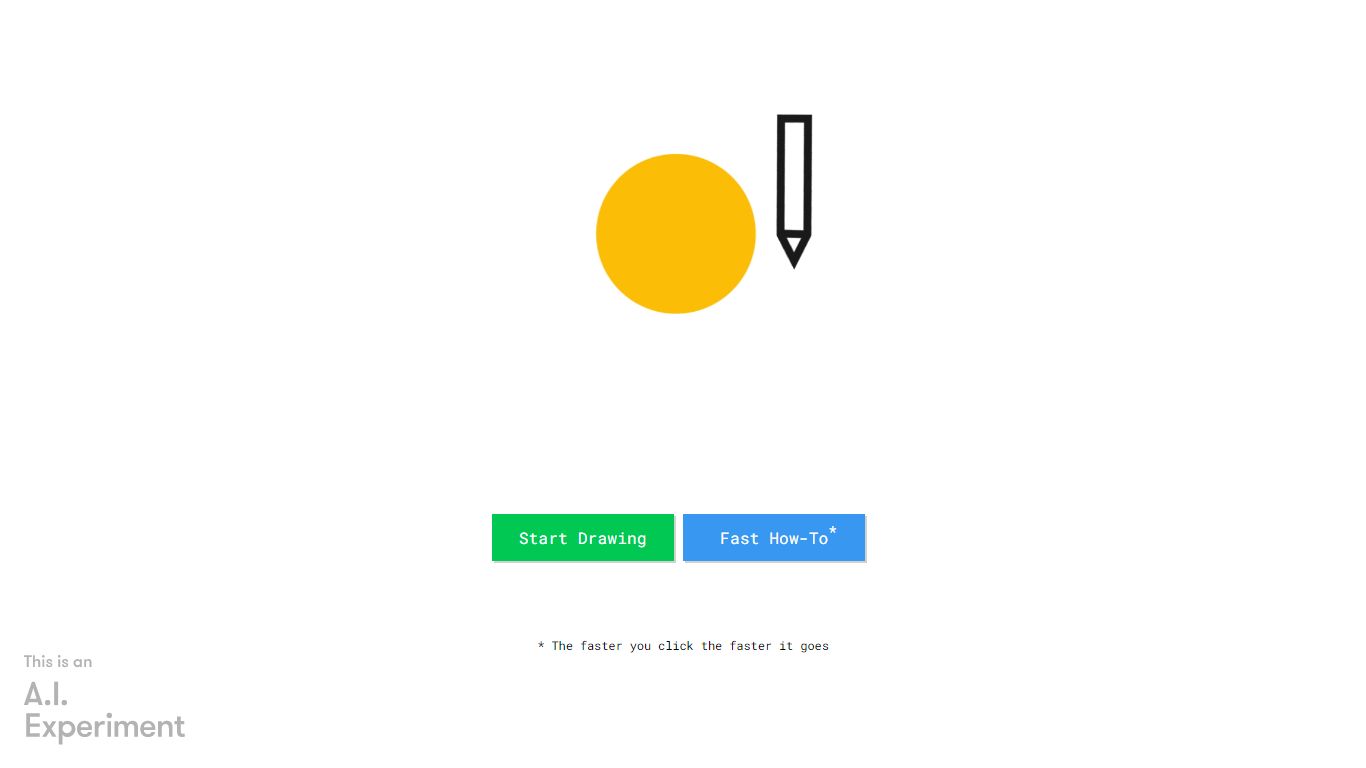
AutoDraw turns rough sketches into clean clip-art style illustrations inside your browser. You doodle on the canvas, pick a suggested icon from the toolbar, and the messy line work swaps for a polished drawing from Google's free web drawing tool. It runs on phones, tablets, and desktops with no install or account.
Most drawing apps assume you already have illustration skills. AutoDraw uses the same machine learning approach as Quick, Draw! to guess what your scribble represents and offers artist-made replacements in a row above the canvas. That guess-and-replace loop is the whole workflow, which keeps the tool fast for worksheets, slides, and social posts.
Beyond suggestions, the editor includes freehand drawing, shapes, text, and color fill. Finished work downloads as a PNG or shares through a link. The clip library covers hundreds of objects, and Google invites artists to contribute additional drawings over time.
Aikiu Studio Upvotes
AutoDraw Upvotes
Aikiu Studio Top Features
Describe your brand in a few sentences and get logo concepts tailored to that brief
Refine typography, icons, colors, and layout through chat or a direct editor
Start free with 10 daily credits and preview work before you pay to unlock
Unlock one finished logo for with SVG, PNG, JPG, and WEBP exports
Buy credit packs when you need more generations or refinements beyond the daily free allowance
AutoDraw Top Features
Suggests hundreds of artist-made icons as you sketch on the canvas
Uses Quick, Draw! machine learning to recognize rough doodles in real time
Runs in any modern browser with mouse, touch, or stylus input
Completely free with no download, login, or subscription required
Exports finished artwork as a PNG file or shareable link
Aikiu Studio Category
- Design
AutoDraw Category
- Design
Aikiu Studio Pricing Type
- Freemium
AutoDraw Pricing Type
- Free