Aikiu Studio vs Clipdrop - Stable Doodle
When comparing Aikiu Studio vs Clipdrop - Stable Doodle, which AI Design tool shines brighter? We look at pricing, alternatives, upvotes, features, reviews, and more.
In a comparison between Aikiu Studio and Clipdrop - Stable Doodle, which one comes out on top?
When we put Aikiu Studio and Clipdrop - Stable Doodle side by side, both being AI-powered design tools, The upvote count reveals a draw, with both tools earning the same number of upvotes. Your vote matters! Help us decide the winner among aitools.fyi users by casting your vote.
Want to flip the script? Upvote your favorite tool and change the game!
Aikiu Studio

What is Aikiu Studio?
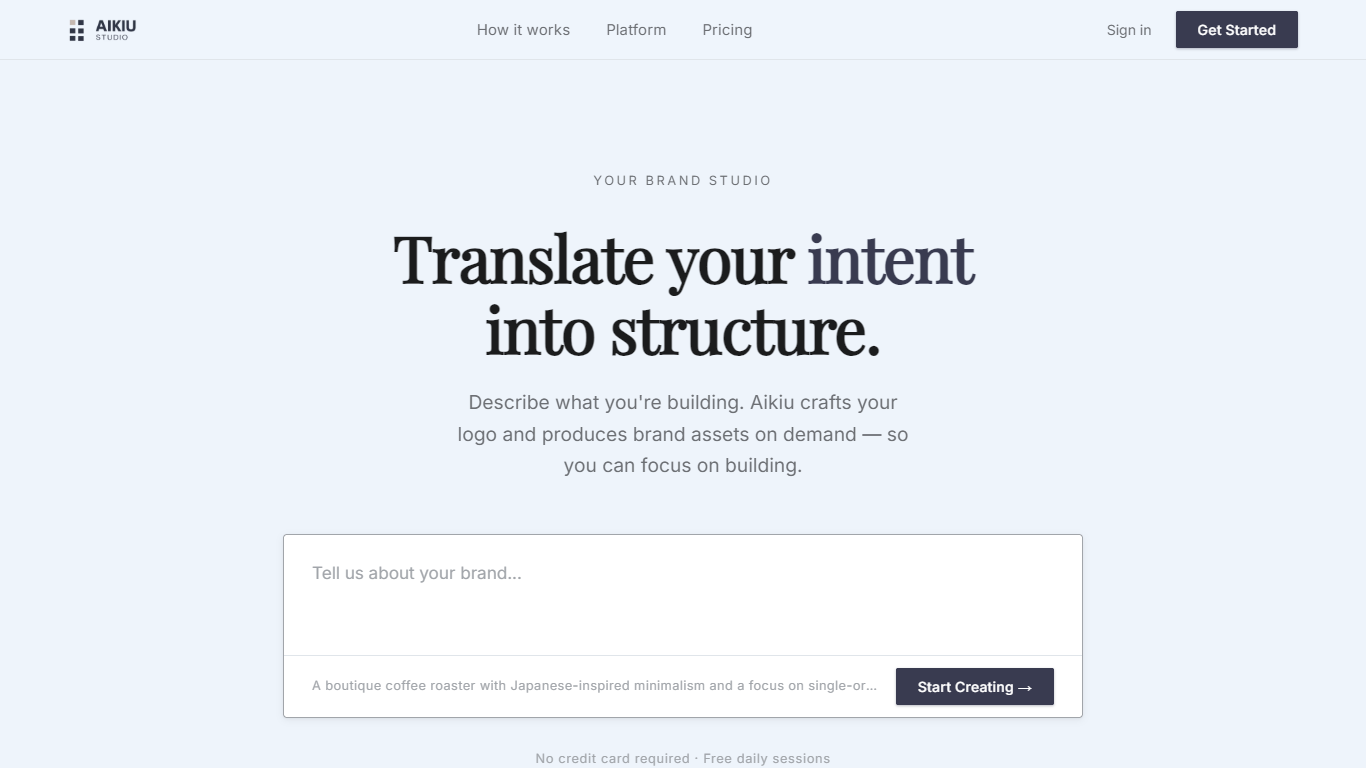
Aikiu Studio is a brand identity platform for founders who need a professional logo without hiring a designer. You describe your brand in plain language, and the tool generates a custom mark built from your brief rather than recycled templates.
The workflow moves from a short brand description to logo concepts you can refine in chat or in a visual editor. When you are ready, you can export production-ready files in SVG, PNG, and WEBP with transparent backgrounds, and commercial usage rights are included with a paid unlock.
Aikiu Studio is built by Gradient Insight and positions itself as the start of a broader identity system. A living brand profile and on-demand brand assets are listed as upcoming features beyond the logo generator.
Clipdrop - Stable Doodle
What is Clipdrop - Stable Doodle?
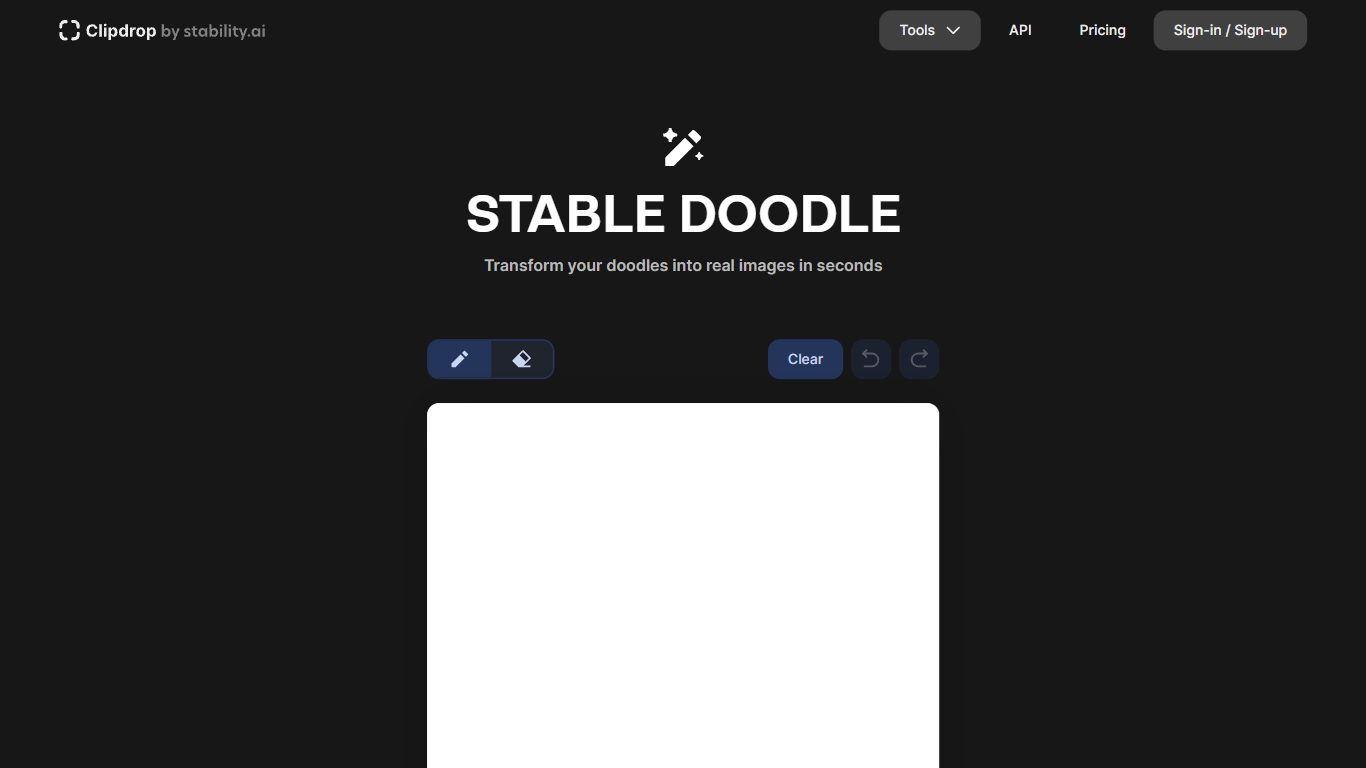
Clipdrop - Stable Doodle converts simple sketches into detailed, realistic images using advanced AI technology. Users can create high-quality visuals from basic drawings quickly and easily, making creative image generation accessible to everyone.
This tool stands out by combining Stability AI’s Stable Diffusion XL with Tencent ARC's T2I-Adapter, offering precise control over image generation and supporting diverse styles like animals, landscapes, and pixel art. It produces high-resolution outputs that surpass many basic sketch-to-image converters.
Beyond sketch transformation, Clipdrop - Stable Doodle provides multiple image editing features such as cleanup, relighting, background removal, and replacement. It also offers API access with usage-based pricing, enabling developers to integrate its high-resolution image processing capabilities into other applications.
The integration of powerful AI models, versatile editing tools, and accessible API options makes Clipdrop - Stable Doodle a comprehensive solution for both individual creators and developers seeking advanced image generation and enhancement capabilities.
Aikiu Studio Upvotes
Clipdrop - Stable Doodle Upvotes
Aikiu Studio Top Features
Describe your brand in a few sentences and get logo concepts tailored to that brief
Refine typography, icons, colors, and layout through chat or a direct editor
Start free with 10 daily credits and preview work before you pay to unlock
Unlock one finished logo for with SVG, PNG, JPG, and WEBP exports
Buy credit packs when you need more generations or refinements beyond the daily free allowance
Clipdrop - Stable Doodle Top Features
Instantly transform sketches into detailed images using AI
Pen and eraser tools for smooth, easy drawing
Generate diverse styles including animals, landscapes, and pixel art
Create high-resolution images powered by Stable Diffusion XL
Edit images with cleanup, relight, upscale, and background replacement
API access with usage-based pricing for integration
Free tier offers limited daily usage of core features
Aikiu Studio Category
- Design
Clipdrop - Stable Doodle Category
- Design
Aikiu Studio Pricing Type
- Freemium
Clipdrop - Stable Doodle Pricing Type
- Freemium