Aikiu Studio vs Moodboard Creator
In the contest of Aikiu Studio vs Moodboard Creator, which AI Design tool is the champion? We evaluate pricing, alternatives, upvotes, features, reviews, and more.
If you had to choose between Aikiu Studio and Moodboard Creator, which one would you go for?
When we examine Aikiu Studio and Moodboard Creator, both of which are AI-enabled design tools, what unique characteristics do we discover? Interestingly, both tools have managed to secure the same number of upvotes. Since other aitools.fyi users could decide the winner, the ball is in your court now to cast your vote and help us determine the winner.
Want to flip the script? Upvote your favorite tool and change the game!
Aikiu Studio
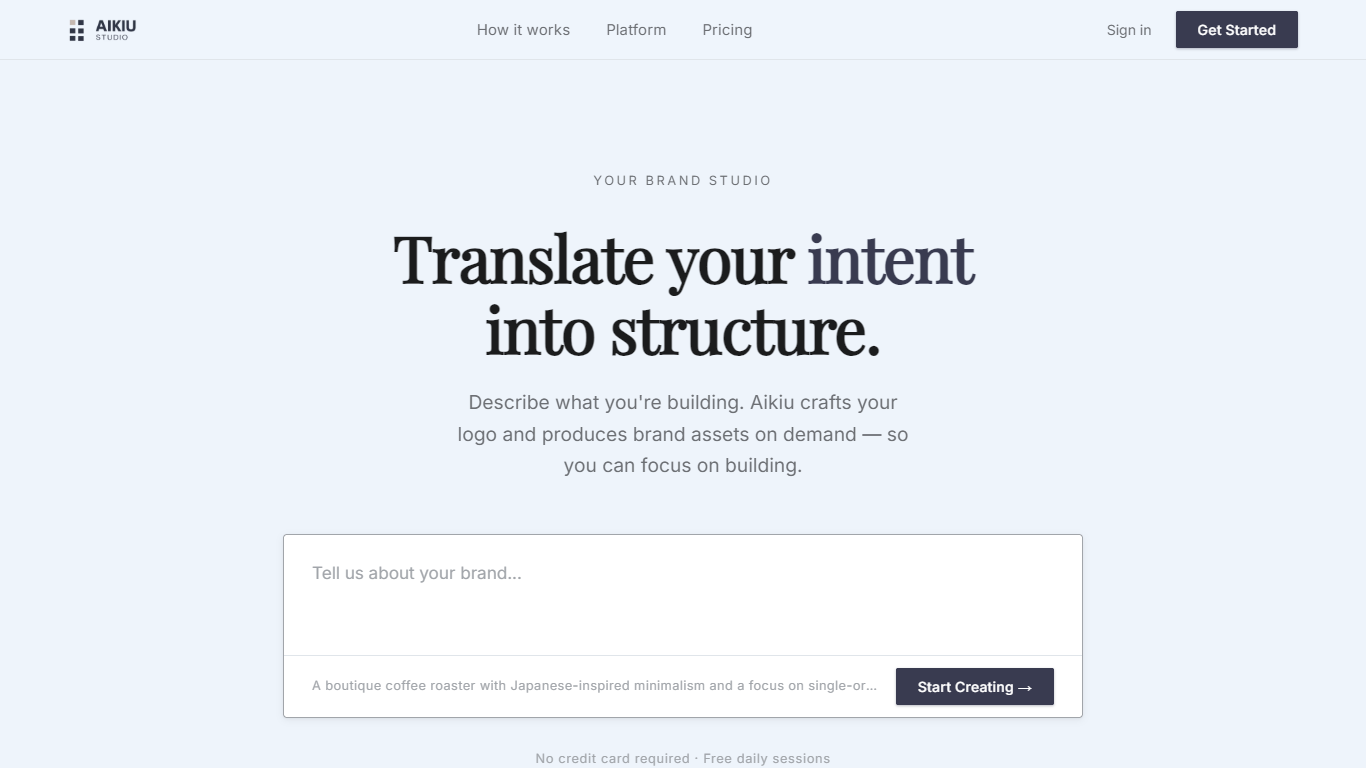

What is Aikiu Studio?
Aikiu Studio is a brand identity platform for founders who need a professional logo without hiring a designer. You describe your brand in plain language, and the tool generates a custom mark built from your brief rather than recycled templates.
The workflow moves from a short brand description to logo concepts you can refine in chat or in a visual editor. When you are ready, you can export production-ready files in SVG, PNG, and WEBP with transparent backgrounds, and commercial usage rights are included with a paid unlock.
Aikiu Studio is built by Gradient Insight and positions itself as the start of a broader identity system. A living brand profile and on-demand brand assets are listed as upcoming features beyond the logo generator.
Moodboard Creator
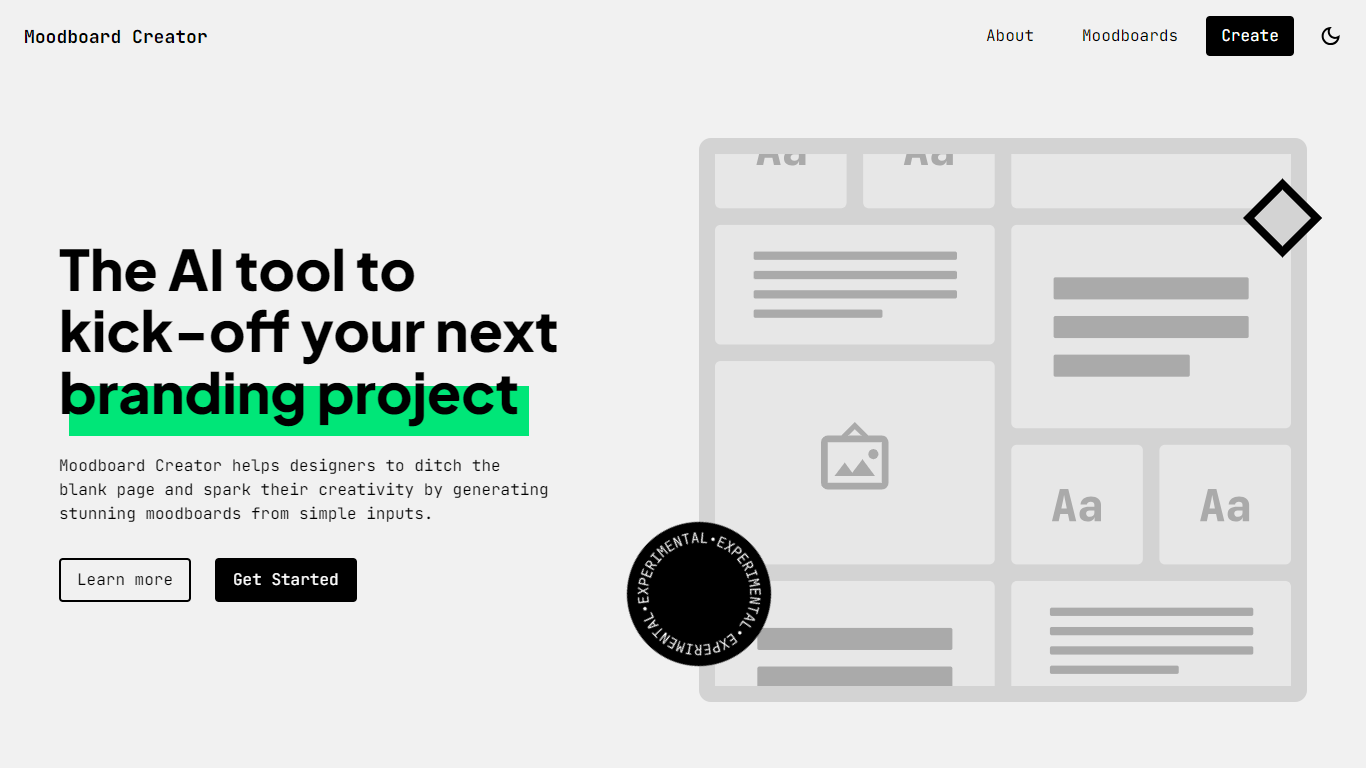
What is Moodboard Creator?
Moodboard Creator is a free web tool that helps designers start branding projects without staring at a blank page. You describe the business or organization, add three to seven keywords that capture its vibe, and the app generates an original moodboard with colors, typography, and imagery pulled from Google Fonts and Pexels.
Unlike tools that scrape existing images from the web, Moodboard Creator builds each board from scratch using LLM APIs. Results can vary between runs, so every moodboard includes a Try again button that sends you back to the form with your inputs already filled in for quick iteration.
It is an experimental side project built by designer Juan Ignacio Rios for the early inspiration phase of branding work. The creator notes that outputs may not always be perfectly accurate, but the tool is useful for sparking direction before you refine concepts manually.
Aikiu Studio Upvotes
Moodboard Creator Upvotes
Aikiu Studio Top Features
Describe your brand in a few sentences and get logo concepts tailored to that brief
Refine typography, icons, colors, and layout through chat or a direct editor
Start free with 10 daily credits and preview work before you pay to unlock
Unlock one finished logo for with SVG, PNG, JPG, and WEBP exports
Buy credit packs when you need more generations or refinements beyond the daily free allowance
Moodboard Creator Top Features
Describe your business and add 3 to 7 keywords to generate a full moodboard in seconds
Creates original boards instead of recycling scraped images from the internet
Pulls typography from Google Fonts and photos from Pexels for cohesive branding elements
Try again button reloads the form with your inputs so you can iterate on subtle keyword changes
Browse example moodboards for vintage stores, sports teams, and nonprofits before creating your own
Aikiu Studio Category
- Design
Moodboard Creator Category
- Design
Aikiu Studio Pricing Type
- Freemium
Moodboard Creator Pricing Type
- Free