AI.Law vs Screens
Dive into the comparison of AI.Law vs Screens and discover which AI Legal tool stands out. We examine alternatives, upvotes, features, reviews, pricing, and beyond.
When comparing AI.Law and Screens, which one rises above the other?
When we compare AI.Law and Screens, two exceptional legal tools powered by artificial intelligence, and place them side by side, several key similarities and differences come to light. The upvote count is neck and neck for both AI.Law and Screens. Every vote counts! Cast yours and contribute to the decision of the winner.
Not your cup of tea? Upvote your preferred tool and stir things up!
AI.Law

What is AI.Law?
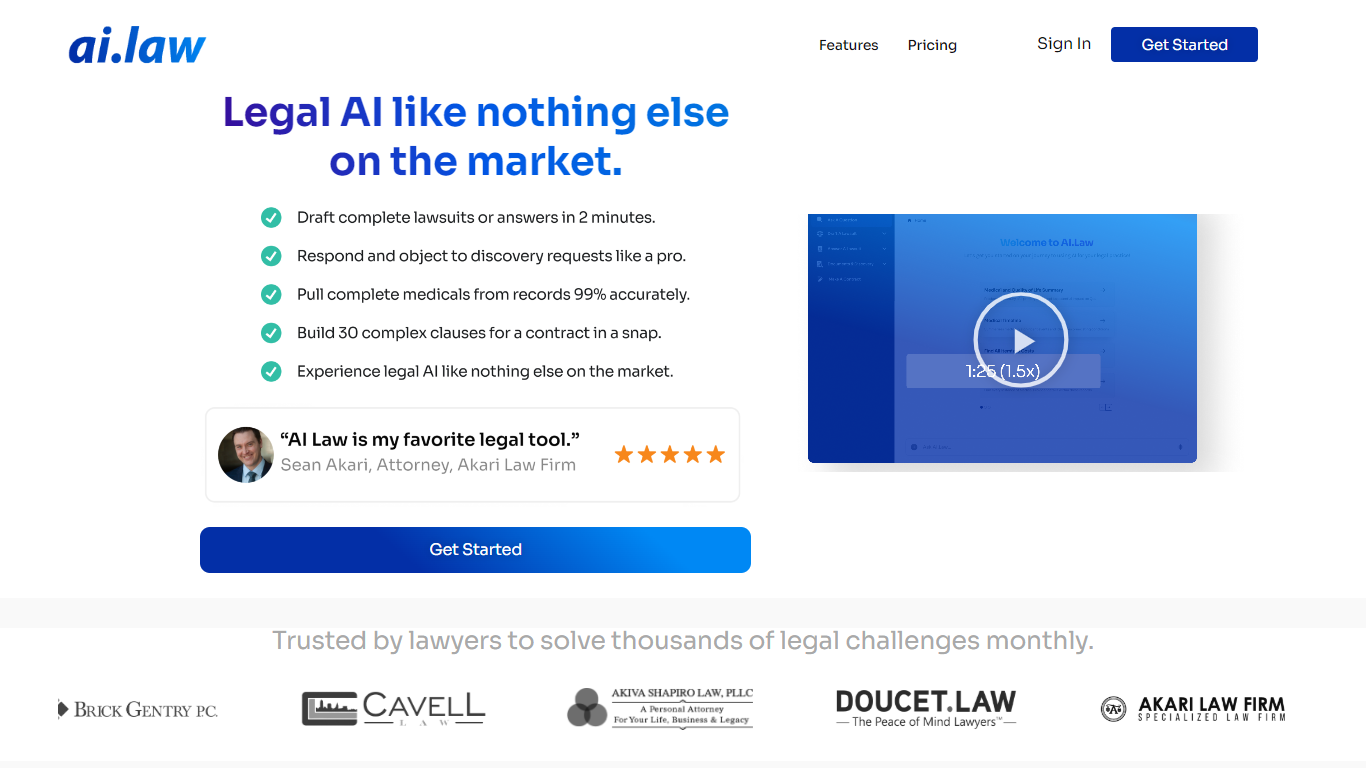
AI.Law is a litigation operating system built for civil litigation lawyers who need to move cases forward without adding headcount. It centers on the War Room, a case map that tracks claims, defenses, legal elements, evidence, gaps, deadlines, and next steps in one connected view.
The platform includes more than 60 tools for lawsuit drafting, discovery, motions, deposition analysis, medical timelines, and practice management. AI outputs cite uploaded documents, and case law citations are verified against CourtListener. The company holds U.S. Patent No. 12,461,932 and is SOC 2 Type II certified.
AI.Law was built by Troy Doucet, Esq., founder of a litigation practice that handled 2,200+ matters. It targets plaintiff and defense firms, solo trial attorneys, associates, and paralegals managing heavy caseloads, contingency files, or flat-fee litigation.
Screens
What is Screens?
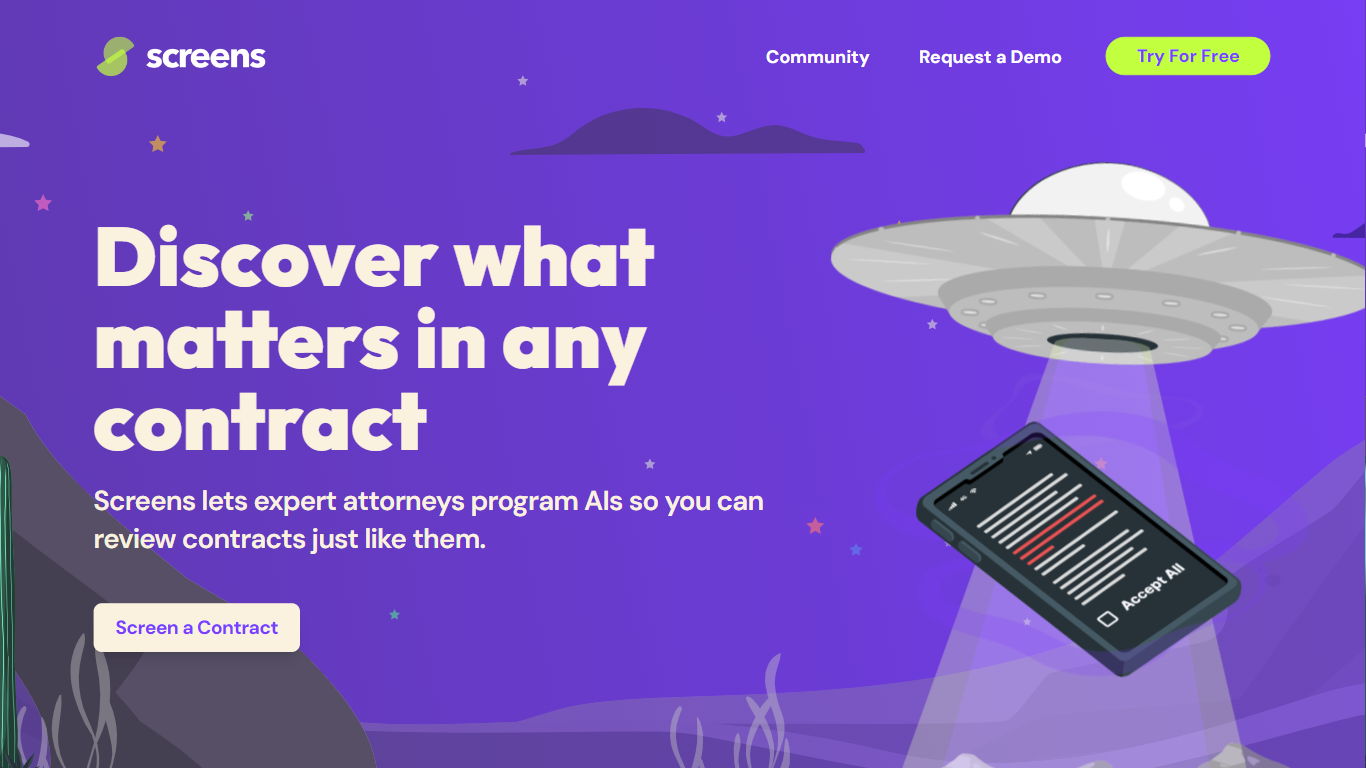
Screens offers an advanced AI-powered contract review platform that makes understanding and analyzing legal documents more efficient and user-friendly. Designed by expert attorneys, Screens allows users to choose from pre-programmed AI reviews or to customize their own for any type of contract. This AI tool identifies key aspects and potential issues within contracts, streamlining the review process for both legal professionals and businesses. It features community-driven screens by top legal minds, enabling users to tap into collective expertise.
Affordability, accuracy, and trustworthiness are central to Screens' service, offering an intelligent solution for all your contract review needs. Additionally, it offers document storage with powerful search capabilities and emphasizes strict data security and privacy policies. Whether you're looking to analyze a single contract or manage a database of documents, Screens provides a trusted, accurate, and budget-friendly AI contract review assistant.
AI.Law Upvotes
Screens Upvotes
AI.Law Top Features
War Room maps claims, defenses, evidence gaps, and deadlines in one live case view
Draft complaints, answers, discovery sets, and motions with citations back to your file
Discovery drafting covers Rule 33, 34, and 36 requests and responses with specific objections
Motion tool pulls facts from depositions and verifies case citations through CourtListener
Free Forever plan includes CRM, calendar, billing, document storage, and matter management
Screens Top Features
👩⚖️ Expert-Crafted AIs: Attorneys program AIs to mimic expert contract reviews, ensuring accuracy.
🛠️ Community and Custom Screens: Use community-created screens or build your own for tailored contract analysis.
🔍 Audit Feature: Verify AI-highlighted contract sections for added confidence and transparency.
🔒 Data Privacy and Security: Privacy by design with enterprise-grade security measures to protect your data.
💼 Flexible Pricing Tiers: Free workspace option and premium Pro Workspace for advanced features and support.
AI.Law Category
- Legal
Screens Category
- Legal
AI.Law Pricing Type
- Freemium
Screens Pricing Type
- Freemium